


Cline
Open-source AI programming agent, officially said to adopt the Plan-then-Act mode to modify code across files and execute bash commands in editors and terminals, supporting MCP extensions and multi-Agent collaboration.
Updated: 2026-10-26
What is Cline?
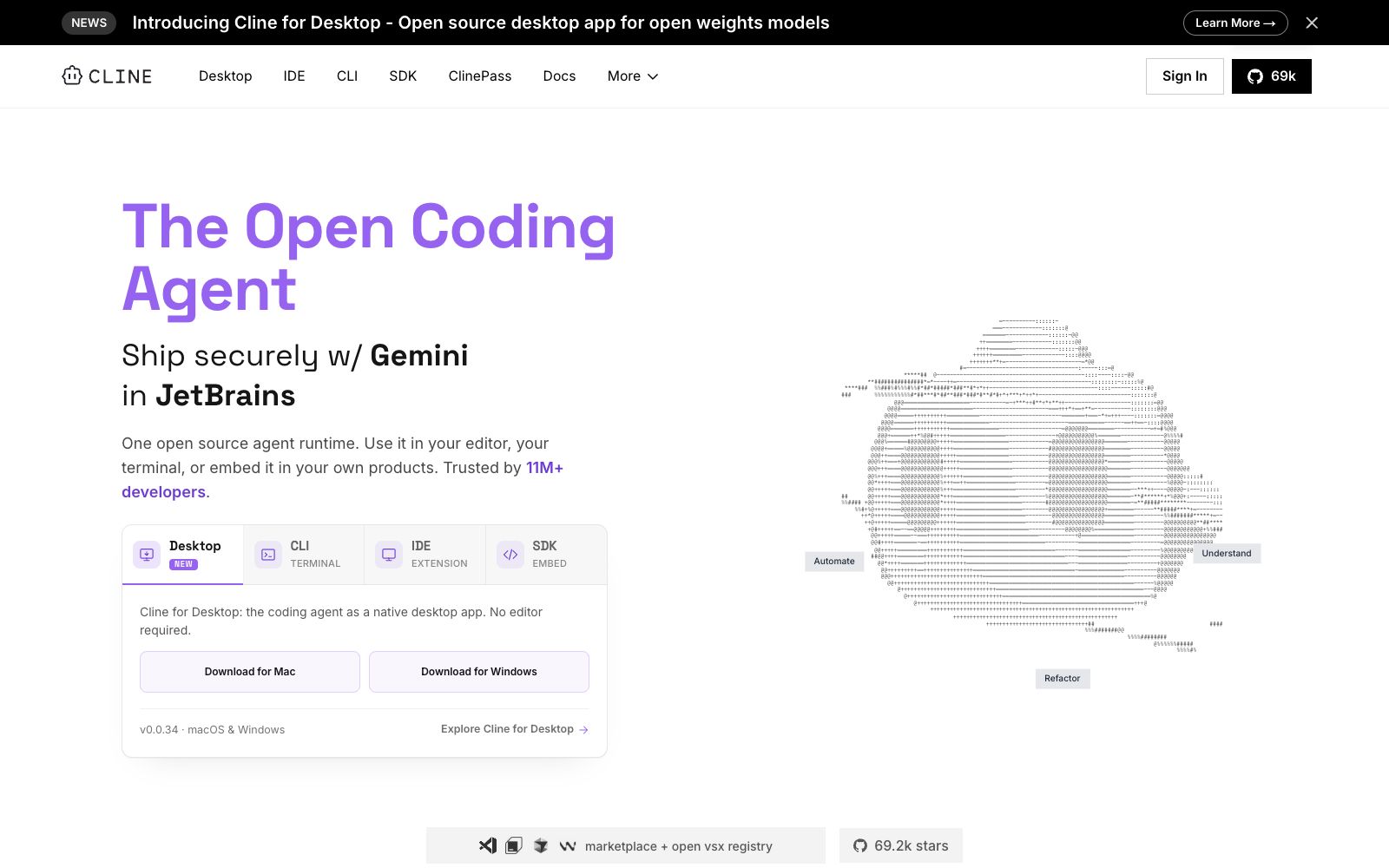
Cline is an open-source AI programming agent, and its official website refers to itself as "The Open Coding Agent". Its core proposition is an open agent runtime: the official description is "an open-source agent runtime for your editor, terminal, or embedded into your own product". The quantitative data provided on the official website includes over 11 million developers, over 11 million cross-platform installations, 69.2k stars, as well as more than 250 contributors and the Apache 2.0 open-source license.
Who is it for?
- Developers who work in an editor and want the agent to modify code as they write: First align with Plan mode before executing.
- Teams maintaining large codebases: Use cross-file editing and checkpoints to control the scope of changes.
- Engineering efficiency teams that need to integrate AI coding into CI: Use the CLI to run checks and updates in pipelines and scheduled tasks.
- Teams with requirements on model sources or data boundaries: Connect to self-built endpoints or local models to have full control over models and infrastructure.
- Teams looking to integrate agent capabilities into their own products: The official website lists dedicated SDK and Embed paths for this purpose.
Key features
6Cross-file Editing
Officially described as coordinated multi-file modifications across the entire project, with linter-aware fixes, diffs, and checkpoints, supporting one-click undo.
Execute bash commands
Execute commands in the terminal and respond to the output in real time. The official statement says that long-running development servers, tests, and deployments can all be processed in real time.
Plan then Act
The official has made "planning first then execution" a mode switch — Plan mode aligns with strategies, and Act mode executes; you can review and approve each step one by one, or enable auto-approve to let it run automatically.
Rules and Skills
You can distribute .clinerules files alongside your repository to hand over your team's coding standards, architecture, and deployment conventions to the agent.
Choose your model and endpoint
Officially supports Claude, GPT, Gemini, local Ollama/LM Studio, or any OpenAI-compatible endpoint – "Bring your own key or your own weights".
Expansion and Collaboration
You can register custom tools and lifecycle hooks to connect to databases, APIs, and infrastructure via MCP servers; the coordinator agent can assign tasks to expert agents and run periodic tasks according to cron schedules; it can also drive operations in Slack, Linear, or CI pipelines.
How to use Cline
- After installing it, first run a small requirement in Plan mode, check which files it intends to modify, and then switch to Act mode.
- Make good use of checkpoints and one-click undo during the modification process: Confirm the diff before proceeding, which is more convenient than rolling back afterward.
- Embed the team's conventions in the .clinerules file and distribute it with the repository, which is more stable than repeating the explanation every time.
- Auto-approve can speed up the process but grants expanded execution permissions.
- It is recommended to enable it only in trusted repositories and controlled environments, and to remain vigilant about the scope of command execution.
- When connecting to an MCP server, it is recommended to prioritize choosing from the official MCP Marketplace: third-party tools mean delegating permissions to external services, so confirm what they can access before connecting.
Traffic & popularity
Data month Sep 2026
Cline receives about 1.9K visits per month.
Monthly visits
12 monthsEstimated from third-party traffic data.
Similar tools
 Lobe ChatOpen-source multi-model AI workspace, positioned by the platform as the Chief Agent Operations Officer, supports centralized scheduling and management of multiple Agents, provides a skill marketplace and MCP servers, and can be used in common chat tools via an IM gateway.
 Mistral CodeMistral's official agent programming tool covers terminals, IDEs, web pages and background tasks. It supports understanding the entire codebase, migrating legacy code to modern tech stacks, and the official says it can also be fine-tuned based on enterprise code.
 Hermes AgentNous Research's open-source and self-hostable AI agent, officially available for free under the MIT license, supports persistent memory, automatic skill generation, multi-platform access, and isolated sandboxes. It can be downloaded for desktop or terminal installation.
 Google AntigravityGoogle has launched an agent development platform that offers desktop, command-line, IDE extensions and SDK forms, enabling parallel management of multiple local agents; the personal version is free, with additional Pro and Ultra subscription tiers.
 GitLab DuoGitLab Duo is an AI agent platform covering the entire software lifecycle. It integrates agents for planning, coding, security and deployment, and comes with enterprise-grade governance and self-hosted models, making it suitable for teams already using GitLab.
 LatitudeLatitude is an open-source AI Agent observability and monitoring platform that tracks production traces, clusters failure patterns and dispatches repair tasks to coding Agents. The official version states that it is compatible with OTEL and supports custom signals.