


Circleback
AI meeting recording tool that automatically organizes minutes, action items and automated workflows, supports cross-meeting search and Q&A, covers online meetings, team voice calls and offline conversations, and officially claims to support over 100 languages and automatically identify speakers.
Updated: 2026-10-26
What is Circleback?
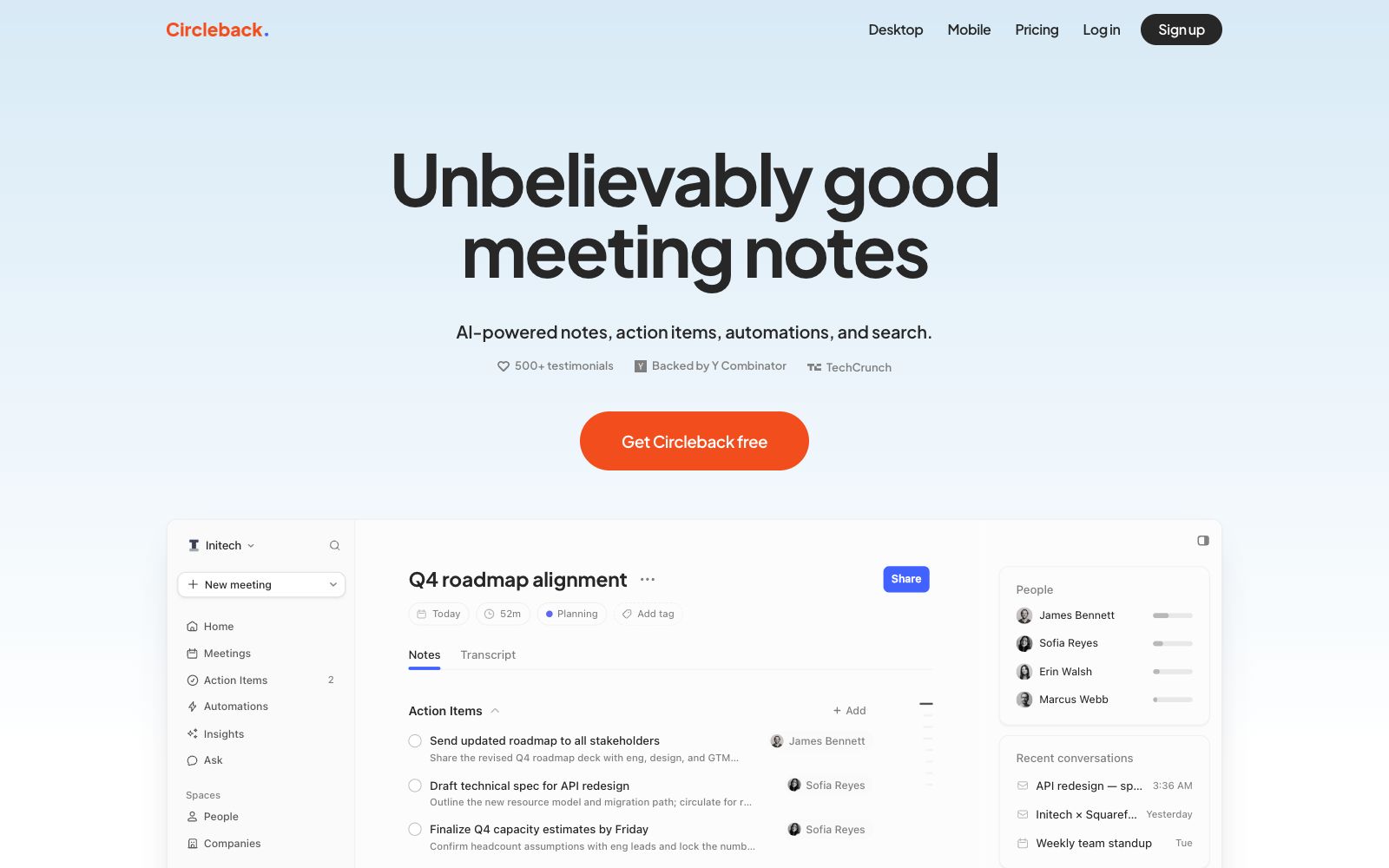
Circleback is a meeting recording tool provided by circleback.ai. Its official website describes itself as "Unbelievably good meeting notes", and the product covers desktop and mobile terminals. It not only takes meeting minutes but also integrates action item assignment, cross-meeting search, and automation. The official states that it supports more than 100 languages and can automatically identify speakers by name. The official website also has a dedicated security instruction site.
Who is it for?
- Team leaders who have multiple meetings a day and need to automatically assign to-do items to team members.
- Sales and customer success teams with intensive customer communication who need to recall a sentence from weeks ago at any time.
- Product and research teams conducting user interviews who need to retrieve feedback across multiple sessions.
- Startup teams that want to turn meeting content into team consensus without manual organization.
Key features
7Meticulous, organized notes
Automatically generate structured meeting notes, with the official emphasizing detail and organization.
Turn meetings into action
Automatically capture action items after meetings and assign and categorize them.
Automate your meeting work
Connect your meeting outputs to other applications. The official claims that it can maintain connections across applications and automate workflows.
Search across all your meetings
Ask a direct question, and the answer will come from all your meeting records.
State-of-the-art transcription accuracy
The official states that it performs well with professional terminology and accents, supports over 100 languages, and automatically identifies speakers.
Private and secure
The official separately lists security practices and provides an independent security site for reference.
Work scenario coverage
The official website states that it can handle online meetings, team voice calls, and in-person face-to-face conversations.
How to use Circleback
- 1First, connect your calendar and email. The more complete the meeting context is, the more accurate the meeting notes and action items will be.
- 2For sensitive meetings, confirm whether to disable recording first. The official also offers a robot-free usage method, but the specific details are subject to the official instructions.
- 3After action items are automatically assigned, you still need to review them manually; if the assignee is identified incorrectly, tasks will be directly overlooked.
- 4Cross-meeting search is great for reviews, but for conclusive citations, please refer back to the original recording for verification.
- 5Pay attention to audio capture in face-to-face scenarios, as ambient noise has a significant impact on transcription quality.
- 6Unify the meeting minutes template and archiving rules before the team starts using it to prevent content from being scattered across individual accounts.
Traffic & popularity
Data month Sep 2026
Circleback receives about 73.0K visits per month and ranks #549,584 worldwide.
Monthly visits
12 monthsTraffic sources
- Direct72.3%
- Search15.1%
- Mail5.7%
- Referrals3.8%
- Social1.9%
- Other1.2%
Top countries
- United States46.5%
- Japan32.5%
- Germany2.7%
- Brazil1.8%
- India1.5%
Estimated from third-party traffic data.
Similar tools
 AmieAI meeting minutes and workflow assistant. Officially, it can generate meeting minutes and to-do lists without requiring a robot to join the meeting, and it allows external AI to access meetings, schedules, and to-do lists via MCP.
 HyNoteAn AI note-taking app that turns recordings, meetings, PDFs, images, web pages, and YouTube videos into summaries, action items, and meeting minutes. It officially supports transcription in over 50 languages, offers more than 30 templates, and can export directly to Google Docs and Notion.
 NoteOwlNoteOwl is a local AI meeting notes tool for Mac that needs no bot to join your calls. It records both microphone and meeting audio, distinguishes between speakers, and generates summaries and action items, while letting you search past meetings offline.
 LIVVOLIVVO is an enterprise conversational AI platform: its official website states that it can collect online and offline conversations, convert them into deliverables such as retrievable knowledge, decisions, action items, reports, and presentations, and support the synchronization of business systems.
 NootaAn AI meeting and recruitment recording platform that automatically captures online and offline meetings and calls to generate minutes and follow-up actions. Officially, it also provides email automation and knowledge base functions, covering sales, management and recruitment scenarios.
 NottaNotta is an AI meeting and audio recording transcription tool that supports transcription and translation in 58 languages. It can automatically generate summaries, PPTs and infographics, covering various scenarios such as online meetings, offline interviews and imported files.