


AI Drive
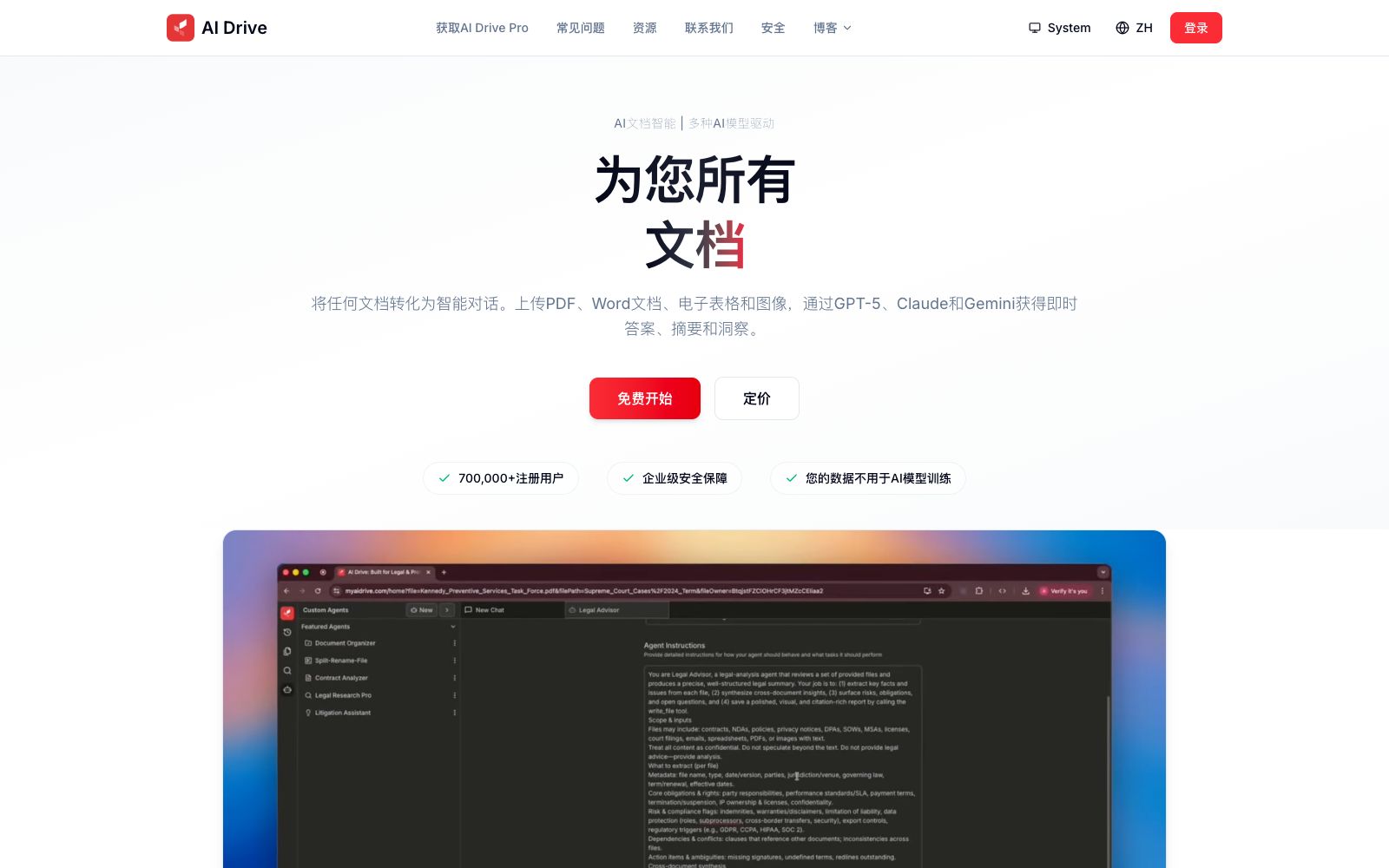
AI Drive is an intelligent document platform tailored for legal and professional scenarios. According to the official statement, it supports uploading PDFs, Word documents and scanned items, enables cross-folder conversations, and batch extracts structured data. It also provides OCR, custom intelligent agents and multi-model capabilities.
Updated: 2026-10-26
What is AI Drive?
The positioning of the AI Drive official website is designed for legal and professional workflows, handling large volumes of professional documents: after uploading PDFs, Word files, spreadsheets and scanned documents, you can ask questions across folders and extract structured fields in batches, turning contracts, case files and reports into answers and deliverables. The official statement clearly outlines two things: first, it will not use your data to train models; second, it provides encryption, permission and compliance support for sensitive documents.
Who is it for?
- Lawyers and legal professionals conducting due diligence, contract review, and electronic discovery.
- Financial professionals who process a large number of reports and disclosure documents.
- Medical and research personnel who need to organize medical records and research materials.
- Real estate and compliance teams managing large volumes of transaction documents.
Key features
6Automatic OCR
The official statement says it can convert any scanned documents into searchable and editable text, and the official website examples mark the recognition accuracy.
Intelligent Metadata Extraction
AI automatically identifies titles, authors, document types and key information, eliminating the need for manual tagging.
Multi-session Conversation
Process multiple documents simultaneously through a tabbed interface, ideal for comparing several contracts in parallel.
Custom AI Agents
Create dedicated agents with custom prompts and knowledge bases, such as a specialized role for contract analysis.
Multi-Model Selection
The official states that you can choose among models such as GPT-5, Claude, and Gemini, each suitable for different tasks like analysis, writing, and retrieval.
Real-time Output Generation
Generate and preview HTML components and code in real time, support instant editing, and provide a dashboard for an overview of processing status.
How to use AI Drive
- First set up the folder structure before batch uploading.
- the retrieval quality for cross-folder Q&A depends on the initial organization method.
- When you need to extract fixed fields, include the field list in the prompt of the custom AI agent, which is much more stable than asking follow-up questions in each round.
- Different models are suited for different tasks.
- The official provides preferences for analysis, writing and retrieval, and you can switch models according to different stages instead of using just one model throughout the process.
- The company states that your data will not be used for model training, and end-to-end encryption is provided with data hosted in the US.
- For cross-border and compliance scenarios, you need to first confirm whether it meets local requirements.
- The official website mentions 700,000 registered users and a Pro version, with prices, quotas and seats subject to the official pricing page.
- Before uploading case files and client materials to the system, it is recommended to confirm with the client or the law firm the scope of hosting permitted by confidentiality obligations.
- The official website categorizes scenario pages by industry, including law, finance, healthcare, real estate, etc.
- You can first review the descriptions and examples of the corresponding scenarios before trying it out.
Traffic & popularity
Data month Sep 2026
AI Drive receives about 8.7K visits per month and ranks #3,201,243 worldwide.
Monthly visits
12 monthsTraffic sources
- Direct40.3%
- Search33.8%
- Referrals10.3%
- Social6.5%
- Mail2.9%
- Other6.2%
Top countries
- United States54.5%
- Vietnam9.9%
- Italy6.8%
- Brazil5.3%
- Turkey4.9%
Estimated from third-party traffic data.
Similar tools
 PerfectParserPerfectParser is a document extraction software positioned on its official website: describe the fields to be extracted in natural language, batch process files, scanned documents and images, and output table or interface data, which is suitable for replacing manual data entry.
 LettriaA document intelligence platform targeting regulated industries such as finance, healthcare, and law, the official stated that it replaces vector retrieval with knowledge graphs, providing document parsing, ontology construction and graph retrieval, with traceability as its core feature.
 PDNob PDF EditorAll-in-one PDF editing software that allows text modification, annotation reading, OCR recognition, format conversion and page organization like Word. It also provides compression, encryption and signature functions, and has a built-in AI for summarization, Q&A and translation.
 ChunkrA parsing interface for retrieval augmentation and document pipelines, which the official says can convert PDFs, images and tables into structured data usable by models, and provides layout analysis, OCR and structured extraction.
 GENIE AIAn AI assistant for contract and legal documents, the official website positions itself as equipping every business team with a legal brain, providing contract drafting, review and negotiation support, document Q&A and free legal templates, as well as Word plugins.
 KoncileKoncile is an OCR data extraction platform for invoices and documents. Its official website states that it can extract structured data from documents such as invoices, bank statements, and payrolls, and simultaneously perform document authenticity and fraud detection.