


Bylo AI
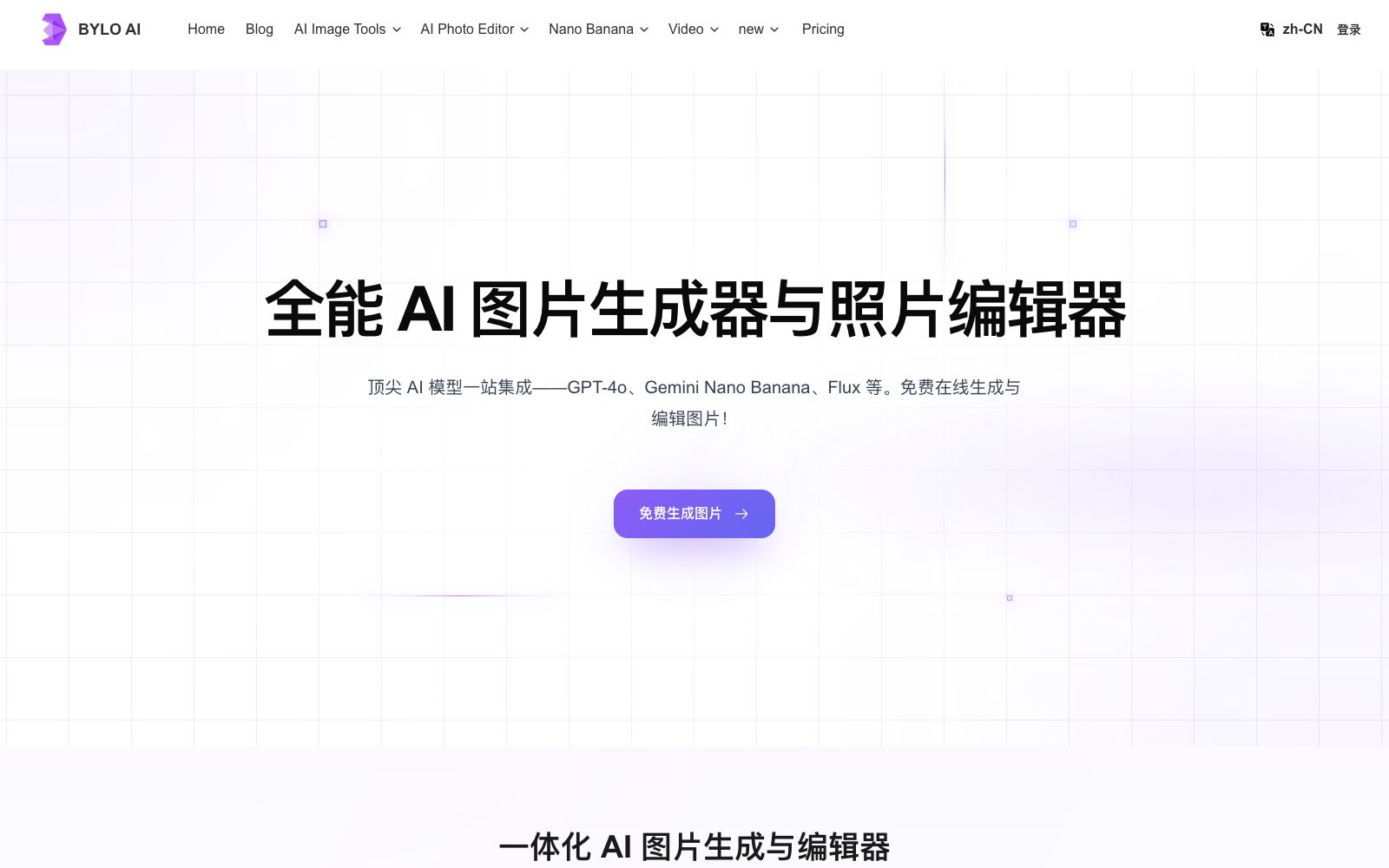
An online image generation and photo editing tool that integrates multiple mainstream image models. It supports text-to-image, image-to-image, one-click background removal and old photo restoration, and can also turn photos into 3D character images. The official claims that it can be used for free online.
Updated: 2026-10-26
What is Bylo AI?
Bylo AI is an online image tool that integrates multiple image models in one place. Its official website positions it as an "all-round AI image generator and photo editor". Unlike drawing platforms with a single model, it aggregates three models: Google's Gemini 2.5 Flash Image, OpenAI's GPT-4o Image, and Flux. The official states that there is no need to switch between multiple platforms for image generation and retouching.
Who is it for?
- Small team operators and e-commerce graphic designers who need to quickly create visual solutions for social media and event posters
- Ordinary users who want to turn selfies into figurine-style or game avatar-style images for use as avatars or gifts
- Cross-border sellers who have a batch of product images that need background removal, background replacement, or element supplementation in a unified way
- Individuals who need to restore old family photos, remove scratches, and perform color touch-ups
Key features
6All-in-One Integration of Top-Tier AI Image Models
The official statement says that users can access Nano Banana, GPT-4o Image, and Flux on the same platform, and switch between models during creation.
One-click AI effects and filters
The official lists style directions such as Studio Ghibli, Pixar, and cute Chibi style, allowing you to completely refresh a photo with just one sentence.
Turn photos into 3D character images
The official states that a single photo can be converted into images in the styles of trendy figurines, game avatars, or digital dolls, while retaining the original facial features.
Precisely add or remove elements
The official description states that you can remove backgrounds, watermarks, or logos with one click, and also seamlessly add new elements to the original image.
Multi-Image Fusion
The official states that it supports merging up to three images into one, enabling surreal collages, such as combining people with landscapes, or real objects with fantasy scenes.
Cross-image Style Transfer and Old Photo Restoration
The former migrates styles, color schemes, and textures; the latter restores scratches, fading, and blurry details in family old photos.
How to use Bylo AI
- First use the free quota indicated on the official website, compare the image generation differences of Nano Banana, GPT-4o, and Flux with the same prompt, and then determine the subsequent main models.
- When processing people-related content, try to use materials you have shot or have obtained authorization for to avoid infringing on others' portrait rights and image copyrights.
- The effects of "3D Character Creation" and "Style Transfer" are greatly affected by the quality of the base image.
- Uploading a clear, full-face photo with uniform lighting will yield more stable results.
- The watermark removal function should only be used on images for which you hold the copyright.
- commercial use is subject to the official website's current terms of service, as the rules may be adjusted.
- It is recommended to recheck before putting into production.
Traffic & popularity
Data month Sep 2026
Bylo AI receives about 1.2M visits per month and ranks #38,139 worldwide.
Monthly visits
12 monthsTraffic sources
- Search52.2%
- Direct40.5%
- Referrals4.2%
- Social2.5%
- AI assistants0.6%
Top countries
- United States13.6%
- Russia11.7%
- Argentina4.6%
- Egypt4.5%
- Paraguay4.0%
Estimated from third-party traffic data.
Similar tools
 Face26Online AI photo enhancement tool that offers deblurring, black-and-white colorization, noise reduction, high-definition enlargement, and old photo restoration. It can also generate professional avatars and e-commerce product images. The official claims that more than 1 million photos have been enhanced.
 PixlrA free online AI photo retouching and image generation tool that integrates photo retouching, AI image/video generation, face swapping, background removal, and collage. Its official website states that it is connected to mainstream image models such as Flux, and can be used directly in a browser without installation.
 FotorFotor is a free online photo editor. Officially, it offers features such as AI enhancement, AI photo retouching, background removal, and text-to-image conversion. It also supports converting images to anime, coloring old photos, and batch processing, covering daily photo editing and creative design needs.
 imgAKimgAK is an image platform covering AI wedding photos, e-commerce product sets, portrait and product retouching, high-definition enlargement and photo restoration. The official claim is that you can complete photo restoration, high-definition enlargement, e-commerce visual design and creative generation on one platform without professional design experience.
 GaituyaGaituya is an online image processing tool. Officially, it offers image compression, format conversion, editing, ID photo and old photo restoration features. Most functions support batch processing, require no download or installation, and cover daily photo editing needs.
 VideoWeb AIAn all-in-one AI generation platform that officially claims to aggregate models such as Kling, Veo, Seedance, and Nano Banana, offering text-to-video, image-to-video, an AI Canvas workspace, and image and music generation, with usage billed in credits.