


Brainy Canvas
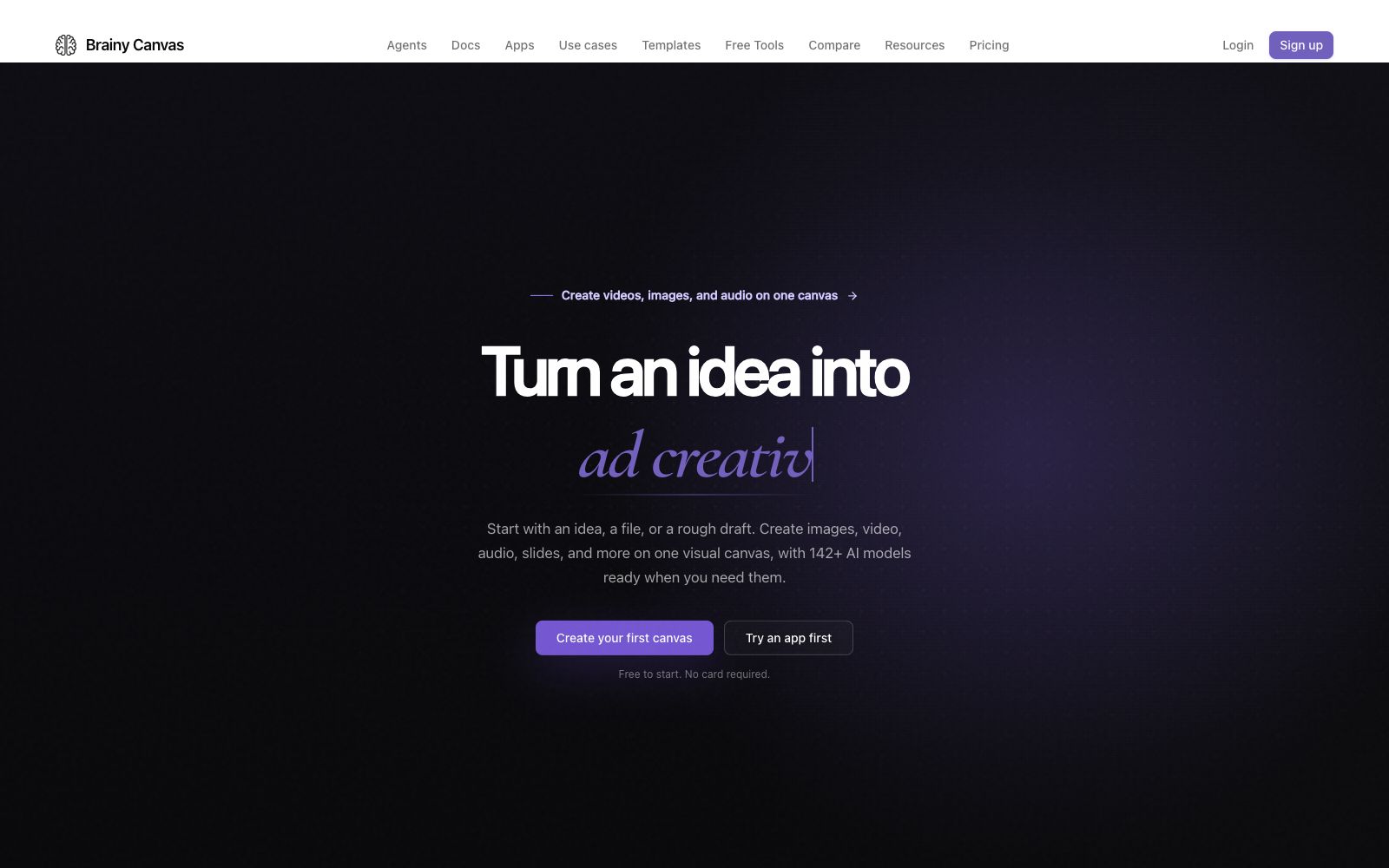
Brainy Canvas is a visual creation workspace: put ideas or documents on the same canvas, connect text, images, videos, audios and slide steps. The official website states that it can call AI models of multiple suppliers and retain sources and results.
Updated: 2026-10-27
What is Brainy Canvas?
The official website of Brainy Canvas positions itself as a visual workspace: starting with an idea, document, image, audio or video, you can arrange the required steps on the same canvas, connect them and run, and the system will pass the results of each step to the next. The official website states that it is for content such as images, videos, audio, slides, learning materials and charts. Users do not need to write code; they only need to drag and drop nodes, create connections and run them.
Who is it for?
- Content creators and course producers who need to create a complete workflow connecting images, videos, audio, and slides.
- Marketing and design teams who want to compare outputs from different models and then carry the selected results on to subsequent steps.
- Students, educators and independent creators who do not write code but want to manage their creative workflows using visual nodes.
- Developers who already use Claude or Codex and want agents to directly produce work that can be edited on the canvas.
Key features
5Multi-Model Side-by-Side Comparison
According to the official website's FAQ, users have access to over 142 AI models from more than 36 vendors. The page also states that results can be compared on a single canvas, with the best results carried forward to the next step.
Creation and Reusable Steps
The official website lists nodes such as writing and revising, generating images, creating videos, transcription and dubbing, explaining and improving code, making learning cards, converting files, extracting text, generating slides, and video explanations.
Run single tasks with ready-made apps first
The official website states that the first run of each app is free and no account is required; examples include image-to-video, product advertisements, YouTube thumbnails, background removal, character reference images, and product photos.
Agent Access
The official website provides an MCP connection method. You can initiate the creation of images, videos, or workflows from Claude, Codex, or other supported AI applications, and the generated results are retained in an editable canvas.
Transparent Credit Pricing
The official website states that the Hobby plan includes 200 one-time credits with no credit card required, and 1 credit equals $0.005; the model pricing page will list the current credit cost, with no additional markup for the underlying AI service fees.
How to use Brainy Canvas
- 1First run a single task with the official app to confirm that the model style and output quality meet expectations, then invest credits to build a complete workflow.
- 2When building a workflow, first clarify the source files and target formats. The conversion requirements for images, videos, and audio are different, and the order of nodes affects the amount of rework required.
- 3Multi-model comparison is suitable for key visual nodes, and there is no need to consume multiple generation credits for each text rewriting step.
- 4Check the model credit cost on the pricing page before subscribing, and estimate your actual usage against the 200 free credits of the Hobby plan.
- 5If creating via an agent, first complete the browser authorization on the official website and confirm whether the generated results have been saved to your Canvas account.
Traffic & popularity
Data month Sep 2026
Brainy Canvas receives about 1.2K visits per month and ranks #10,800,607 worldwide.
Monthly visits
8 monthsTraffic sources
- Direct30.8%
- Search28.2%
- Referrals12.9%
- Display ads8.0%
- Social6.9%
- Other13.2%
Top countries
- United States83.4%
- Egypt16.6%
Estimated from third-party traffic data.
Similar tools
 Getimg.aiAn AI creation workbench integrating mainstream models, which can generate and edit images, videos, music and voices in one space. Its official website emphasizes that users can start working without researching models or complex configurations, and it also provides APIs.
 ClicoClico is an AI creative workbench that brings research, writing, image, video, music, website, and browser game generation together in a single conversational space. It also supports reference images, templates, and seamless multi-model switching for flexible creative workflows.
 PaperA modern design tool focusing on "design, share, deliver", the canvas is built on web standards and connected with code in two-way communication. It can integrate external agents to directly read the canvas content, and has two entry points: desktop and web version.
 AstorieAstorie is an AI video canvas for creative teams. According to its official website, it integrates over 100 image and video models in an infinite canvas. It controls the visual style, shots and performances from rough cuts to finished films, supports team collaboration, and allows saving workflows as Recipes for reuse.
 ChesoAI presentation creation tool that generates editable slides from ideas, files and research materials. Officially, it supports multiple output formats such as interactive H5, visual canvases and videos, and allows for online refinement, sharing and export.
 Script.itAccording to its official website, Script.it is an AI-driven workflow automation platform that can generate and run processes using natural language. It supports over 600 integrations, scheduled and Webhook triggers, message entry points such as Slack, and saves the output of each step as a file for easy auditing.