


Translate Image
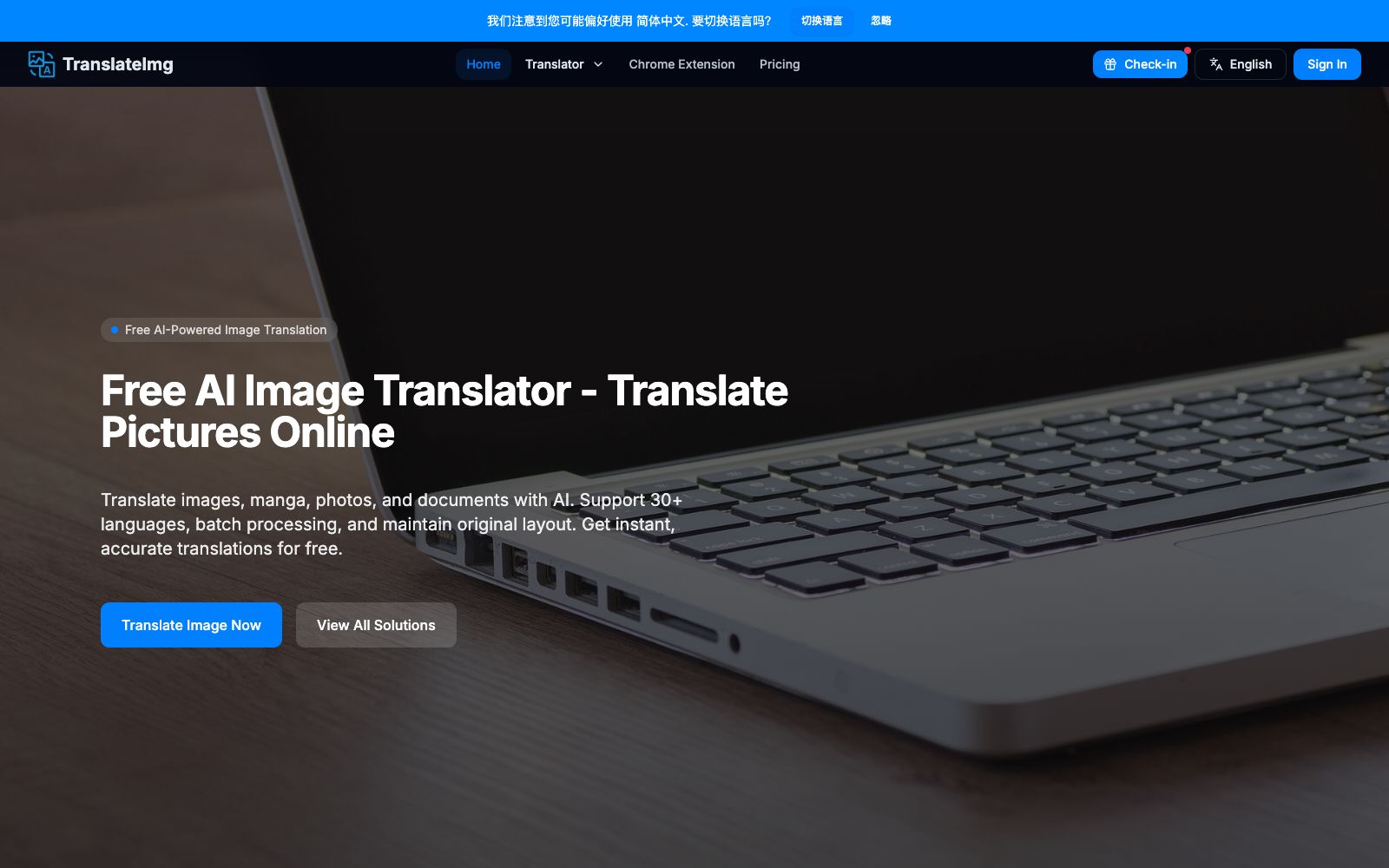
An online tool that translates text in images into the target language. You can upload screenshots, comic pages or product images to complete the replacement while retaining the original layout. The official claims it supports more than 30 languages and font styles.
Updated: 2026-10-26
What is Translate Image?
Translate Image (referred to as TranslateImg within the platform) is an online image translation tool. When you upload screenshots, product images, or comic pages, it recognizes the text in the images and replaces it with the target language while preserving the original layout and font positions. The official specifications state that it supports more than 30 languages, delivers results in 3 to 5 seconds, achieves an accuracy rate of over 95%, and offers two usage methods: batch processing and a browser extension.
Who is it for?
- Japanese and Korean manga readers: When following the latest raw chapters, read the plot first before deciding whether to wait for the official Chinese localization.
- Cross-border e-commerce sellers: Modify domestic detail pages, packaging images and instruction manuals into the target market language; Cross-border customer service: First understand the foreign language screenshots sent by buyers, then decide how to reply.
- People traveling abroad: Take photos of restaurant menus, station signs, and medication instructions for on-the-spot translation.
- International students and teachers: Quick understanding of illustrations, courseware, and exam papers in foreign language textbooks.
- Marketing and localization teams: Multilingual versions of advertising images, posters, and social media materials.
Key features
6Universal Image Translation
After recognizing the text in the image, it replaces the text in its original position. The official claims that it preserves the layout, font styles and text positions, eliminating the need to manually rearrange the layout. In terms of languages, the official states that it supports more than 30 types, including rare languages and dialects, so there is no need to switch tools when serving niche markets.
Manga Translation
Optimized for comics and webcomics, processed according to the layout of dialogue bubbles and text boxes to prevent translated text from overflowing the bubbles.
Batch Translation
The official states that it can process up to 20 images at a time, making it suitable for processing an entire chapter of comics or a batch of product images all at once.
Photo Translation
Directly use the camera on a mobile device to take photos, and on-site content such as restaurant menus, road signs, and instruction manuals can be read instantly after translation.
Browser Extension
After installing the Chrome extension, you can translate web images by hovering your mouse over them without the need to first download and then upload them.
Speed, Accuracy and Privacy
The official claims that a single image takes 3 to 5 seconds to process, with an accuracy rate of over 95%. It also emphasizes context awareness to reduce rigid literal translation; images are automatically deleted after translation and not stored long-term.
How to use Translate Image
- First, test one language pair: There are significant layout differences between different languages, so first confirm that the font size and line breaks of the translated text can fit the original image.
- Crop the screenshot first: Only keep the areas with text, which makes recognition faster and reduces the chance of mistaking product images for text.
- Comic bubbles are most sensitive to length: Chinese translated into English often becomes longer.
- If the text overflows, rearrange the entire page instead of forcing the font size.
- after translation, read through again, as line breaks and punctuation may be awkward.
- Unify the naming before batch processing: Process a maximum of 20 images at a time and name them according to the format of "Chapter-Page Number" for easy alignment with the original files after the translation is complete.
- The 95% accuracy is an official claim: Brand names, professional terms, and handwritten text are the most prone to errors.
- It is recommended to proofread commercial materials one by one.
- even though screenshots containing ID cards, contracts, or personal information are automatically deleted, it is not recommended to use third-party tools for them.
- Use APIs on a large scale: For enterprise batch needs, you can check the official API, which is more suitable for integration into your own system than manual uploading.
Traffic & popularity
Data month Sep 2026
Translate Image receives about 9.3K visits per month and ranks #3,616,864 worldwide.
Monthly visits
12 monthsTraffic sources
- Direct39.4%
- Search35.6%
- Referrals11.3%
- Social5.9%
- Display ads2.6%
- Other5.1%
Top countries
- South Korea17.8%
- Russia15.9%
- United States10.7%
- Italy9.5%
- Vietnam8.0%
Estimated from third-party traffic data.
Similar tools
 PDF TranslatorPDF Translator is a free online PDF translation tool that supports over 100 languages, preserves the original layout, and can recognize text in scanned documents. It is suitable for cross-lingual reading of papers, textbooks and technical manuals.
 Lufe AILufe AI is a browser-based AI translation extension that provides bilingual web page comparison, word lookup by selection, and image and PDF translation, making it suitable for foreign language learners to read overseas news and documents.
 Transync AITransync AI is a real-time translation tool for multilingual meetings. It simultaneously translates both parties' speeches and reads out the translations. It supports 60 languages, floating subtitles and meeting minutes, and requires no plugins. It is suitable for foreign trade negotiations, cross-national weekly meetings and overseas classrooms.
 Language ReactorThis browser extension turns movies and TV shows into language classrooms, offering bilingual subtitles, word lookup by clicking, word frequency recommendations, and listening and shadowing practice. It is suitable for daily use by self-learners who improve their listening skills by watching dramas.
 AI TranslatorThis free online tool launched by translation company Tomedes feeds the same sentence to 22 AI models and takes the majority-consistent translation. It also allows users to see the disagreements between models as well as the distribution of accuracy and fluency, making it suitable for business and technical translation that requires cross-verification.
 DocTranslatorOnline document translation service supports formats such as PDF, Word, Excel, and PPT. It can translate documents into hundreds of languages while preserving the original layout. Scanned documents and images can also be recognized. It is suitable for cross-lingual processing of entire documents such as contracts, reports, and theses.