


Transync AI
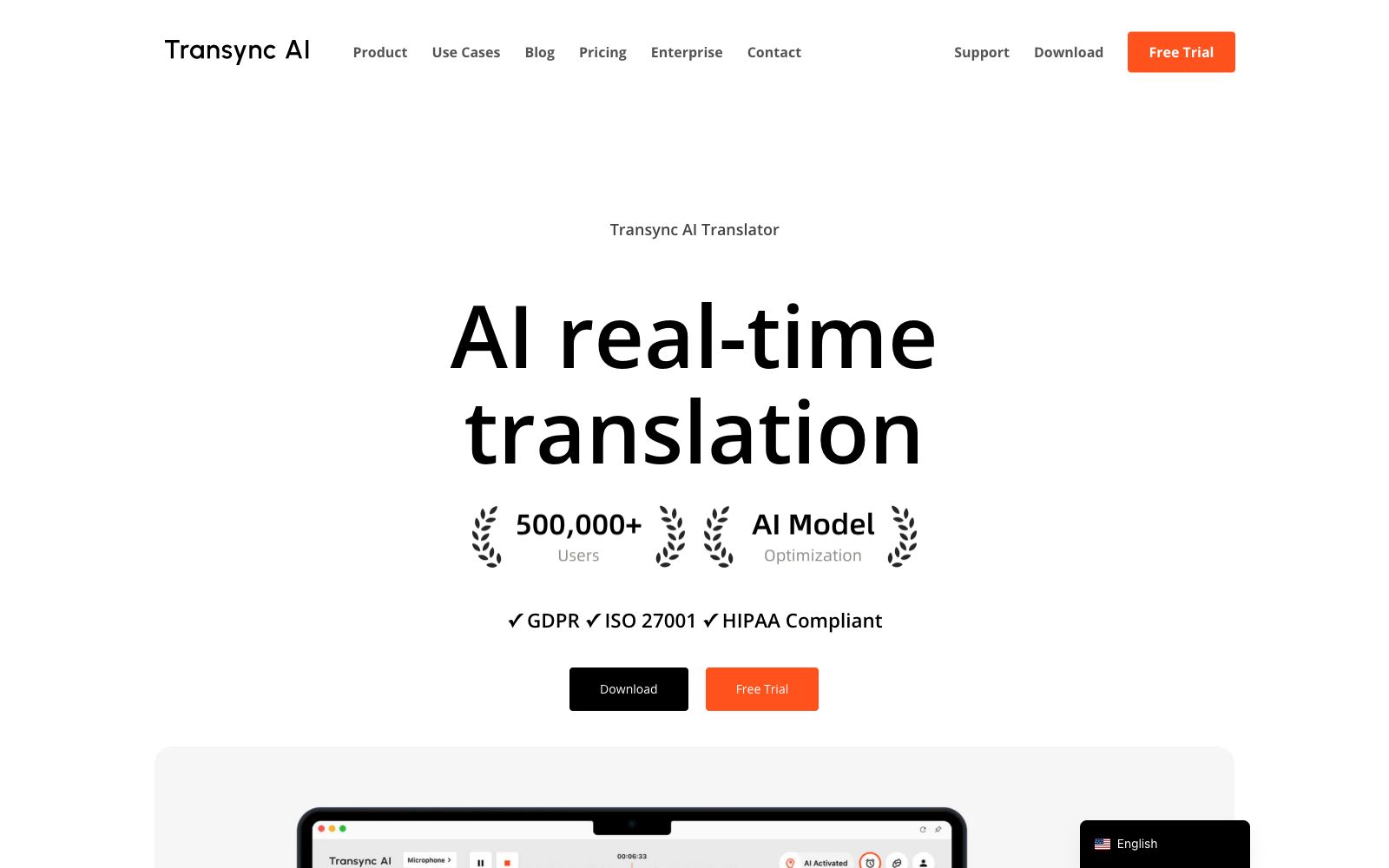
Transync AI is a real-time translation tool for multilingual meetings. It simultaneously translates both parties' speeches and reads out the translations. It supports 60 languages, floating subtitles and meeting minutes, and requires no plugins. It is suitable for foreign trade negotiations, cross-national weekly meetings and overseas classrooms.
Updated: 2026-10-26
What is Transync AI?
Transync AI provides real-time interpretation during meetings. It directly listens to the voices of both parties, automatically identifies the speakers, translates them into subtitles, and can also read out the translated text. Different from solutions that install plug-ins or pull meeting robots, it accesses through virtual microphones and floating subtitles, and the official claims to support 60 languages.
Who is it for?
- Foreign trade sales personnel and purchasers who make calls with overseas clients every day
- Remote employees of multinational companies, where half of the participants in weekly meetings speak foreign languages
- Cross-border freelancers who need to interview clients about project requirements before accepting orders
- International students who can't keep up with the lecture speed and don't have time to take notes
- For outbound travelers who need instant translation when ordering food or asking for directions
- Foreign trade teams participating in international exhibitions who need to have face-to-face discussions on-site
Key features
6Low-latency two-way translation
Driven by end-to-end speech models, it features dual-screen output, supports over 60 languages including Chinese, English, Japanese, Korean, Cantonese, German, French, Russian, Italian, Spanish, etc., and can automatically identify language types.
Voice Broadcast & Voice Cloning
The translated text can be read aloud in real time with natural male and female voices, streamed output, and support for interruptions; you can also clone your own voice to make the other party hear a more familiar sound.
Meeting Minutes
Generates bilingual transcription, AI summaries, action items, and key decisions, and allows the input of professional keywords and background information to improve accuracy.
Demo Mode
For on-site scenarios such as conferences and training sessions, attendees can view real-time subtitles and listen to AI voice by scanning a QR code or clicking a link.
Floating Subtitles
Picture-in-picture and top-pinned subtitle window with adjustable size and position, eliminating the need to switch back and forth between windows during meetings.
Cross-platform
Data synchronization across Windows, Mac, iOS, Android and Web, compatible with Zoom, Teams, Google Meet and WhatsApp calls.
How to use Transync AI
- 1After registration, the official provides 40 minutes of free credit. Try it with a real meeting first, and don't make your debut on a crucial occasion.
- 2Fill in industry terms and background information into keywords before the meeting, and the mistranslation of proper nouns will be significantly reduced
- 3Use Demo Mode or a virtual microphone when you want the other party to understand; just watching the subtitles by yourself is useless
- 4In terms of compliance, the official claims it has passed GDPR, ISO 27001, and HIPAA. Audio is deleted immediately after processing and is not used for training, and it is currently applying for SOC 2 Type II.
- 5Key information such as amounts and terms still requires manual review; simultaneous machine translation cannot serve as legal evidence.
- 6For trade shows or noisy environments, prioritize using headphones with voice playback; staring solely at subtitles may lead to missed information.
- 7For long-term use, it is recommended to fix a set of terminology tables, which will greatly improve the consistency across different sessions.
Traffic & popularity
Data month Sep 2026
Transync AI receives about 560.1K visits per month and ranks #85,430 worldwide.
Monthly visits
12 monthsTraffic sources
- Search58.0%
- Direct26.6%
- Social6.6%
- Referrals5.0%
- Mail2.2%
- Other1.7%
Top countries
- United States11.7%
- China8.2%
- Taiwan, China5.0%
- South Korea4.7%
- Vietnam4.6%
Estimated from third-party traffic data.
Similar tools
 Lufe AILufe AI is a browser-based AI translation extension that provides bilingual web page comparison, word lookup by selection, and image and PDF translation, making it suitable for foreign language learners to read overseas news and documents.
 DocTranslatorOnline document translation service supports formats such as PDF, Word, Excel, and PPT. It can translate documents into hundreds of languages while preserving the original layout. Scanned documents and images can also be recognized. It is suitable for cross-lingual processing of entire documents such as contracts, reports, and theses.
 Language ReactorThis browser extension turns movies and TV shows into language classrooms, offering bilingual subtitles, word lookup by clicking, word frequency recommendations, and listening and shadowing practice. It is suitable for daily use by self-learners who improve their listening skills by watching dramas.
 Translate ImageAn online tool that translates text in images into the target language. You can upload screenshots, comic pages or product images to complete the replacement while retaining the original layout. The official claims it supports more than 30 languages and font styles.
 AI TranslatorThis free online tool launched by translation company Tomedes feeds the same sentence to 22 AI models and takes the majority-consistent translation. It also allows users to see the disagreements between models as well as the distribution of accuracy and fluency, making it suitable for business and technical translation that requires cross-verification.
 PDF TranslatorPDF Translator is a free online PDF translation tool that supports over 100 languages, preserves the original layout, and can recognize text in scanned documents. It is suitable for cross-lingual reading of papers, textbooks and technical manuals.