


Speech To Note
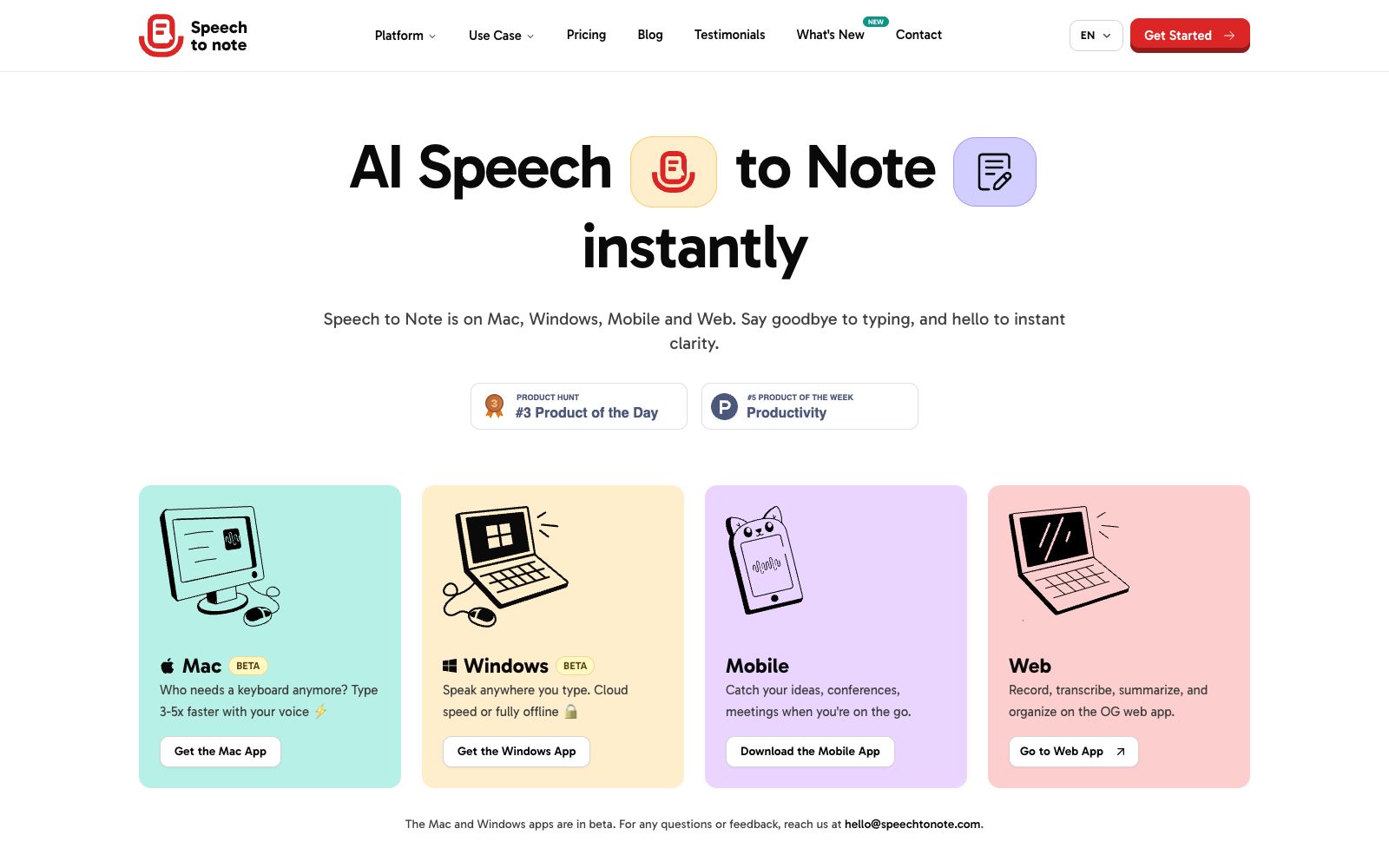
A voice-to-text note-taking tool, officially said to convert dictation into editable notes on Mac, Windows, mobile terminals and web terminals, supporting multiple languages, offline mode and various templates.
Updated: 2026-10-26
What is Speech To Note?
Speech to Note positions itself on its official website as a voice-to-text note-taking tool, covering four platforms: Mac, Windows, mobile devices, and the web. It is not just transcription; the official website emphasizes that you can directly organize the transcribed content after conversion: pick a format from templates, organize it with folders and tags, and then share or export it. The official claims support for more than 100 languages, and the Mac and Windows clients are marked as Beta versions on the official website.
Who is it for?
- Authors and journalists who type slowly and draft initial content by speaking.
- Professionals who need to quickly capture records and organize content afterward in meetings, interviews and other occasions.
- Students and teachers who want to convert the content of lectures and seminars into review materials.
- Legal and medical professionals who are sensitive to data retention and desire offline mode.
Key features
6Accurate transcription
The official claims it is powered by advanced AI, and both dictation and uploaded audio can be converted into clear, editable text.
Mac and Windows clients
The official website states that voice input is several times faster than typing, and the Windows version offers two modes: cloud speed or fully offline.
Mobile and web versions
The mobile version is ideal for capturing ideas on the go, recording meetings and lectures, while the web version handles recording, transcription, summarization and organization.
Smart Note Formatting
The official website states that you can choose from over 200 templates to directly turn audio recordings into structured notes.
Organization by Folders and Tags
Organize your notes with folders and tags, and share or export them via links.
Offline Mode & Download
The official states that it supports saving notes offline, and you can download notes and audio at any time.
How to use Speech To Note
- First record a 1-2 minute oral test transcription to confirm the recognition rate of professional terms, then decide whether to use it for a long time.
- The Mac and Windows clients are in Beta, so it is recommended to keep a copy of the web version for important occasions.
- For scenarios that require complete offline access, choose the offline mode of the Windows version.
- However, the functions available offline may differ from those in the cloud version.
- please refer to the official website for details.
- Obtain consent before uploading recordings of others' speech, and pay special attention to content involving medical diagnosis, legal and personnel matters.
- The number of languages and templates listed on the official website is based on the official statement.
- it is recommended that you test the actual effect of your target language first.
- The export and download functions may distinguish between free and paid ranges.
- The specific benefits are subject to the pricing page of the official website.
- The official website claims that voice input is several times faster than typing, but the actual effect depends on your enunciation clarity and the density of technical terms—don’t just rely on the promotional claims.
Traffic & popularity
Data month Sep 2026
Speech To Note receives about 3.5K visits per month and ranks #6,297,446 worldwide.
Monthly visits
12 monthsTraffic sources
- Direct39.9%
- Search33.6%
- Referrals10.4%
- Social6.2%
- Mail3.3%
- Other6.7%
Top countries
- United States56.0%
- India17.1%
- Australia10.0%
- Thailand7.2%
- United Kingdom6.5%
Estimated from third-party traffic data.
Similar tools
 TalknotesTalknotes is an AI voice note-taking app that can convert voice recordings into structured text, generate to-do lists, transcripts, blogs, etc. It supports more than 50 languages and is available on Web, iOS and Android platforms.
 AudioPenAudioPen is an AI note-taking tool that converts speech to text and automatically rewrites and polishes it. Officially, it claims to be used by 200,000 people. It supports multi-style output and multi-device synchronization, helping you organize your oral ideas into clean text.
 Dedao BrainDedao Brain is an AI recording and creation tool launched by Dedao (Luoji Siwei). It focuses on automatically turning voice recordings into notes, and uses Grow, Comment, Question and Polish to refine ideas into works.
 Minutes AIAI audio recording transcription and note-taking tool. Officially, it can generate formatted notes from real-time audio, uploaded files or video links, supporting transcription and playback, conversing with audio, and one-click export and sharing.
 SpeechPulseA local voice input tool based on Whisper enables voice typing in any application. It supports offline recognition and transcription of 99 languages, and can also transcribe audio files and generate subtitles. The official states that data does not leave the local device.
 CleftA voice-first note-taking app built exclusively for Apple devices, it performs on-device offline transcription and organizes dictations into summaries, to-do lists and transcripts, and can be sent to Notion, Obsidian, etc., with one click.