


Sourclip
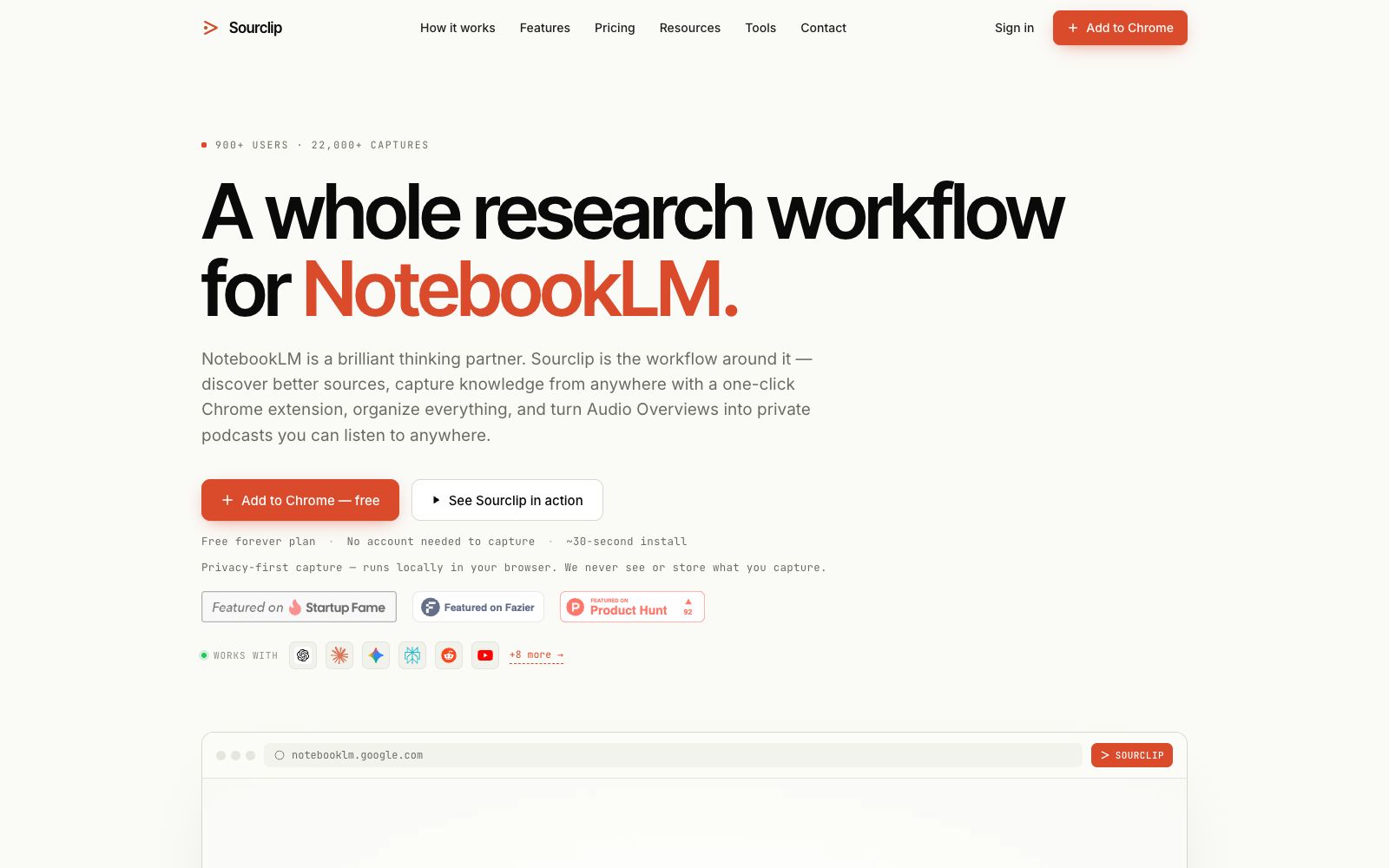
Sourclip is a browser workflow layer built around NotebookLM: with a Chrome extension, you can one-click capture web pages, YouTube videos, and PDFs to have conversations with AI and save them to your notebook. Organize them with folders and a prompt library, auto-generate private podcasts from audio overviews, and export in multiple formats.
Updated: 2026-10-26
What is Sourclip?
Sourclip is a layer of workflow built around Google NotebookLM. According to its official website, it has over 900 users and more than 22,000 crawls. It does not replace NotebookLM. The official description is "NotebookLM is the brain. Sourclip is the workspace around it" — the thinking still takes place within NotebookLM, while it takes over the peripheral actions such as finding sources, crawling, organizing, replaying and exporting. It is available as a Chrome extension. The official website states that it takes about 30 seconds to install and no account is required for crawling.
Who is it for?
- Students who read dozens of academic papers every week and whose notebooks become disorganized by the fourth week.
- Researchers who are working on extensive literature reviews and require folder management, citation, and export capabilities.
- Creators who turn long videos and long texts into outlines and scripts.
- Entrepreneurs and power users who gather competitor and customer calls and need to create brand briefs.
Key features
6One-click Capture
Webpages, YouTube videos, PDFs, and AI conversations can be directly saved to the notebook. Right-click to select text for capture, and you can also queue multiple tabs for batch import while remembering saved content to avoid duplicates.
YouTube Transcription Direct Import
No need to manually transcribe subtitles and paste them; one-click to send the transcription of public videos into the notebook, and you can also import entire playlists or channels; the official website states that free users can import 15 items per batch, and Pro users can import up to 300 items.
Audio Overview to Private Podcast
Each Audio Overview is automatically published as a podcast episode with a personal RSS feed, available on Spotify, Apple Podcasts, Pocket Casts, and YouTube Music; the official website offers 30 minutes per month for free and 600 minutes per month for Pro.
Folders and Prompt Library
Complementary to notebook and product folders, cross-notebook search, and variable-speed playback; save frequently used prompts to the library and insert them with one click. The official site states 3 free prompts (up to 600 characters each) with unlimited for Pro.
Editable Mind Map
The official website states that you can rename, drag and drop, and fold mind map nodes, import outlines from Markdown, JSON, and OPML, and export them as images and PDFs.
Selected Sources & Export
Access 230+ curated research sources categorized by discipline; export notes and chat history to Markdown, HTML, and PDF formats. Pro users can add custom logos and sync to Obsidian vaults via the Obsidian Local REST API plugin.
Things to know
Usage Tips
- First install the extension and go through the entire workflow with a real project: find sources → capture → create folders → export, then decide whether to upgrade to Pro.
- Start with the directory of over 230 curated sources first, which saves time compared to guessing search terms on your own; save what you find into the corresponding notebook at any time.
- Plan your free usage limits: 30 minutes of podcasts per month, 10 exports per day, and 15 videos per batch for YouTube. Calculate your needs first before upgrading if you have high usage demands.
- The official website states that crawling runs in the local browser, and the crawled content is neither viewed nor stored. However, login synchronization and podcast publishing still rely on the cloud; for non-public materials, confirm the boundaries before uploading.
- Remember to log out when using shared devices: Pro's cloud sync will bring your folders, prompts, and brand settings to every logged-in Chrome browser.
Traffic & popularity
Data month Sep 2026
Sourclip receives about 5.7K visits per month and ranks #4,508,113 worldwide.
Monthly visits
9 monthsTraffic sources
- Direct32.9%
- Search32.3%
- Referrals12.5%
- Social6.9%
- Display ads6.1%
- Other9.3%
Top countries
- United States30.7%
- India17.1%
- Indonesia8.4%
- United Kingdom8.1%
- Brazil6.6%
Estimated from third-party traffic data.
Similar tools
 NotebookLMNotebookLM is Google's AI research assistant. After uploading sources such as PDFs, web pages, and videos, it answers questions based on the original text with citations attached. It can generate audio overviews, video overviews, mind maps, flashcards, and quizzes, and supports notebook sharing.🔍Open NotebookAn open-source, privately deployable AI research note-taking tool positioned as "Taking Control of Research Privately". It offers AI note-taking, podcast generation, and privacy control, and is regarded as a self-hosted alternative to NotebookLM.
 PodwisePodwise is an AI assistant for podcast listeners. It can turn single episodes into summaries, transcripts, mind maps and insights, supports multiple languages and export, and its official website states that it has been used by more than 113,000 listeners.