


Retriever AI
Retriever AI is a free AI browser agent self-proclaimed on its official website. It offers two running methods: Chrome extension and cloud-based. It can work across open web pages and logged-in sites and return results; it supports connecting to Drive, Slack, and Notion, can record repetitive processes and then replay them, and is suitable for clue mining and form filling.
Updated: 2026-10-26
What is Retriever AI?
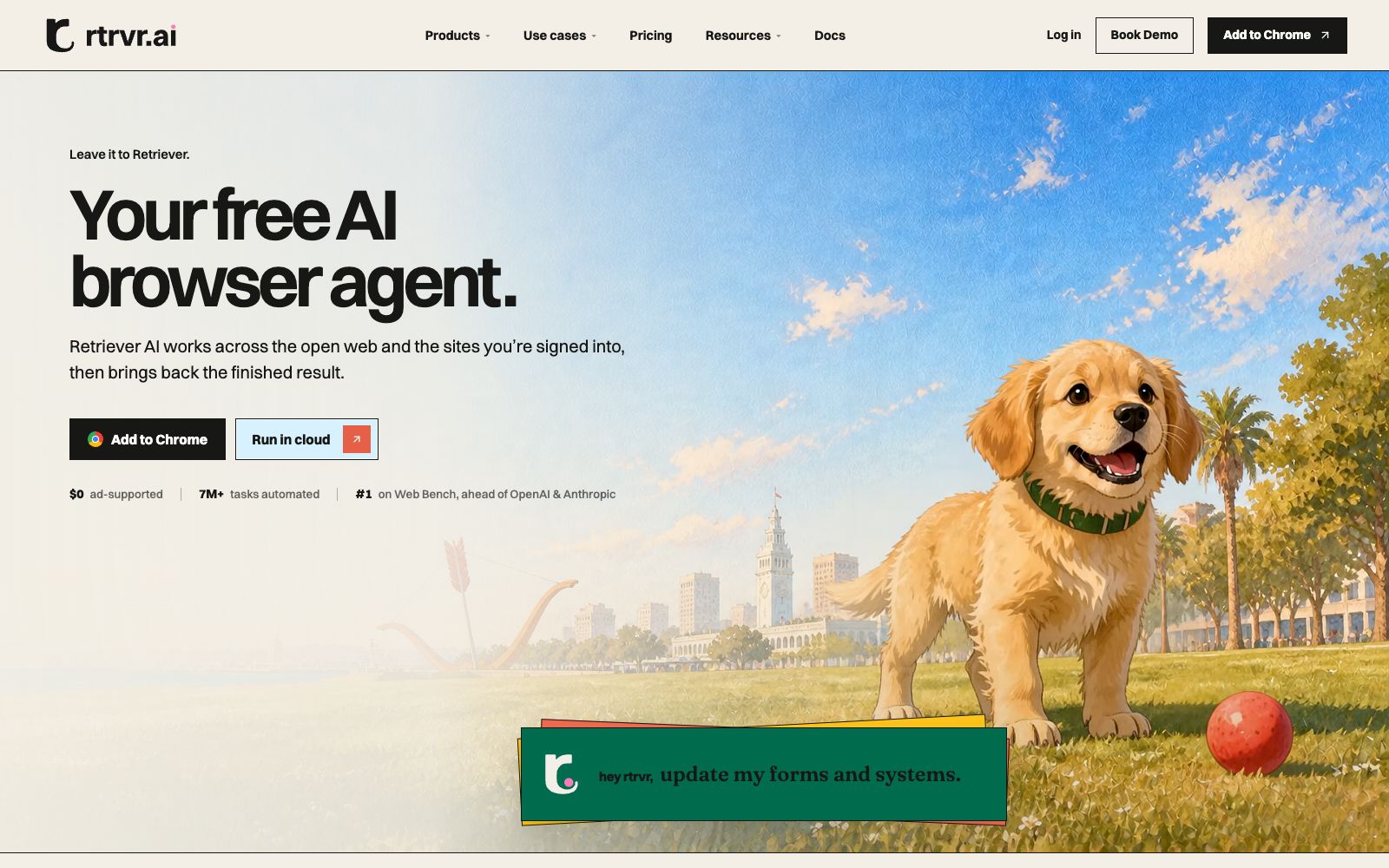
Retriever AI (rtrvr.ai) positions itself on its official website as a free AI browser agent, offering two deployment methods: Chrome extension and cloud-based operation. It emphasizes that it can not only run on open web pages but also work on logged-in sites and return the completed results. Its difference from crawler tools that only perform crawling lies in the deliverables: the official website repeatedly demonstrates completing the entire process—pulling lists, filling out forms, and updating internal systems—rather than just returning a bunch of raw fields. The homepage marks cloud-based operation as free with ads, and it claims to rank first on Web Bench, outperforming both OpenAI and Anthropic.
Who is it for?
- Sales and marketing teams: The example on the homepage of the official website is to pull the participants of an event, send email invitations, and privately message trial links on LinkedIn
- For operations staff who need to fill out forms and update back-end systems, the official website lists form filling and back-office work as its core use cases
- For social media matrix managers, the official website states that it can distribute a single piece of content across multiple channels
- Growth professionals who want to monitor competitors and AI search results; the official website lists AI SEO monitoring and competitor comment analysis as features
- Analysts who need bulk web data but are reluctant to maintain selectors and crawler scripts
Key features
6Works on both open web pages and logged-in sites
The official website states that Retriever can operate across open web pages and your logged-in sites, and finally return the completed results instead of just spitting out raw data.
Two forms: extension and cloud
The official website's product list includes Browser Extension, Cloud, Rover, Data & Evals, and Simulations. A single cloud run can cover a large number of websites.
Integrate with your applications
The official website demonstrates connecting Drive, Slack, and Notion to Chrome and Cloud, enabling the agent to directly read and write content within them.
Recordable repetitive workflows
The official website calls them AI Subroutines. You can record a workflow once and then replay it, and the official claims that replaying does not consume tokens; reusable templates are also available.
Scalable Data Collection
The official website promotes that one sentence can lead to crawling over a thousand websites, with thousands of records costing less than one dollar. No selectors or scripts are required—just ask, and it delivers results. It also lists use cases such as converting websites into tables.
Developer Interfaces
The official website provides API, MCP, CLI, and SDK, along with templates, integrations, and WhatsApp channels.
How to use Retriever AI
- First install the Chrome extension to run a read-only task, such as converting a website to a spreadsheet, verifying that the format meets expectations, and then run it in bulk on the cloud.
- The cloud version is marked as $0 on the official website but is supported by ads.
- when dealing with customer lists and internal data, first read the Security and Privacy pages on the official website.
- Allowing it to operate on logged-in sites means entrusting your session to a third party: Do not use your main account.
- instead, use a dedicated account with the minimum necessary permissions, and verify the operation records after completion.
- For repetitive tasks, use AI Subroutines or templates.
- The official website states that replaying them does not consume tokens, which is more cost-effective than re-describing them every time.
- Someone in the official community mentioned that the cost of using your own API key is about one-tenth of the official one.
- If you need to control costs, you can go with the route of using your own model API key, and the specifics shall be subject to the official documentation.
- Before large-scale crawling, confirm the target websites' robots.txt and terms of service, control the request frequency, and avoid overwhelming the target websites.
Traffic & popularity
Data month Sep 2026
Retriever AI receives about 99.1K visits per month and ranks #302,197 worldwide.
Monthly visits
12 monthsTraffic sources
- Direct53.8%
- Search29.3%
- Social10.7%
- Referrals2.4%
- AI assistants2.3%
- Other1.4%
Top countries
- United States41.5%
- India19.1%
- Canada8.4%
- South Korea4.1%
- France3.8%
Estimated from third-party traffic data.
In these collections
Similar tools
 AllyHubAllyHub is an intelligence platform that collects network data using AI agents. Its official website states that it requires no code or APIs. The agents can crawl data from more than 30 sources including TikTok, Instagram, LinkedIn, Amazon and others, monitor changes and generate insights on schedule, covering social media, e-commerce and in-depth research scenarios.
 BrowserflyBrowserfly is an AI agent that runs in a browser. Officially, it can summarize cross-webpage content, automatically handle repetitive tasks, and operate webpages and fill out forms on your behalf in agent mode.
 Browser UseAn automated platform that lets AI operate browsers on its own, providing cloud browsers and web Agents, capable of bypassing bot detection, billed by the hour, suitable for data collection, form filling and process automation.