


PhotoGrid
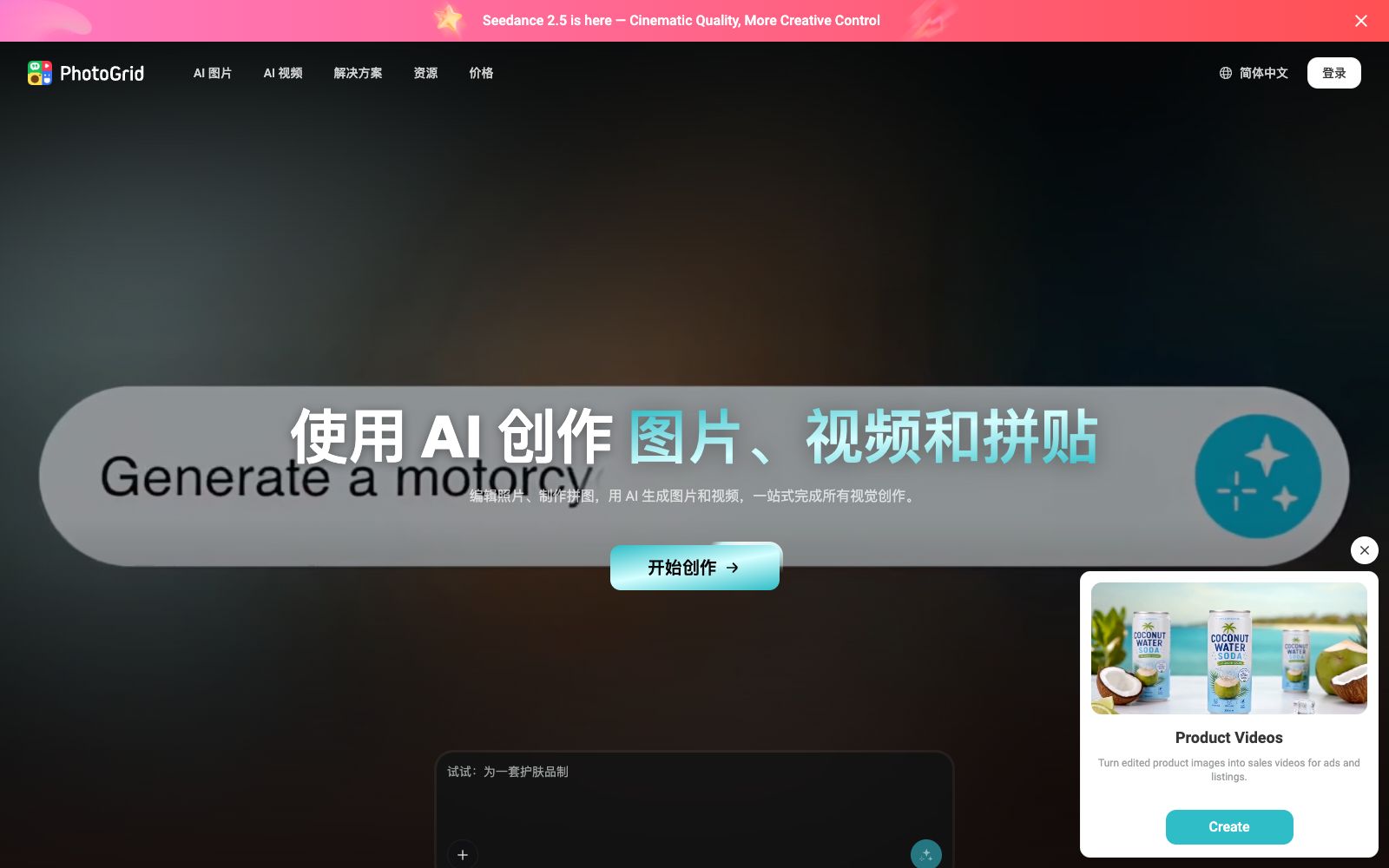
PhotoGrid is an online collage and AI photo editing tool. Officially, it claims to offer more than 20,000 templates, supports text-to-image, image-to-video, background removal, enhancement and background replacement, and integrates models such as Nano Banana and Kling.
Updated: 2026-10-26
What is PhotoGrid?
PhotoGrid is an online collage and AI photo editing tool. Officially, it offers more than 20,000 templates, allowing users to add text, stickers and backgrounds, and edit photos, generate images and videos with AI. It integrates collage, AI image editing and AI video generation into one platform. Officially, it claims that users can directly use the image and video generation models of world-leading AI companies without switching between multiple platforms. For people creating social media and e-commerce content, it creates a seamless workflow from daily image generation to video production. It excels at meeting the high-frequency demand for collages, making it ideal for quick image creation and sharing.
Who is it for?
- Operators engaged in e-commerce and social media content who need to quickly create collages and product images to maintain an update rhythm.
- For ordinary users who want to create fun videos such as digital human, kissing, and dancing content, generate videos using templates.
- For individual users creating photo walls for events or gatherings, combining multiple photos into a commemorative image.
- Small teams that need to batch-edit multiple images to improve processing efficiency.
Key features
6Collage Creation
The official version allows freely combining 2 to 10 or more photos using pre-made layouts, with adjustable spacing, grids, text, stickers, and backgrounds.
AI Image Editing
It provides background removal, image enhancement, background replacement, watermark removal, magic eraser, photo restoration and other features, with a comprehensive set of photo editing tools.
Text-to-Image and Image-to-Video
The official states that it integrates models such as Nano Banana, Seedream, Kling, and Midjourney to generate images from text and videos from images.
AI Video Generation
Offers templates for AI digital human videos, e-commerce videos, kissing, hugging, dancing and more, covering marketing and event scenarios.
Template Center
Provides templates by scenarios such as beauty, fashion, e-commerce and events, comes with AI image and video tools, and can be directly applied.
Multiple Plans
The official states that there are tiers such as Free, VIP, Pro, and Ultra, which provide different generation quotas and commercial usage rights based on points.
How to use PhotoGrid
- 1First try the free tier for collage making and basic AI editing, confirm if it meets your needs before upgrading to avoid paying blindly.
- 2Points are allocated monthly according to the package; generating long content in segments saves credits and prevents depletion that would halt further generation.
- 3Different AI models have different preferences for prompts; fine-tune the description when switching models to make the results more in line with expectations.
- 4Commercial authorization is subject to the selected plan. Confirm the terms and whether there is a watermark before use; watermarks are only removed for paid plans.
- 5The official models and quotas may be adjusted. Check the current terms again before official use to confirm that the plan covers your needs.
Traffic & popularity
Data month Sep 2026
PhotoGrid receives about 337.7K visits per month and ranks #168,608 worldwide.
Monthly visits
12 monthsTraffic sources
- Search59.0%
- Direct35.2%
- Referrals2.7%
- Social2.1%
- AI assistants1.0%
Top countries
- United States16.1%
- Indonesia7.3%
- Brazil6.3%
- China5.8%
- India4.9%
Estimated from third-party traffic data.
Similar tools
 BeFunkyBeFunky is an online photo editing, collage and design platform. Officially, it says that it has been an online photo editing tool since 2007, integrating the Photo Editor and Collage Maker.
 Vadoo AIVadoo AI is a creation platform that aggregates multiple video and image generation models in one workspace. It supports text-to-video, image-to-video and stylization conversion, and can also cut long videos into short ones, making it suitable for batch production of social media content.
 iFotoiFoto is an online AI photo studio. Officially, it offers tools such as background removal, image quality enhancement, ID photos, old photo restoration and AI hairstyles, and provides model images and background generation for e-commerce.
 FotorFotor is a free online photo editor. Officially, it offers features such as AI enhancement, AI photo retouching, background removal, and text-to-image conversion. It also supports converting images to anime, coloring old photos, and batch processing, covering daily photo editing and creative design needs.
 PixlrA free online AI photo retouching and image generation tool that integrates photo retouching, AI image/video generation, face swapping, background removal, and collage. Its official website states that it is connected to mainstream image models such as Flux, and can be used directly in a browser without installation.
 BeautyPlusBeautyPlus is a free AI image editor and filter tool. It supports AI image generation, portrait enhancement, background removal, watermark removal, virtual outfit and hairstyle changes, online photo booths, and AI influencer generation. It is available on both web and apps.