


Morgen
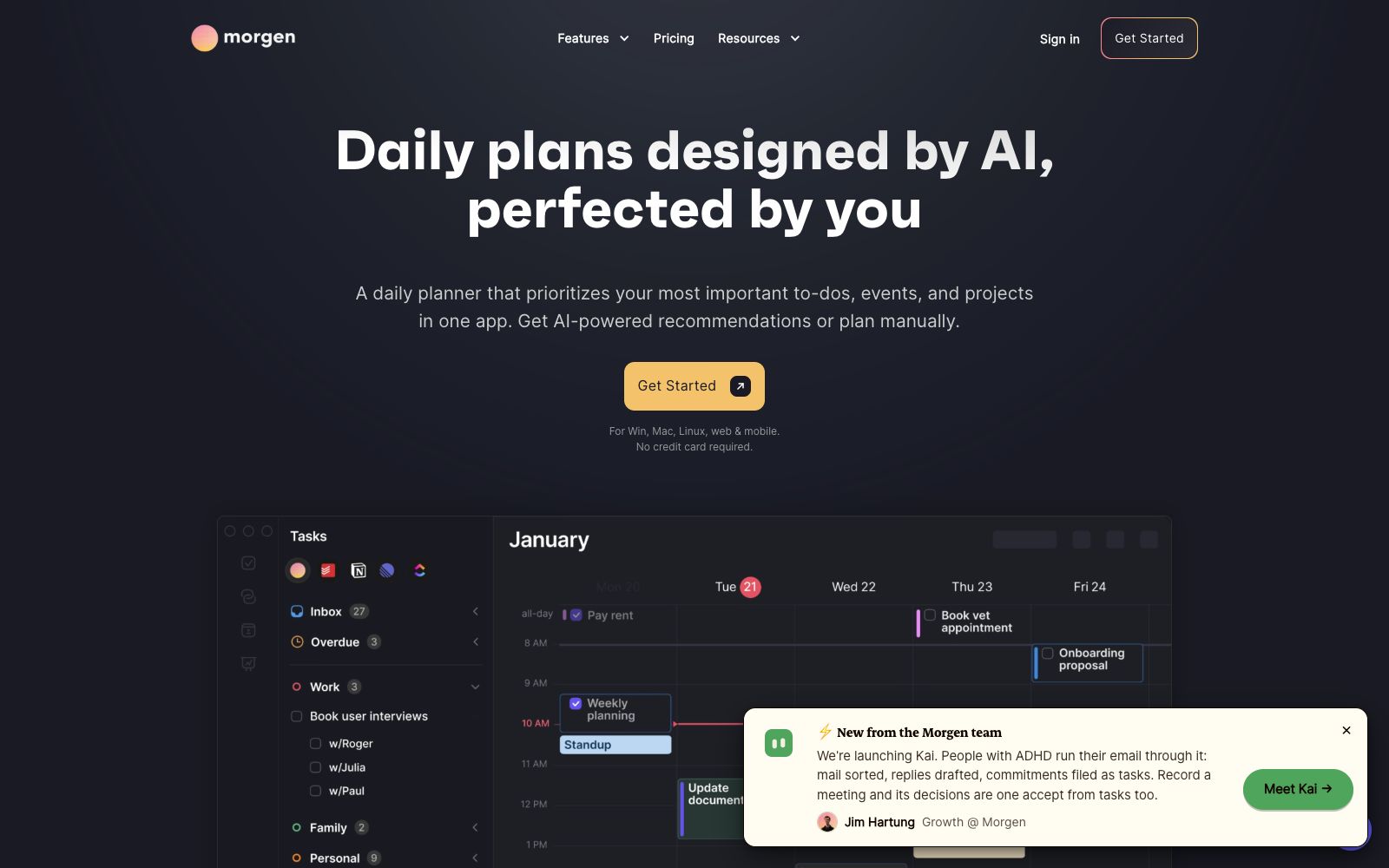
An AI scheduling app that combines multiple calendars and to-do lists into a daily plan, automatically arranging time blocks, resolving conflicts by capacity, and reminding about missed tasks. It is suitable for office workers who work across platforms.
Updated: 2026-10-26
What is Morgen?
Morgen is a calendar and task planning app developed by the Swiss team Morgen AG. It consolidizes schedules and to-do items scattered across multiple accounts into a single interface. Unlike calendars that only support viewing, it advocates scheduling tasks directly into the calendar to reserve focused time slots through time blocks. The AI Planner only provides suggestions, and the final arrangement is still confirmed by you.
Who is it for?
- Professionals who manage multiple work and personal calendars and need to see their weekly schedules in a single interface.
- People who manage tasks with Notion and Todoist but always have to manually move them to their calendar.
- Consultants, teachers, and freelancers who need to share booking links externally.
- Remote or cross-timezone teams looking for meeting slots that do not take up their colleagues' focus time.
- Students and researchers who want to use the time-blocking method to schedule deep work.
Key features
6Multi-calendar Aggregation
Consolidate calendars from Google, Outlook, Apple, Fastmail and other accounts into a single view, and use Calendar Sets to switch which calendars are displayed according to scenarios.
AI Daily Planning
The official AI Planner assesses your available capacity for the day, rearranges priorities when conflicts arise, and flags tasks at risk of being delayed.
Frames Templates
Create a template of your ideal week as a constraint, and the AI provides real-time suggestions in the calendar. You can accept, drag, or adjust the duration, and it will adjust in real time accordingly.
Task Source Integration
You can sync tasks from Notion, ClickUp, Linear, and Todoist into your calendar, and also display deadlines on the calendar to reduce missed items and double-bookings.
Schedule Automation
Supports syncing events across calendars, automatically allocating commute time based on location and transportation methods, and adding buffer time before and after meetings to prevent your day from being filled with back-to-back meetings.
Booking & Team Availability
Built-in booking links that check your availability in real time based on the selected calendar; also lets you view colleagues' available times and suggest meeting slots that won't interrupt their focus time.
How to use Morgen
- 1First connect your calendars, then your task tools, and verify that the aggregated view has no duplicate or missing schedules.
- 2Plan manually for the first few days to get a feel for time blocking, then turn on AI Planner to compare the differences in suggestions.
- 3Use Frames to set a fixed rhythm, for example, reserve the morning for deep work and hold meetings in the afternoon, so the AI's suggestions will align better with your habits.
- 4Check for conflict alerts and delay warnings before confirming each change; the AI's rearranged results still require your review.
- 5The official website states that you can get started without a credit card, and it is recommended that you check the pricing page to confirm the plans and platform support before official use.
Traffic & popularity
Data month Sep 2026
Morgen receives about 807.3K visits per month and ranks #59,264 worldwide.
Monthly visits
12 monthsTraffic sources
- Search60.2%
- Direct27.5%
- Referrals7.3%
- Social2.2%
- AI assistants1.3%
- Other1.5%
Top countries
- United States21.2%
- Canada5.0%
- Italy4.5%
- Germany3.7%
- India3.6%
Estimated from third-party traffic data.
Similar tools
 monday.commonday.com is an AI work platform that places humans and AI agents in the same workflow. You can create agents for marketing, IT, sales, etc., including meeting assistants, research tools, reporting, and process optimization. The free version has no time limit and no credit card requirement.
 StellaryA project management board built for both humans and AI agents. According to official information, agents can take on tasks, execute them, and report back just like team members. Free to use during Beta with no credit card required, it supports MCP integration and composable dashboards.
 mymeet.aimymeet.ai is a meeting assistant that joins meetings on its own. It automatically records audio, generates transcripts with speaker labels, summaries and to-do lists. It supports custom templates and multiple languages, and can be exported as DOCX and PDF. It is suitable for sales reviews, job interviews and weekly project meetings.
 ClickUpClickUp is an office platform billed as "one app to replace multiple software". It integrates tasks, documents, goals and chat, and is built with Brain series AI, AI agents, meeting minutes, writing and Q&A functions. The free version is available permanently without a credit card.
 LaunchBayLaunchBay is an AI-powered customer onboarding and portal platform: it turns materials, documents and approvals into structured requests, allowing customers to see what they need to do in a login-free white-label portal. The system automatically follows up on overdue items, AI agents monitor sentiment and overdue signals, and project status can be broken down to individual tasks.