


jpgRM
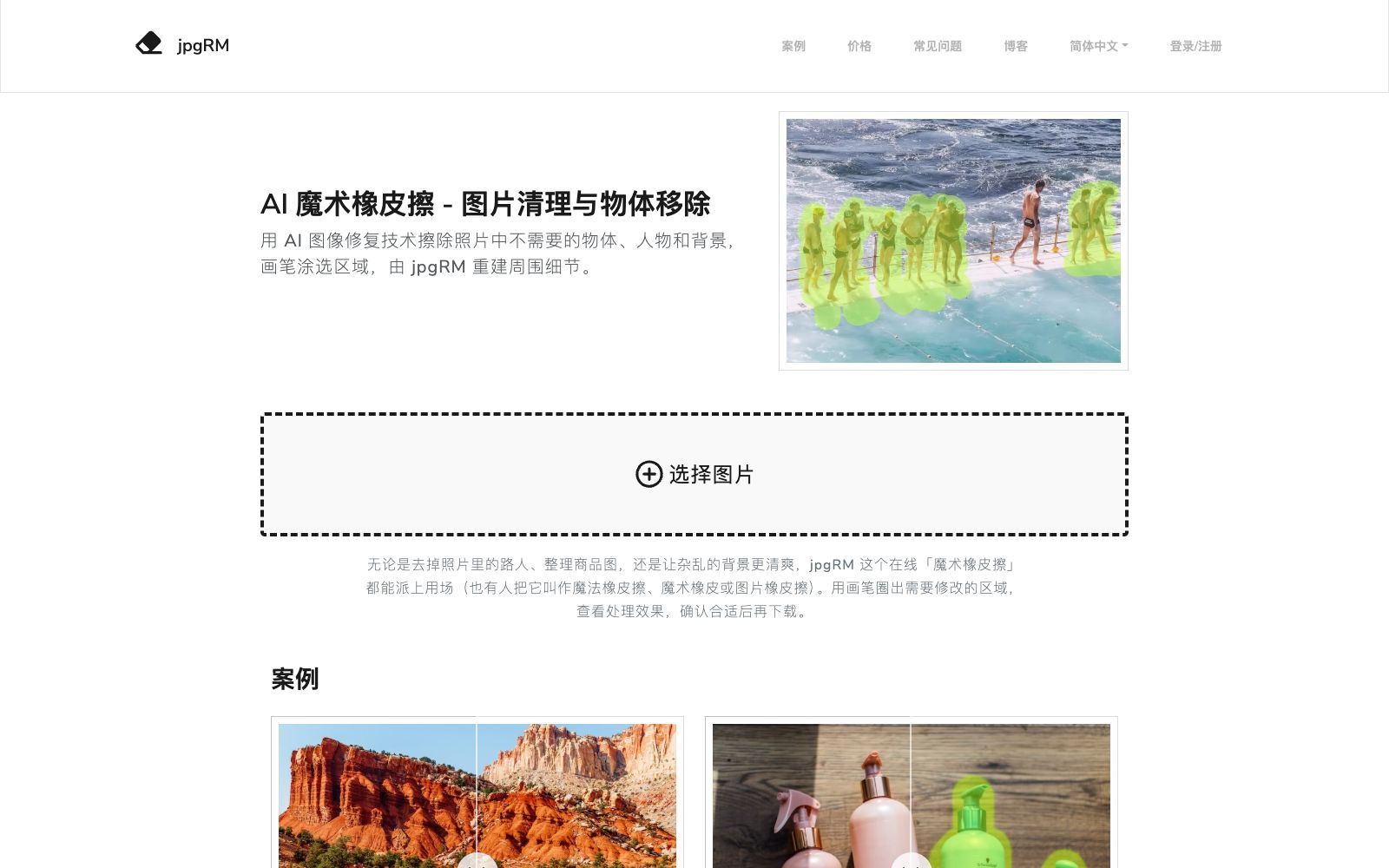
jpgRM is an online AI Magic Eraser. Use the brush to circle out passersby, clutter or unwanted backgrounds, and let AI restore surrounding details and reconstruct the image. It is suitable for cleaning product images, removing distractions from travel photos, and quick touch-ups on mobile devices.
Updated: 2026-11-01
What is jpgRM?
jpgRM focuses on just one thing: erasing unwanted objects from photos and then having AI restore natural details based on the surrounding pixels. Its official website calls it an "AI Magic Eraser," and the workflow is very simple—select an image, use a brush to outline the area to be modified, check the result, and download it once you're satisfied. It doesn't require users to understand layers, masks, or the parameters of repair tools, making it suitable for ordinary users who just want to quickly clean up their images, as well as for e-commerce operators who need to batch-process product images.
Who is it for?
- Photography enthusiasts who always have passersby in their travel photos and want to retain the original composition instead of cropping it out.
- E-commerce operators and retouchers who need to clean up flaws in product images and remove clutter from the background.
- Content creators who make self-media covers and social media media images and want to quickly remove distracting elements.
- Beginners who need to edit photos temporarily on their phones and don't want to learn complex photo editing software.
- Users who already have images but only want to make local modifications and are unwilling to redraw the entire image.
Key features
6AI Object Removal
Use the brush to select passersby, clutter, extra objects on products or background distractions. The AI analyzes the surrounding pixels and reconstructs the occluded areas, rather than simply applying a mosaic or cropping.
Person and Background Cleaning
Official case studies cover removing passersby from landscape photos, eliminating clutter from product images, and erasing dense crowds from backgrounds, making it suitable for travel photos, product images, and social media pictures.
Brush Selection Interaction
Users only need to control the smearing range, without manually selecting the repair source or adjusting parameters; the official website recommends smearing the object together with its edges and shadows for a more natural effect.
Before and After Comparison
After processing, you can view the differences between the modified and original versions, confirm there are no obvious afterimages, repeated textures or structural breaks, and then decide whether to download.
Multiple Output Sizes
The official website offers output sizes such as 720, 1080, 2000, and 4000, with high-definition versions being paid privileges. First, use a lower resolution to confirm the effect, which can reduce unnecessary credit consumption.
Mobile-friendly
The official website's FAQ explicitly supports mobile devices, so you don't need to open a desktop photo editing app to temporarily clean up photos on your phone.
Things to know
Usage Tips
- Cover the object together with its edges and shadows when smearing; only smearing the middle part will easily leave the original outline. For large areas, process them in small sections several times.
- First select a lower output size to test the effect, and after confirming that there are no texture repetitions or structural breaks, export using the high-definition version.
- When repeated textures appear in a complex background, switch to a smaller brush and erase in batches, which is usually more stable than applying it all at once.
- Before processing others' works, confirm the copyright and authorization scope; the FAQ on the official website also has a separate section on copyright and image usage rights.
- Large image processing requires waiting; allow time for batch tasks. VIP benefits, output sizes and prices are subject to change. Please refer to the current official website instructions before official use.
Traffic & popularity
Data month Sep 2026
jpgRM receives about 56.1K visits per month and ranks #463,773 worldwide.
Monthly visits
12 monthsTraffic sources
- Direct57.7%
- Search29.7%
- Referrals5.5%
- Social3.1%
- Mail1.3%
- Other2.8%
Top countries
- China17.7%
- United States15.9%
- Turkey14.8%
- Russia10.0%
- Taiwan, China8.1%
Estimated from third-party traffic data.
Similar tools
 HamaHama is an AI image eraser. Just brush over the areas you want to remove, and it will free of charge get rid of people, objects, text, logos and watermarks from photos in seconds. It offers the Hama PRO HD version and an API, suitable for e-commerce and photo retouching.
 SnapEditSnapEdit is an AI image editing tool for mobile phones and web browsers. Its official positioning is the simplest object remover, which can remove redundant objects, backgrounds and text from photos, and provides functions such as watermarking, format conversion and compression.
 imgAKimgAK is an image platform covering AI wedding photos, e-commerce product sets, portrait and product retouching, high-definition enlargement and photo restoration. The official claim is that you can complete photo restoration, high-definition enlargement, e-commerce visual design and creative generation on one platform without professional design experience.