

Goodnotes
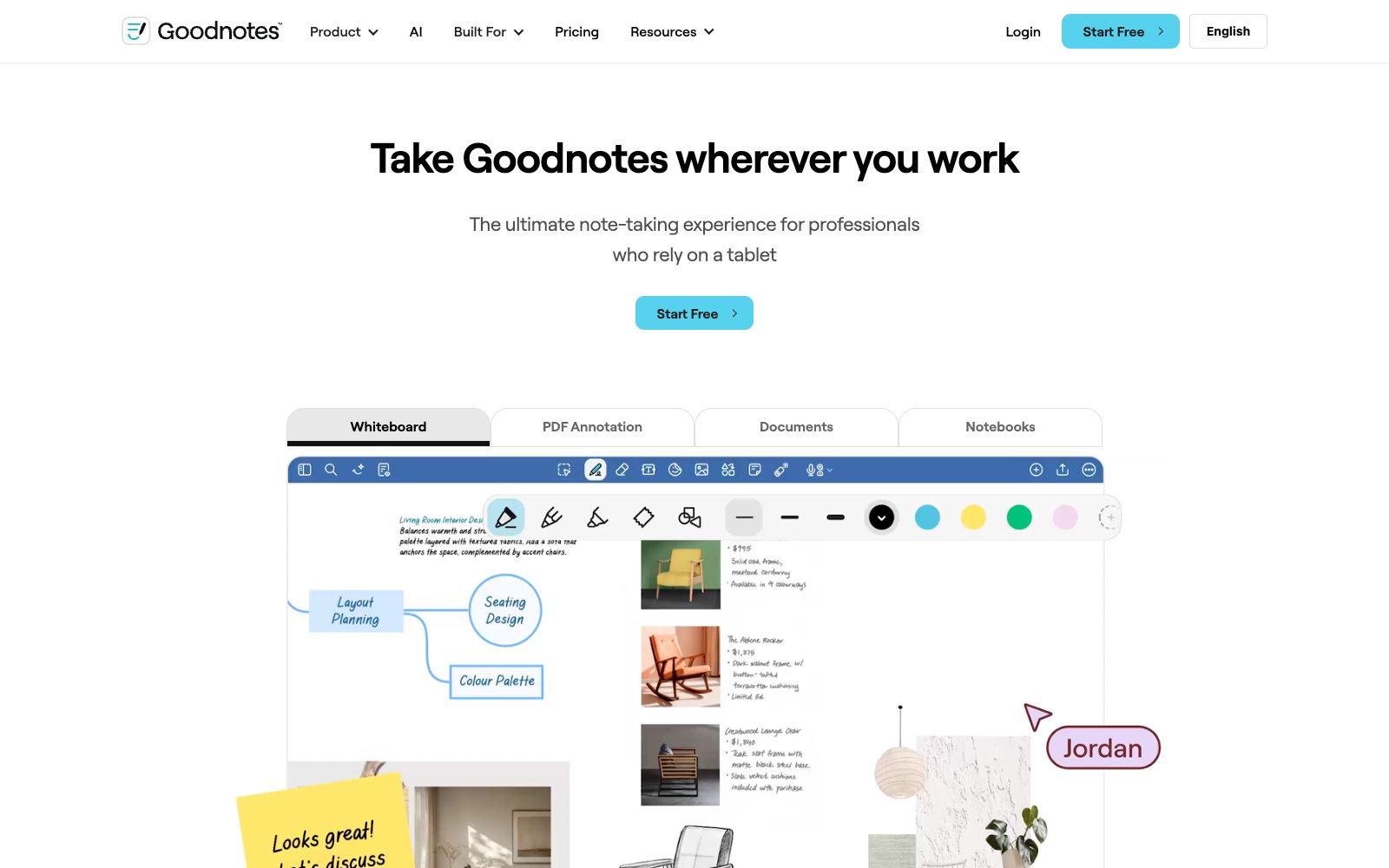
Goodnotes is a handwritten note-taking application for tablet users. It supports handwriting, typing, sketching and voice recording, and offers productivity features such as AI summarization, mind maps and meeting minutes, covering both personal and enterprise scenarios.
Updated: 2026-10-26
What is Goodnotes?
Goodnotes is an app that redefines the note-taking experience, officially positioned as "Notes Reimagined," and is specially built for professionals who rely on tablets. Unlike tools that only support typed note-taking, it simultaneously supports handwritten notes, typing, sketches and voice recordings, and integrates AI capabilities into summarization, search and meeting minutes, balancing personal learning and enterprise collaboration. The official website breaks down the product into multiple modules such as Notetaking, Whiteboard, Text Document, PDF Annotation, AI Productivity and Collaboration. Commercial versions for industries including architecture, law, government, professional services and marketing are also available.
Who is it for?
- Students and professionals who are used to writing by hand on tablets and want a better writing experience than pen and paper.
- Legal and professional services practitioners who need to annotate PDF contracts and briefings.
- Knowledge workers who want to use AI to automatically organize their notes into summaries or plans.
- Teams that need real-time collaboration and shared document workflows.
Key features
6Multi-mode Note-taking
Supports handwritten notes, typing, sketching, and voice recording. As stated on the official website, "write, type, sketch, or speak" to capture ideas in your preferred way.
PDF Annotation
You can handwrite and mark any contracts, briefings or reports just as you would on paper, making it ideal for scenarios that require document review.
AI Productivity
Officially, Goodnotes AI can "turn messy ideas into finished work", supporting Q&A, converting notes into mind maps, and turning meeting minutes into project plans.
Real-time Collaboration
Supports real-time collaboration among multiple people and document workflows, allowing teams to refine the same notes or documents together.
Cross-device syncing
You can "pick up where you left off" on any device, with seamless connectivity between mobile phones, tablets, and desktops.
Enterprise Solution
Provides enterprise-grade security and compliance, covering industries such as architecture, law, government, and professional services.
How to use Goodnotes
- For handwriting enthusiasts, experience the tablet version first: the official emphasizes it is "specially designed for tablets", and handwriting fluency is its core selling point.
- Try writing by hand with an Apple Pencil or similar stylus first.
- Make good use of AI organization: Hand over long meeting or class notes to AI to generate summaries and mind maps, but confirm the key conclusions yourself.
- For enterprise data, focus on compliance: When using it as a team, pay attention to its enterprise-level security and compliance terms, and verify the current package and data policy before commercial use.
Traffic & popularity
Data month Sep 2026
Goodnotes receives about 7.7M visits per month and ranks #3,748 worldwide.
Monthly visits
12 monthsTraffic sources
- Search45.0%
- Direct41.8%
- Referrals5.9%
- Social4.0%
- Mail2.1%
- Other1.2%
Top countries
- United States35.8%
- Canada9.3%
- Germany6.7%
- India3.6%
- Japan3.5%
Estimated from third-party traffic data.
Similar tools
 HyNoteAn AI note-taking app that turns recordings, meetings, PDFs, images, web pages, and YouTube videos into summaries, action items, and meeting minutes. It officially supports transcription in over 50 languages, offers more than 30 templates, and can export directly to Google Docs and Notion.
 Aotu WorkshopOnline handwritten simulation and font conversion tool. You can upload Word/PDF/images to generate simulated handwritten documents with one click. It provides a variety of fonts and paper backgrounds. The official states that it is only available on the web version.
 Pixno AI NotesPixno is an AI note-taking assistant that can convert photos, PDFs, audios and videos into structured text notes, support export to applications such as Notion and Obsidian, and cover scenarios such as textbooks, recordings and slides.
 NoteeyA visual note-taking application that organizes ideas and materials on an infinite canvas, supporting PDF annotation, video notes, drawing, flowcharts and mind maps, presentation mode, and deep links. The official focus is on offline-first and local backup.
 CleftA voice-first note-taking app built exclusively for Apple devices, it performs on-device offline transcription and organizes dictations into summaries, to-do lists and transcripts, and can be sent to Notion, Obsidian, etc., with one click.