

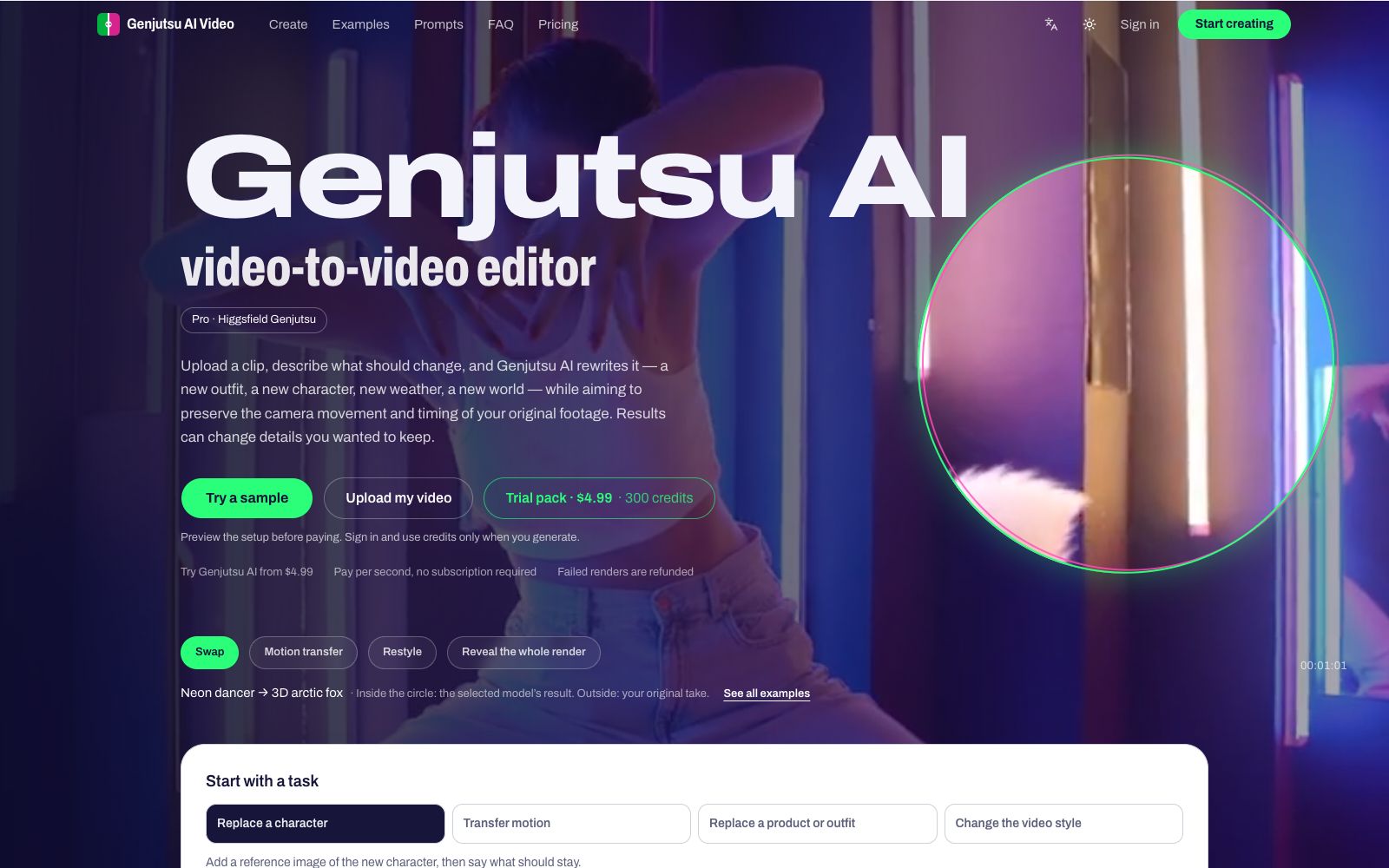

Genjutsu AI Video Editor
Genjutsu AI is an online video-to-video editor: upload a clip and describe the changes to replace characters, outfits, or scenes while preserving the original camera movement and pacing as closely as possible. It also supports motion transfer and style restyling, with pay-per-second pricing and no subscription—ideal for short-form video creation, product showcases in ads, and fun social media remixes.
Updated: 2026-10-27
What is Genjutsu AI Video Editor?
Genjutsu AI Video Editor is an online video-to-video editor. The workflow is to upload a clip, describe what to change in one sentence, and then render. It has no timeline or keyframes and does not require software installation; according to the official description, it tries to preserve the original clip's camera motion and timing when rewriting. Pro mode calls the Higgsfield Genjutsu model through the official API, while Standard mode uses Kling O3.
Who is it for?
- People making short videos and social content: those who want to swap a friend's dance or a pet's walk for themselves or a character, making group-chat meme-style content.
- E-commerce and advertising staff: put products into handheld footage for product pages or Reels ad creatives.
- Character and IP operations: let mascots, pets, or original characters take over the motion in the original clip.
- Holiday and event scenarios: Halloween costume changes, birthday surprises, turning old clips into knit, animation, and other styles.
- People who want low-cost trials of new models: those who don't want a subscription and just want to pay by the second to try the Genjutsu model once.
Key features
5Video-to-video transformation
Upload a 4–30 second clip up to 200 MB, write one sentence, and you can replace characters, clothing, products, weather, or scenes; according to the official description, the goal is to preserve the original clip's camera motion and timing.
Three effect modes
Swap for replacement, Motion transfer for transferring motion, and Restyle for re-rendering the style of the entire clip; you can use 1–8 reference images to specify the clothing, character, product, or car to swap in.
Dual models and two resolution tiers
Standard uses Kling O3, Pro uses Higgsfield Genjutsu via the official API; output can be 480p for quick drafts or 720p for greater clarity.
Prompts and scene templates
Improve prompt can write the description for you; you can also start from preset scenes such as character replacement, pet walk transfer, character dancing, outfit change, product placement, world change, and style change, then load one and swap in your own photos.
See costs before paying
Required credits are shown before rendering, billing is by clip length rounded up to the nearest whole second, failed renders automatically refund credits, and results are not published to a public gallery.
Things to know
Usage tips
- First preview the full setup with samples and scene templates, then upload your own clip to avoid spending money on trial and error.
- New accounts start with 0 credits; Trial pack is $4.99 for 300 credits, one-time payment, no subscription, and according to the official description, billing is by the second.
- Before uploading, trim and convert the format in your browser, keep it within 4–30 seconds and 200 MB; MOV or WebM can be converted online; minimum 854×480 for landscape or portrait video.
- The official notes that AI output may change faces, hands, backgrounds, or composition; completed renders are billed even if unsatisfactory; for important assets, it's recommended to run a low-resolution test first.
- Logging in or purchasing credits only saves the current settings temporarily on this device; files are not uploaded before generation; confirm authorization before using someone else's likeness, brands, or film/TV materials.
Traffic & popularity
Data month Sep 2026
Genjutsu AI Video Editor receives about 13.1K visits per month.
Monthly visits
4 monthsEstimated from third-party traffic data.
Similar tools
 Lanta AIOnline AI video generation platform that supports text-to-video, image-to-video and video-to-video. It allows setting scenes and camera movements, maintaining character consistency across shots, and synchronously generating sound effects and dialogue. It is suitable for social media short videos, product advertisements and story-based content.
 ViggleViggle is a spatial generative AI platform focusing on 3D character animation without traditional motion capture devices: it extracts motion from a mobile phone video and applies it to any character, can be exported to game engines, and also provides Meme Maker and API.
 ImageMover AIImageMover is an online image-to-video tool. Upload a single photo to generate a short video with motion and sound effects. You can choose from multiple mainstream video models, customize the start and end frames and ensure consistency between characters and scenes, and export watermark-free videos.
 RenderLionRenderLion is an online tool that directly converts links, text and images into short videos. It is built with a variety of content-to-video templates, allowing you to apply your own logos, color schemes and fonts, and output three sizes (square, vertical screen and horizontal screen) at once.
 SeaVideoSeaVideo is a professional AI film and television creation platform. Officially, it supports one-click conversion of scripts to videos, precise control over the emotions of AI actors and camera movements, from text to finished products. It offers features such as free canvas, short play Agent, subtitle erasure and ultra-high definition video.
 MoonvalleyAn AI video generation platform for film and television creation. Its official Marey model is trained with licensed materials and available for commercial use, supporting pose transfer, camera control, motion transfer and trajectory control.