

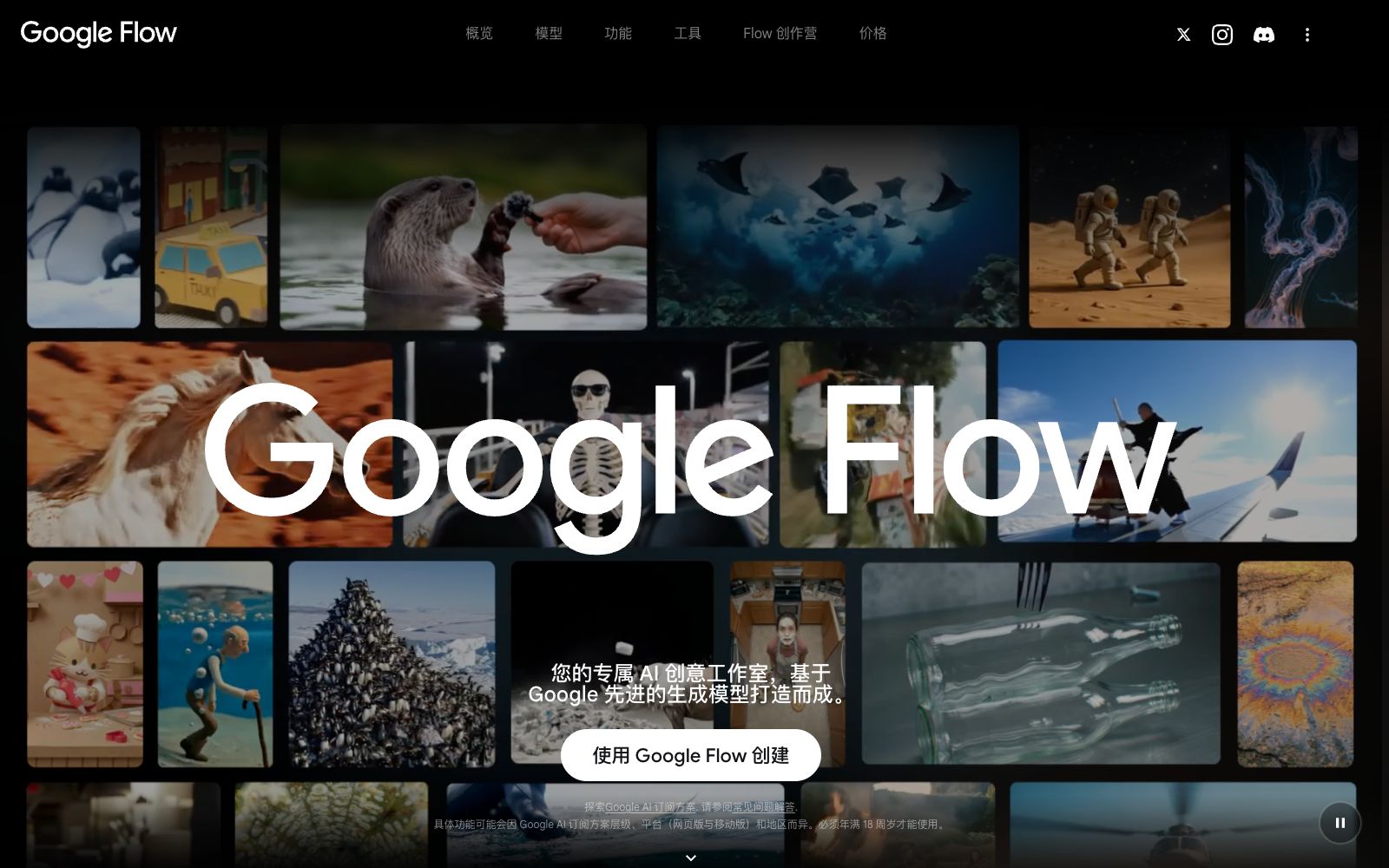

Google Flow
Google's AI imaging tool for creators can generate cinematic videos and footage in projects using text, images and reference materials, and provides conversational Agents, scene editing and custom tools.
Updated: 2026-10-26
What is Google Flow?
Google Flow is an AI video creation tool launched by Google. Its official help document describes it as "Create cinematic clips, scenes, and stories with consistency". Different from a single video generation model, Flow provides a complete set of containers for project, material and collection management, and is superimposed with Agent and custom tools. To use it, you need to be at least 18 years old, located in a supported region, and subscribe to Google AI Plus, Pro or Ultra plans.
Who is it for?
- Independent creators who want to split a single video into multiple shots and revise the version repeatedly
- Creative and marketing teams that need to conduct concept validation and create advertising storyboards for clients
- Non-technical users who want to drive the entire pipeline with natural language
- Film and television teams that need to accumulate their self-developed workflows and proprietary brand tools
Key features
5Google Flow Agent (Intelligent Assistant)
Officially described as brainstorming, refining prompts, getting suggestions and guiding the generation process through natural language conversations; Agent queries do not consume credits but have a daily limit.
Video Generation and Editing
The official version states that it can convert text, Ingredients (reference materials), frames and other videos into videos; the history panel retains the original video and prompt words for each version.
Image Generation and Editing
You can directly generate and modify images within a project to serve as input for materials or videos.
Avatar (Digital Avatar)
The official description states that you can create avatars that highly replicate your own image and voice, but due to security reasons, this feature is not supported in the European Economic Area, the United Kingdom, and Switzerland.
Tools (Custom Tools)
The official description states that you can build reusable and publicly shareable small tools using natural language. The platform also provides pre-built tools by Google.
How to use Google Flow
- First, check the current model, resolution and credit consumption in the settings of the prompt box before clicking generate.
- Different models (Veo series and Gemini Omni series) have very different supported capabilities.
- Generating media consumes Google Flow credits, while Agent conversations themselves do not deduct credits but have a daily quota.
- Be sure to fully discuss the plan through conversations before starting the generation.
- Official documentation notes that non-subscribed users may be unable to generate videos during peak hours (approximately UTC 14:00–17:00).
- Try to avoid this period for urgent tasks or subscribe to the service in advance.
- The Avatar feature is explicitly unavailable to users in the European Economic Area, the United Kingdom, and Switzerland.
- please refer to the latest terms and official instructions on the official website before official commercial use.
Traffic & popularity
Data month Sep 2026
Google Flow receives about 518.7K visits per month and ranks #148,682 worldwide.
Monthly visits
7 monthsTraffic sources
- Direct71.8%
- Search12.6%
- Referrals9.5%
- AI assistants5.9%
- Mail0.2%
Top countries
- Japan35.5%
- India29.5%
- United States12.5%
- Cambodia9.2%
- Nigeria7.7%
Estimated from third-party traffic data.
Similar tools
 DomoAIA creative platform for video-to-animation and AI video generation, supporting Omni Reference multi-material reference, first and last frame generation, and talking digital humans, and providing enhancement capabilities for upscaling to 4K videos and 6K images.
 Unlucid AIAn AI image and video generation website that claims to be "restriction-free" on its official website. It supports text-to-image generation, image editing via descriptions, and image-to-video generation, and offers more than 20 video effects, stating that it provides free credits every day.
 Qwen CreationQwen Creation is an AI creation platform under Alibaba, integrated with models such as Wanxiang. It focuses on generating artistic images and dynamic videos with one sentence, covering various creative roles such as photography, fine arts, directing, and screenwriting.
 DeeVid AIAll-in-one AI video creation platform that brings together videos, images, digital humans, dubbing and background music. It supports multiple models such as Veo, Nano Banana, Sora, and Kling, and is equipped with a drag-and-drop editable canvas.
 HuixiangHuixiang is an AI video creation platform launched by Baidu. Based on the self-developed MuseSteamer video generation model, it provides the ability to generate videos from text and lowers the threshold for creation.
 MootionAn AI video generation tool focusing on character consistency and complete storytelling. It can convert text, scripts, ideas, or images into visuals with shot hierarchy and synchronized audio. Its official website lists scenarios such as social media, education, children's stories, and advertising.