


Eney
An active AI assistant for the Mac desktop launched by MacPaw that can understand natural language instructions and automatically split and execute steps to help users handle meeting minutes, draft emails and system chores, and its official website states that its skills are updated every day.
Updated: 2026-10-26
What is Eney?
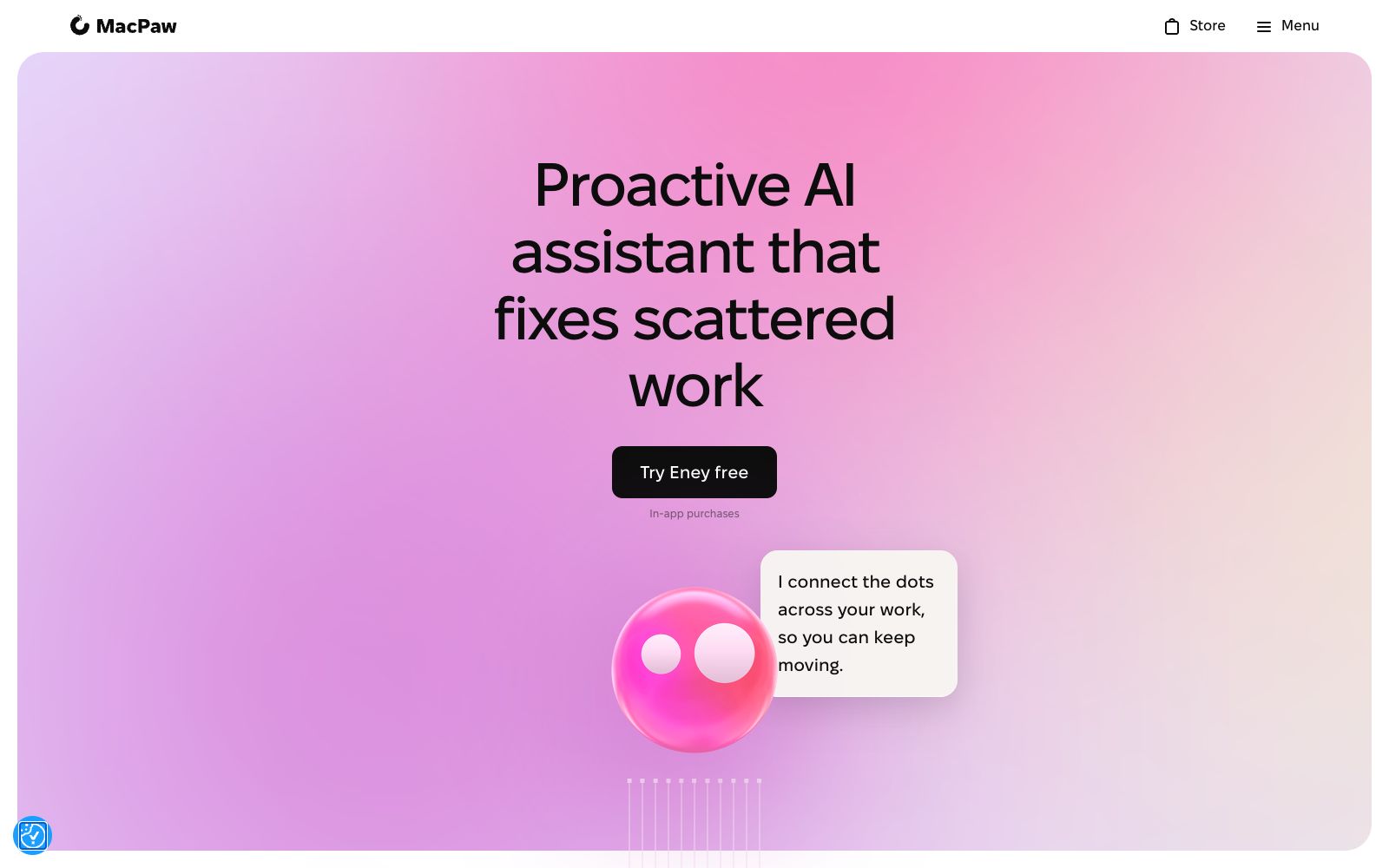
Eney is a desktop AI assistant launched by MacPaw, a well-known Mac tool developer. Its official website slogan is "Proactive AI Assistant for Mac That Gets Work Done". MacPaw wrote on its page that their belief is to make people and technology friends, and Eney is exactly the product that brings this idea into the AI era. It is not just about answering questions, but proactively observing your work, making suggestions for your next steps and executing them.
Who is it for?
- Power users who have more than a dozen Mac apps open at the same time: Use natural language instead of clicking back and forth with the mouse.
- Project managers who have back-to-back meetings and always forget to organize meeting minutes afterward.
- Mac users who are already part of the MacPaw ecosystem with products like CleanMyMac and are accustomed to the company's operational logic.
- Freelancers who want to minimize manual work on email and document archiving.
Key features
5Understand Natural Commands
According to the official website, Eney can understand what you say without the need for commands or scripts.
Break down complex tasks
According to the official website, it can break tasks down into small steps and execute them automatically.
Handle Trivial Tasks
It takes care of app switching, system toggles and small chores.
Meeting Recording
The official website states that it can join your calls, take notes, and send a clean meeting summary after the meeting.
Emails, Notes and Messages
Draft emails, take notes, and capture unread messages. The official website categorizes this under daily productivity features.
How to use Eney
- 1The official website offers a free trial. First, entrust it with the truly repetitive trivial tasks within a day or two to check its stability before deciding whether to purchase a subscription.
- 2The official website mentions that skills are continuously updated, and for unsupported tasks, you can suggest new skills on the FAQ page.
- 3It features a "proactive" function; for privacy-related scenarios, first confirm which apps and files can be accessed in the settings.
- 4The official website has a dedicated data protection section; please read its privacy policy before handling sensitive materials.
- 5The official website provides ways to purchase credits, and for long-term heavy use, you should first estimate your credit consumption.
- 6Authorization, log retention, and policies may be adjusted by the official; please recheck the official website terms before official promotion within the company.
- 7The official website mentions that the CEO personally talks about the origin of the product; reading that section first will help you better understand what it means by "proactive" that it aims to deliver.
- 8Since it needs access to the system and applications, it is recommended that IT first evaluate the scope of permissions on the company-provided devices before rolling it out to the team.
- 9MacPaw has long been developing Mac tools, so when you encounter system-level issues, you can check its help documents and community discussions for reference.
Traffic & popularity
Data month Sep 2026
Eney receives about 2.3M visits per month and ranks #23,902 worldwide.
Monthly visits
12 monthsTraffic sources
- Search54.1%
- Direct23.7%
- Referrals6.9%
- Social5.6%
- Mail3.3%
- Other6.3%
Top countries
- United States35.0%
- United Kingdom5.9%
- France4.2%
- Germany3.9%
- Canada3.7%
Estimated from third-party traffic data.
Similar tools
 AmieAI meeting minutes and workflow assistant. Officially, it can generate meeting minutes and to-do lists without requiring a robot to join the meeting, and it allows external AI to access meetings, schedules, and to-do lists via MCP.
 Dume AIDume AI is an omnichannel AI assistant covering phone calls, WhatsApp, a browser extension, and desktop Cowork. According to the company, it integrates more than 50 tools and helps users save 2.6 hours per day.
 KroWorkKroWork is a macOS desktop AI Agent. You can create persistent desktop applications through conversations. The official states that it is built with 20+ Skills, supports autonomous web operation and IM remote control.
 Hello AriaHello Aria is a productivity assistant available in chat software: according to its official website, it supports managing reminders, tasks, notes, voice and images through messages, and syncs them to a unified dashboard, covering common tools such as calendars, cloud disks and emails.
 ArisoAri, the personal AI companion created by Ariso, is officially said to know you and the people around you: it can be used via SMS, email, web, desktop, browser extensions, voice or in-person communication. It helps you manage meetings, to-do lists, contacts, scheduling and projects, and emphasizes that it will never use user data to train models.
 StrawberryA desktop browser with a built-in AI assistant that can read the web pages and tabs you are logged into and perform operations on your behalf. It is used to automatically generate presentations, meeting minutes, and streamline daily workflows. Currently, the official website marks it as a Beta version.