


CodeBuddy IDE
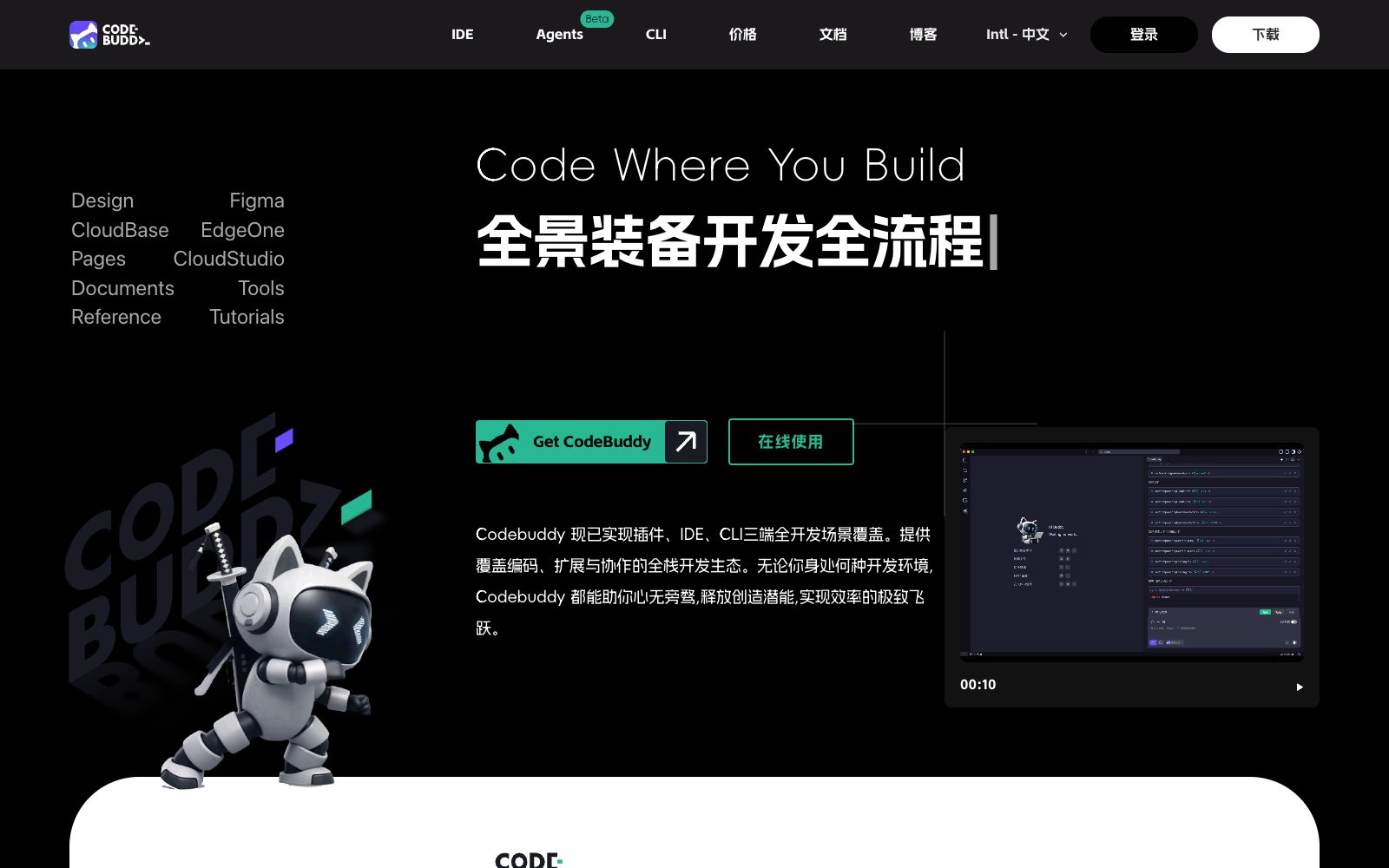
Tencent Cloud's AI code editor for the overseas market, powered by self-developed large code models, provides code completion, error diagnosis, technical Q&A and performance optimization, covering the entire development process from design drafts to deployment verification.
Updated: 2026-10-26
What is CodeBuddy IDE?
CodeBuddy IDE is an AI code editor from Tencent Cloud's CodeBuddy family. Its overseas official website title is "Tencent Cloud CodeBuddy – AI Code Editor". According to the official description, it is driven by Tencent Yuanbao Code Large Model and provides services such as code completion, error diagnosis, technical Q&A and performance optimization. The official website also states that CodeBuddy covers three platforms: plugins, IDEs and CLIs. This refers to the graphical editor form of CodeBuddy, which is suitable for those who want to integrate AI directly into their IDE workflow.
Who is it for?
- Product managers and designers can directly generate runnable pages from Figma drafts and deploy them into shareable prototype links.
- Front-end developers can quickly adjust styles and layouts and restore designs without switching between multiple tools.
- Full-stack developers: integrate with BaaS services to automatically complete database setup and user authentication, shortening the link from idea to launch.
- For programming beginners and teaching scenarios, the official description states that it is suitable for enterprise-level application development and teaching practice.
Key features
6Design-to-Code
Import Figma design drafts and generate corresponding page code with one click to keep design and development consistent; you can also select and import Figma images within the IDE.
Intelligent Document Generation
Input target descriptions to automatically generate standard documents such as PRDs.
Backend and Deployment Integration
Integrate with services such as CloudBase and Supabase to complete online deployment, and automatically set up databases and user authentication.
Component Library & Natural Language Modification
Pre-installed component library supports adjusting styles and layouts using natural language.
Task Breakdown and Execution
The official description states that it breaks down complex tasks into executable steps and completes them sequentially.
Three-phase workflow
Generate interactive prototypes and refine requirements during the product design phase, perform design-to-code conversion and DOM debugging during the development and coding phase, and deploy to the sandbox environment with one click via CloudStudio and generate shareable links during the deployment and verification phase.
How to use CodeBuddy IDE
- The official website's FAQ section focuses on troubleshooting (e.g., unable to connect via remote SSH, failed to install C/C++ extensions, plugin version incompatibility, etc.).
- Go through this page first when setting up the environment for the first time, which can save a lot of time.
- The official description mentions it can improve coding efficiency and reduce error rates.
- Such figures are the official line.
- when evaluating team output, it is recommended to make a comparison based on your own project baseline.
- The sandbox deployment generates a shareable link, which is suitable for quickly validating an MVP.
- It is not equivalent to a production environment, and you must prepare your own server and domain name before official launch.
- The platform provides a plugin marketplace.
- you need to confirm the permissions and data flow of third-party plugins on your own.
- The account systems of the overseas and domestic versions are different, so confirm which regional service you will use before registering.
Traffic & popularity
Data month Sep 2026
CodeBuddy IDE receives about 892.6K visits per month and ranks #40,765 worldwide.
Monthly visits
12 monthsTraffic sources
- Direct50.2%
- Search30.3%
- Referrals15.5%
- Social2.4%
- AI assistants1.6%
Top countries
- China45.7%
- Indonesia20.1%
- Hong Kong, China10.3%
- United States8.9%
- India2.7%
Estimated from third-party traffic data.
Similar tools
 Tencent Cloud CodeBuddyA code assistant launched by Tencent Cloud, it provides technical dialogue, code completion, diagnosis and optimization capabilities based on Hunyuan Code Large Model. It now covers three forms: plug-ins, IDEs and CLIs, and supports generating code from design drafts and one-click deployment and launch.
 ZedZed is a high-performance multi-person code editor created by the authors of Atom and Tree-sitter. Written in Rust, it supports parallel editing with AI agents and in-line assistants, enables real-time collaboration for teams, and is ideal for developers who value speed and collaboration.
 Codebuddy CodeThe terminal form of Tencent Cloud's official intelligent coding tool uses the command line to complete project understanding, code generation and refactoring, as well as test and document generation. The official states that code analysis is prioritized locally, making it suitable for daily development, code review and learning exploration.
 TraeCodeThe AI programming IDE under ByteDance's TRAE offers, according to the official statement, a dual development mode of IDE and SOLO. It has a built-in Coding Agent that can take over tasks and schedule tools, and supports custom agents and MCP.
 ReplitReplit is a cloud-based IDE and AI application building platform. In the browser, use Replit Agent to generate and deploy full-stack applications conversationally, with built-in authentication, databases, hosting, and integrations, suitable for going from prototype to production.
 Maiya AIA one-stop AI collaborative development platform for product and R&D teams, officially covering four stages: requirement prototyping, professional documentation, code development, and testing and delivery. It offers AI prototyping, AI documentation writing, AI code writing, and AI automated testing.