


SheetGod
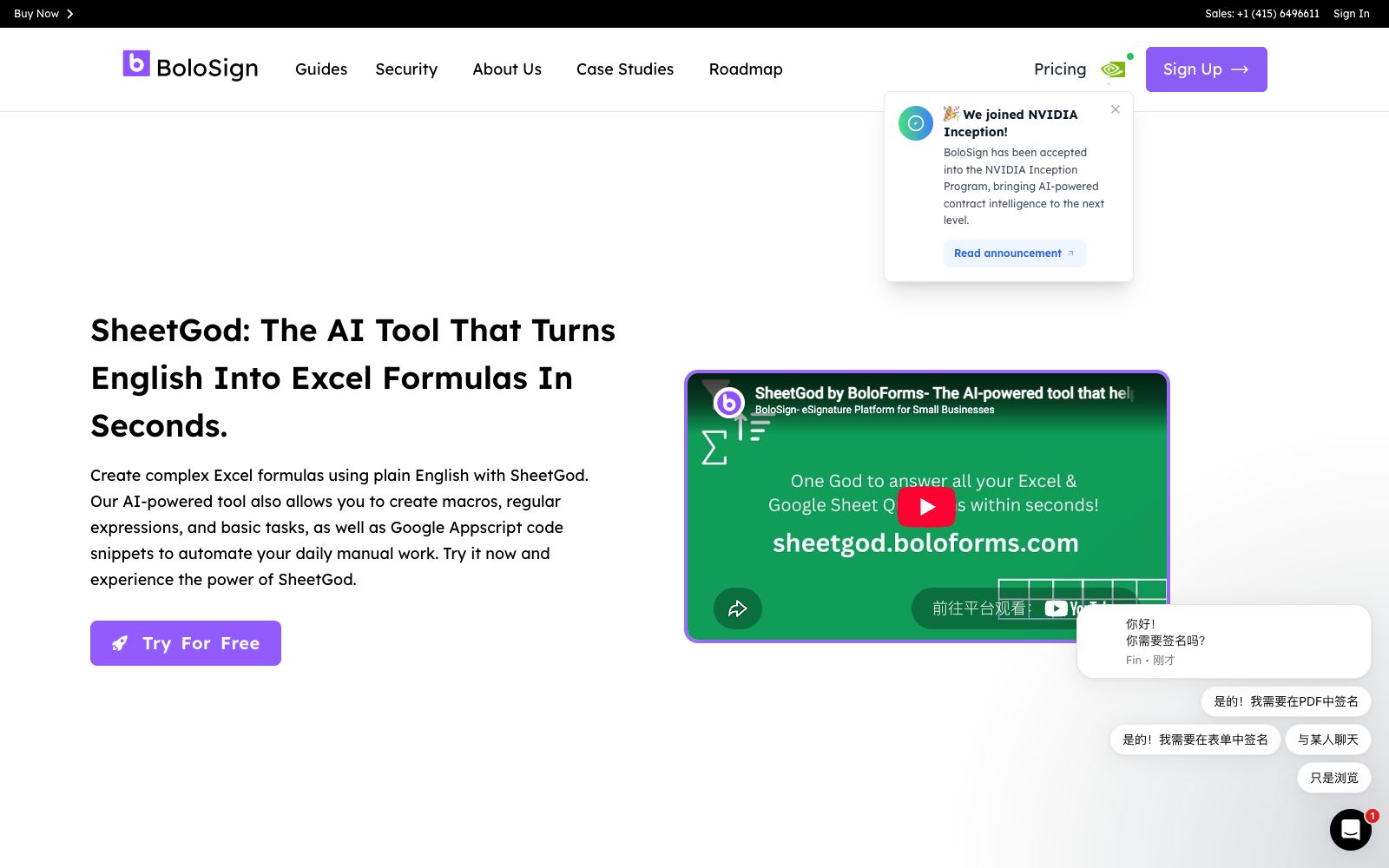
A table-oriented AI assistant that can generate Excel formulas, VBA macros, regular expressions and Apps Script code by describing requirements in English. The official claims that it also provides step-by-step tutorials and plug-in expansion capabilities.
Updated: 2026-10-26
What is SheetGod?
SheetGod is an Excel and Google Sheets assistant developed by BoloForms. Its entry logic is as simple as that of a search engine: describe what you want to do in plain language, and it will provide you with formulas that you can paste directly. The real difference lies in its coverage—beyond formulas, it also generates VBA macros, regular expressions, and Apps Script code, effectively putting all the "stuck points" in spreadsheets that you can’t figure out into a single input box. It does not replace the spreadsheets themselves; the answers still need to be verified in your own sheets.
Who is it for?
- Operations professionals, finance staff, and HR teams who work with Excel every day but don’t want to memorize functions.
- Professionals who need to write VBA macros to automate repetitive tasks.
- Teams that build lightweight systems with Google Sheets need Apps Script but have no one to write it.
- Data roles that need to batch-clean text and extract fields.
- Operations analysis roles that create monthly reports and need to repeatedly clean exported data.
Key features
6Natural Language to Formula
First select a category (formulas, VBA, regular expressions, Appscript, basic tasks), then describe your requirement in English. The official emphasizes providing sufficient details. Choosing the wrong category will result in an unusable answer; first determine whether you need a formula or a script.
VBA and Apps Script Generation
Automation for Excel and Google Sheets, officially described as automating tasks with code, suitable for batch processing large datasets. The generated code comes with comments; before making changes, check what columns it assumes.
Regular Expressions
Used for extracting specific fields and performing complex text transformations, the official documentation lists it as a separate capability. It is recommended to first test with a few sample lines, confirm the matching scope, and then perform full-scale replacement.
Tutorial-style responses
Provide step-by-step tutorials for basic operations, with the official positioning of learning while using. The tutorials are suitable for following along once, making it easier to remember function combinations than just reading the answers.
Email and PDF Processing
The official listed capabilities include interaction with emails and PDFs, enabling the integration of spreadsheet data into these processes. When attachments and emails are involved, run the process in a test email first to avoid accidental sending.
Expand into add-ons
The official statement says you can use SheetGod to create your own add-on andcodify down your internal common operations. After turning your team's frequently used operations into an add-on, new employees no longer need to ask how to write formulas.
How to use SheetGod
- Be clear about the table structure when asking questions: column names, data types, and what the desired output looks like.
- The official also emphasizes providing details.
- the more specific the description, the more accurate the result.
- Run the generated formula in a copy first to confirm that the reference areas and absolute/relative references are correct, then apply it to the official table.
- VBA and Apps Script can modify files or even send emails.
- Read through the code line by line before execution, paying special attention to loop boundaries and deletion operations.
- The official claims that over 50,000 enterprises are using it, and a 30-day refund is provided.
- subscriptions are priced at a fixed rate with no additional charges.
- The specific terms are subject to the official website, so double-check them before team procurement.
- Let the tool solve only one small problem at a time.
- After stringing together the formulas, check the intermediate results—it’s safer than asking it to write an entire process in one go.
Traffic & popularity
Data month Sep 2026
SheetGod receives about 35.9K visits per month and ranks #1,006,476 worldwide.
Monthly visits
12 monthsTraffic sources
- Direct52.4%
- Search19.7%
- Referrals14.5%
- Mail5.4%
- Social5.1%
- Other2.9%
Top countries
- United States57.9%
- United Kingdom5.9%
- Canada4.8%
- Philippines3.9%
- Australia2.8%
Estimated from third-party traffic data.
Similar tools
 GPT ExcelAn AI assistant for spreadsheet workers, generating formulas, pivot tables and charts in natural language, as well as cleaning data, writing scripts, and transforming spreadsheets into slides, reports or executive summaries.
 ThunderbitAn AI web scraping plugin built into Chrome. You can organize web pages, PDFs or images into tables by describing fields in natural language. It supports accessing subpages to complete data and exporting to spreadsheet tools, making it ideal for sales and operations teams to collect contact lists.
 AirOpsGrowth Services and Platforms for the AI Search Era: First, look at a brand's share among key buyers rather than a single visibility score, then pair it with channel strategies, and continuously produce and refresh content using agents, data and brand governance.
 BricksAn AI analysis tool for tabular data. You can upload files or connect to data sources to generate interactive dashboards. It supports one-click refresh, template reuse and various chart types, making it suitable for business personnel to create weekly and monthly reports.
 TinyFishWeb infrastructure for AI agents enables real-time searching, crawling, and structured extraction of web data. It also supports logging into backend portals for automatic form filling, making it suitable for data collection, competitor monitoring, and process automation.
 Context.devA web data interface for AI agents that can crawl any URL into plain text directly readable by large models, supports real-time search, full-site crawling and structured extraction, and is commonly used to build retrieval knowledge bases and automatically collect web page information.