


axiom.ai
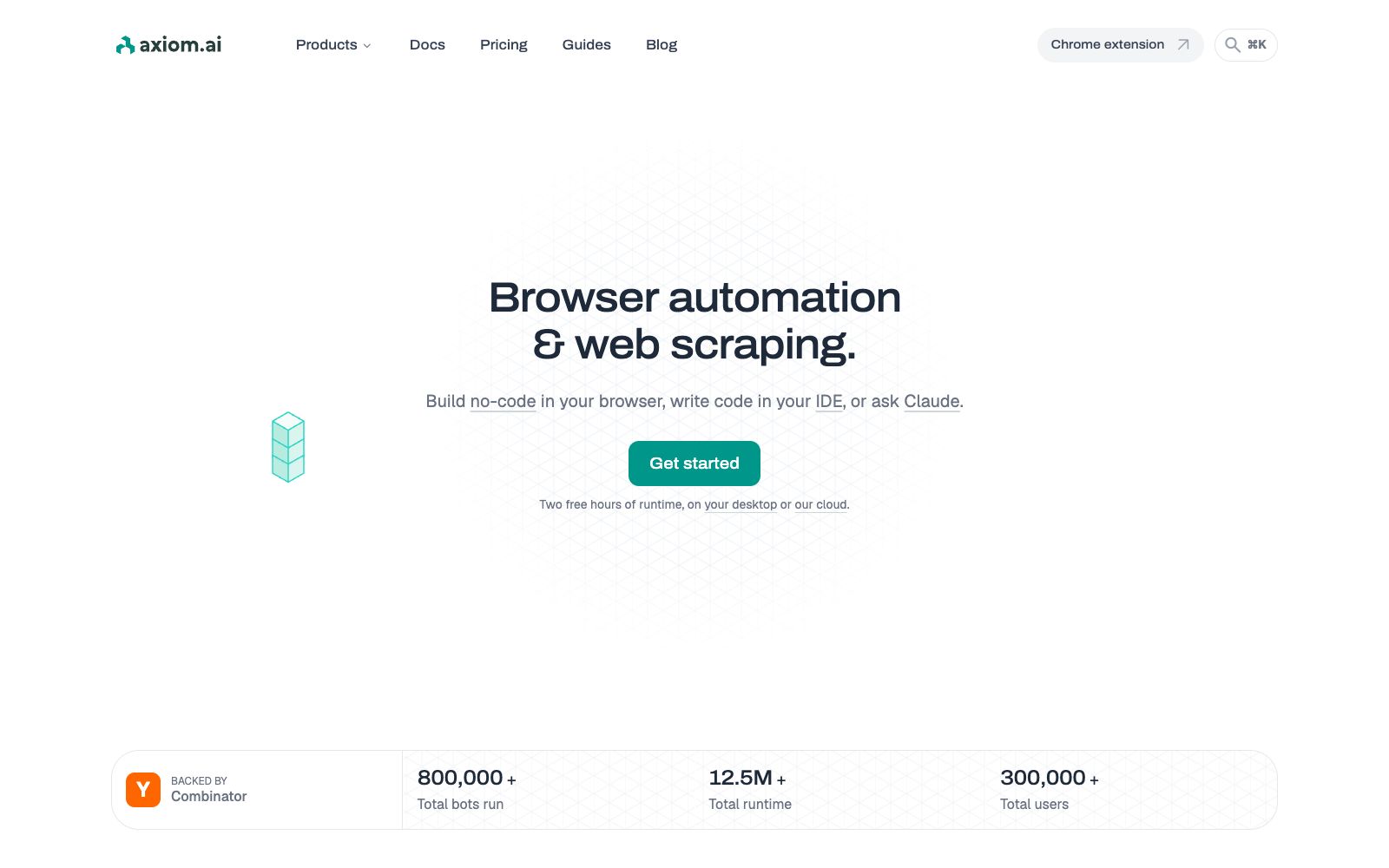
axiom.ai is a browser automation and web scraping tool. You can use it to build workflows with no-code extensions, or write code yourself or have an AI assistant build them for you. It integrates scraping, form filling, monitoring and reporting into scheduled tasks, making it suitable for operations and data teams.
Updated: 2026-10-26
What is axiom.ai?
axiom.ai handles repetitive work in the browser: scraping pages, filling out forms in batches, monitoring prices, and pulling reports. Its differentiator lies in three ways to build the same set of robots: a no-code editor in the browser extension, a code interface for developers, and having assistants like Claude directly read websites to generate them. The company claims a total of over 800,000 robots have been run, with more than 300,000 users.
Who is it for?
- Operations professionals engaged in competitor and price monitoring: Scrape a batch of pages at a fixed time every day and receive alerts when there are abnormal changes.
- People who need bulk data entry: Fill hundreds of rows of data from a spreadsheet into background forms.
- Data analysts: Periodically aggregate metrics from several backends into a single table.
- Crawlers and front-end engineers: Attach existing Puppeteer scripts to a hosted browser for execution, eliminating the need to maintain proxies and anti-crawling measures.
- Teams using AI programming assistants: They want the assistants to directly generate executable collection workflows instead of just sample code.
Key features
5Three Setup Methods
Manually piece together actions in the extension or describe requirements for AI generation; write scripts using the Step API and Orchestrate API in the editor; after installing MCP, have Claude read the site and generate the bot in Claude Code, Cursor, or VS Code.
Cloud and Local Execution
The cloud offers scheduled tasks, concurrency, proxy servers, anti-scraping bypass, error reporting, and operation video recording; the desktop version runs on your own computer, and the official states that there is no concurrency limit and no data leaves the local device.
Common Templates
List scraping, bulk form filling based on spreadsheets, monitoring page changes and sending alerts, aggregating data from multiple backends into daily reports, and multi-step workflows with branch logic.
Developer Interfaces
The Chrome API exposes the cloud browser to CDP clients such as Puppeteer and Playwright via long connections. There are also Step API, Orchestrate API and the built-in MCP service of the desktop terminal.
Ecosystem Integration
It can be integrated with Zapier, Make, n8n, Google Sheets, Excel, 2Captcha, ChatGPT, Gemini and other platforms.
How to use axiom.ai
- Start with the extension: The official offers 2 hours of free runtime, available for both the desktop version and the cloud version.
- First, get a small workflow up and running before scaling up.
- Prioritize no-code: The official recommends that beginners start with no-code and migrate to code interfaces after the logic runs smoothly.
- For scenarios involving login status and sensitive personal data, choose the desktop version.
- The official statement indicates that robots and data are processed locally on your device, while the server only saves the workflow steps and running status.
- Before scraping, review the target website's terms and local regulations, control the frequency, and avoid turning monitoring into stress testing.
- Use the cloud only when you need scheduling and concurrency.
- the official cloud provides proxy and anti-scraping capabilities, but this also means you need to evaluate the compliance boundaries.
Traffic & popularity
Data month Sep 2026
axiom.ai receives about 396.6K visits per month and ranks #108,942 worldwide.
Monthly visits
12 monthsTraffic sources
- Direct50.3%
- Search38.5%
- Referrals4.4%
- AI assistants3.3%
- Social3.0%
- Other0.6%
Top countries
- United States24.8%
- India14.8%
- United Kingdom3.7%
- Germany2.8%
- Indonesia2.0%
Estimated from third-party traffic data.
Similar tools
 Browser UseAn automated platform that lets AI operate browsers on its own, providing cloud browsers and web Agents, capable of bypassing bot detection, billed by the hour, suitable for data collection, form filling and process automation.
 Browse AIA no-code web data scraping and monitoring tool. After pasting a URL, AI automatically generates the fields to be extracted. It can regularly monitor price or inventory changes on the page and export the results as tables, APIs, or push them to other applications. It is suitable for e-commerce price comparison and market research.
 Skyvern AISkyvern is a platform for browser automation driven by AI agents. It uses visual recognition to perform logins, form filling, data scraping and downloading, can handle CAPTCHAs and two-factor authentication, and is suitable for cross-backend repetitive processes.
 HARPA AIAn AI assistant built into the browser, it aggregates multiple mainstream models, can summarize web pages and videos, write emails on behalf of users, monitor page changes and crawl data, and is suitable for research, marketing and daily office work.
 LightpandaAn open-source headless browser designed for AI agents and crawlers, written entirely from scratch in Zig. It only executes JavaScript and does not perform graphical rendering. The official states that it is compatible with the CDP protocol and has low resource consumption.
 TaskletAI agent platform that connects thousands of SaaS tools and any APIs, triggers business events to automatically execute tasks such as emails, reports, and CRM updates 24/7. Agents and contexts can be shared within teams, making it suitable for sales, operations, and finance teams.