


Ankon AI
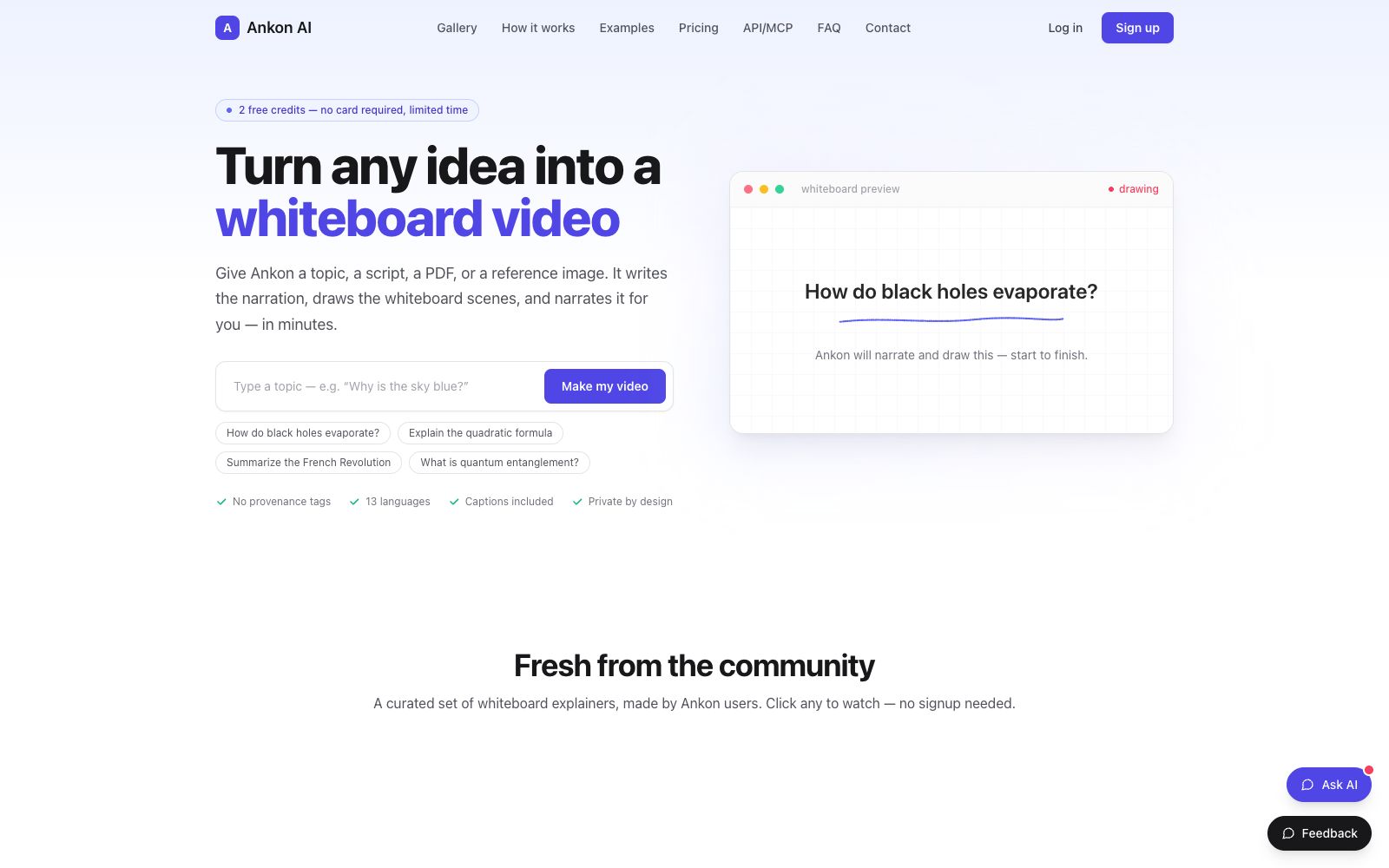
A whiteboard explainer video generation tool for creators. According to the official website, inputting a topic, script or PDF allows it to automatically complete script writing, fact-checking, voiceover, frame-by-frame whiteboard drawing and subtitle generation, and output publishable titles, descriptions and chapter information.
Updated: 2026-10-27
What is Ankon AI?
The official website positioning of Ankon AI is "Turn any idea into a whiteboard explainer video" — give it a theme, a script or a PDF, and it will write the voiceover, draw the whiteboard, dub and add subtitles on its own, and produce a complete whiteboard-style video within a few minutes. The official website emphasizes that this is not just a combination of several generators, but a complete production line covering scripts, fact-checking, voice, drawing, animation and publishing metadata. The official states that new users can try it for free.
Who is it for?
- Newsletter authors who turn column articles into short videos to expand their exposure on LinkedIn or TikTok
- Micro SaaS founders who need a "How it works" explainer video for their landing pages
- Online course instructors who want to quickly convert lecture materials into subtitle-equipped explanation modules
- Enterprises and blog operators with a large volume of long-form content but lacking video formats who want to keep their readers engaged
Key features
6Multi-source Input
The official website states that it can accept topic descriptions, scripts, PDFs, or reference images, eliminating the need to start from a blank page after providing them to the platform.
Frame-by-frame whiteboard drawing
The official website states that each scene unfolds stroke by stroke like a hand-drawn sketch, synchronized with the voiceover. The visuals maintain a clean whiteboard style, with no clip art or flashy transition effects.
Fact-Checking
The official website states that scripts undergo a verification process, making it suitable for education, professional and other content that requires high accuracy.
Built-in Subtitles
The official website states that word-by-word subtitles are directly burned into the video, and SRT files are also exported, making them readable even when played silently.
Voice Cloning
The official website states that recording just 10 seconds of your voice allows every video to use your own voice, and you can also create native speaker versions for each language.
Complete release materials
The official website states that each video comes with its own title, description, and chapter timestamps, which can be copied and directly uploaded to YouTube.
Things to know
Usage Tips
- The official website states that new users get 2 free credits upon sign-up with no credit card required. It is recommended to run through the entire process with a real topic to see the results.
- Pricing is based on "1 credit ≈ 1 minute of finished video", with monthly plans ranging from $23 for Starter to $199 for Studio. Choose your plan after estimating your update frequency.
- When inputting, clearly state the topic, target audience, and core conclusions; the quality of the generated script is directly related to the amount of information provided.
- If your team needs to share credits, choose the Studio plan. The official website states it supports up to 5 workspaces with 50 people each, and offers REST API and MCP access.
- Before exporting, check the rhythm of the voiceover and visuals. If you're not satisfied, you can regenerate only the corresponding parts separately without having to re-render the entire video. For team use, it is recommended to share the same credit pool to avoid scattered budgets caused by individual creations.
Traffic & popularity
Data month Sep 2026
Ankon AI receives about 134 visits per month and ranks #20,899,484 worldwide.
Monthly visits
6 monthsTraffic sources
- Direct43.4%
- Referrals27.0%
- Search18.1%
- Social3.7%
- Display ads3.1%
- Other4.6%
Top countries
- India100.0%
Estimated from third-party traffic data.
Similar tools
 iArt.aiThe official website of iArt.ai positions itself as an AI motion graphics software, an alternative to After Effects. It can generate storyboard animations and commentary videos in one sentence; you can input text, images, PDFs, audio and web links, with voice cloning and background music available, and export MP4 or transparent materials, making it suitable for product promotion and knowledge explanation.
 TapVidTapVid is a motion graphics narration video engine that turns approved scripts, screenshots, links and brand assets into shot-by-shot editable product videos that strictly retain the original copy and visuals.
 BoardmixA domestic online collaborative whiteboard that uses AI to generate mind maps, flowcharts, PPTs, text plans and images on an infinite canvas. After generation, you can continue manual editing and team collaboration. It also provides a template community and private deployment.
 CourseAICourseAI helps users build online courses from the ground up, starting with a topic and niche positioning. It generates module content, quizzes, video scripts, voiceovers, and marketing assets, while also providing hosting and sales support to help creators launch and monetize their courses.
 JellypodJellypod is an AI content platform for creators. Officially, it can generate podcasts, videos, short videos and dubbing from ideas or documents, and provides more than 3,300 voice characters and script editing.
 PexoThe AI video Agent developed by EXTREMO can produce finished videos by stating requirements in a chat: it automatically plans scripts, scenes and shots, supports modifying via dialogue after marking positions, and the official claims that the finished videos come with voiceovers, background music and special effects.