


AFFiNE
An open-source knowledge base and collaborative workspace that unifies documents, whiteboards, databases, and optional AI into a single canvas, featuring a local-first architecture. The official states that the editor is licensed under the MIT License and can be self-hosted for free.
Updated: 2026-10-26
What is AFFiNE?
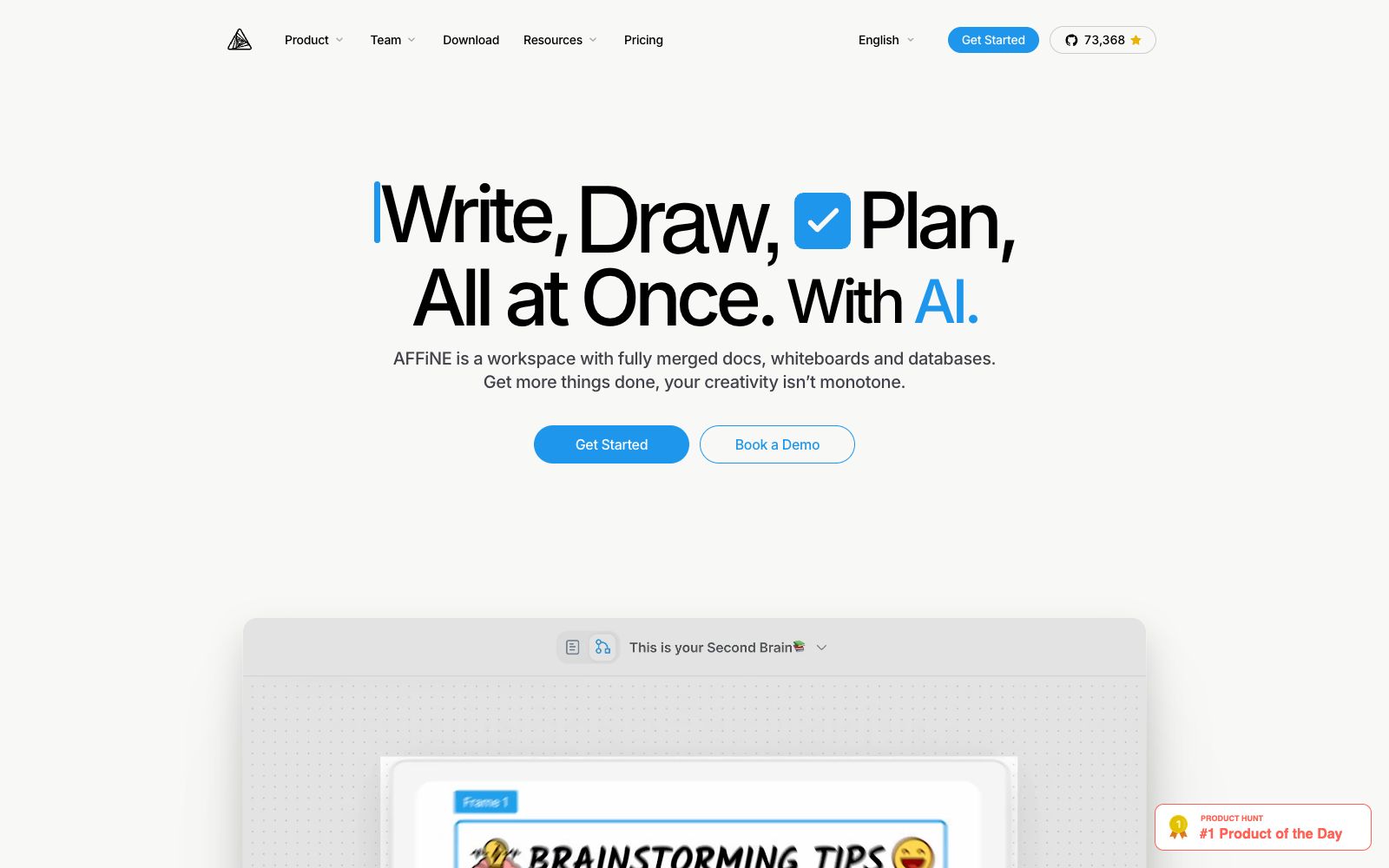
AFFiNE is an open-source knowledge base software provided by affine.pro, and the official website title is "Open-Source Knowledge Base Software". It integrates documents, whiteboards, databases and optional AI into a single workspace, which the official website calls a "Hyperfused Platform". It also emphasizes local-first: data is first stored locally, and collaboration and synchronization are carried out when needed. Official materials show that the project was founded in Singapore in 2022.
Who is it for?
- Individual users who want to keep their notes, whiteboards and tasks in one place and do not want to be locked in by a single vendor.
- R&D and security teams with data sovereignty requirements who must deploy on-premises.
- Startups and open-source communities that need to build a unified document space for their teams.
- Engineers and researchers who are used to organizing knowledge with Markdown and structured databases.
Key features
7Docs
The official positioning is the document editing capability of "Powerful, Simple for All".
Edgeless
An infinite canvas for drawing, whiteboarding and free layout.
Database & Planning Capability
You can perform planning and tracking within the workspace, and the official lists "Plan, track, and collaborate" as the core feature.
AFFiNE AI
An optional AI capability, which the official says assists with writing, drawing and planning.
Local-First & Self-Hosting
The official editor is licensed under the MIT License, allowing self-hosting. A maximum of 10 seats per workspace can be self-hosted for free.
Teamhub & Enterprise Edition
The official provides a unified team document space, as well as private cloud and self-hosted deployment solutions. You can book a demo to discuss deployment, security and authorization.
Templates & Community
The official website provides ready-made templates and community access, covering common project scenarios.
How to use AFFiNE
- 1If you want full control over your data, choose self-hosting. First, follow the official documentation to run it in a test environment, then migrate the official content.
- 2When self-hosting, pay attention to the seat limit. The official states that the free self-hosting limit is 10 seats per workspace, and you will need to negotiate authorization for any excess.
- 3When migrating from other note-taking tools, import a small batch first to verify the formatting, as database fields are prone to mapping mismatches.
- 4The AI feature is optional by default, and you can simply disable it in scenarios sensitive to data cross-border transfer.
- 5Before team collaboration, confirm the deployment location and access permissions of the synchronization service, and do not synchronize intranet data to the public cloud.
- 6The version is updated rapidly; check the official update notes and backup strategy before upgrading.
Traffic & popularity
Data month Sep 2026
AFFiNE receives about 904.8K visits per month and ranks #48,518 worldwide.
Monthly visits
12 monthsTraffic sources
- Direct47.6%
- Search36.1%
- Referrals10.2%
- Social3.9%
- AI assistants2.1%
Top countries
- United States13.2%
- South Korea8.5%
- India7.4%
- Netherlands6.5%
- China6.2%
Estimated from third-party traffic data.
Similar tools
 remioA local-first personal AI assistant and knowledge base for knowledge workers, which automatically aggregates web pages, meetings, emails and documents for unified retrieval and answering, can generate editable presentations, and supports self-contained models and mainstream international models.
 AppFlowyFocused on a self-hosted open-source AI workspace, it integrates projects, Wikis, documents, and AI Q&A in one place. It supports local, cloud, and fully isolated environment deployments, allows the use of self-hosted large models, and the official states that the storage region can be specified by the user.
 Dinox Linglong NotesDinox is a local-first, cross-platform AI note-taking app that supports quick jotting, rich text editing, web clipping, automatic title tagging, card box bidirectional links, AI chat, as well as custom agents and storage.
 DyadA free and open-source desktop AI application builder. You can generate a fully functional full-stack project that can be run directly by describing your ideas. The code is entirely stored on your local machine and can be exported freely. It supports connecting to multiple model providers on your own and also supports local models.
 Open DesignOpenDesign is an open-source, local-first vibe design workspace. Officially, it connects existing programming Agents into a design engine, generating prototypes, landing pages, kanbans, slideshows, and HTML videos directly from ideas.
 Native SoilNative Soil is a workflow state handoff layer for AI projects: it saves decisions, constraints, current tasks, and next steps. After inspection, scoring, and desensitization, it generates a 17-section Markdown handoff that can be reloaded in other models and clients.