


TTime
A translation and text recognition software for Windows and macOS, supporting word-by-word translation, screenshot translation, image translation and OCR, and allowing self-configuration of multiple translation sources such as DeepL and OpenAI.
Updated: 2026-10-26
What is TTime?
TTime is a translation and text recognition software for Windows and macOS, and its official website describes it as "a translation and text recognition software". It binds translation actions to shortcut keys: selecting text, capturing the screen, and framing images can all directly produce results. Unlike translation tools with a single engine, TTime allows users to configure translation sources by themselves. The official website lists three categories: machine translation, AI translation, and dictionary services.
Who is it for?
- Students and researchers who often read foreign-language materials, papers and technical documents.
- Product and operation personnel who need to process foreign language screenshots and interface copy.
- Technical users who want to integrate local models (such as Ollama) into their daily translation workflow.
- Dual-system users who switch between macOS and Windows and want consistent operating habits.
Key features
6Word Selection Translation
Select text with the mouse and press a shortcut key to get the translation instantly. As described on the official website, it is suitable for real-time translation while reading foreign language webpages and documents.
Screenshot Translation
Press the shortcut key to capture a screen area, the text in the image is automatically recognized and translated, suitable for software interface screenshots and chart explanations.
OCR Text Recognition
Frame the screen content to extract text that cannot be directly copied from images, and the official website lists it as one of the core features.
Image Translation
After taking a screenshot, the translated text is directly displayed on the original image, retaining the layout and position of the graphics and text, suitable for posters, instruction manuals and promotional images.
Input Translation
Press the shortcut key to bring up the input box, manually enter content anywhere on the computer for quick translation without switching to the web version.
Supports multiple translation services
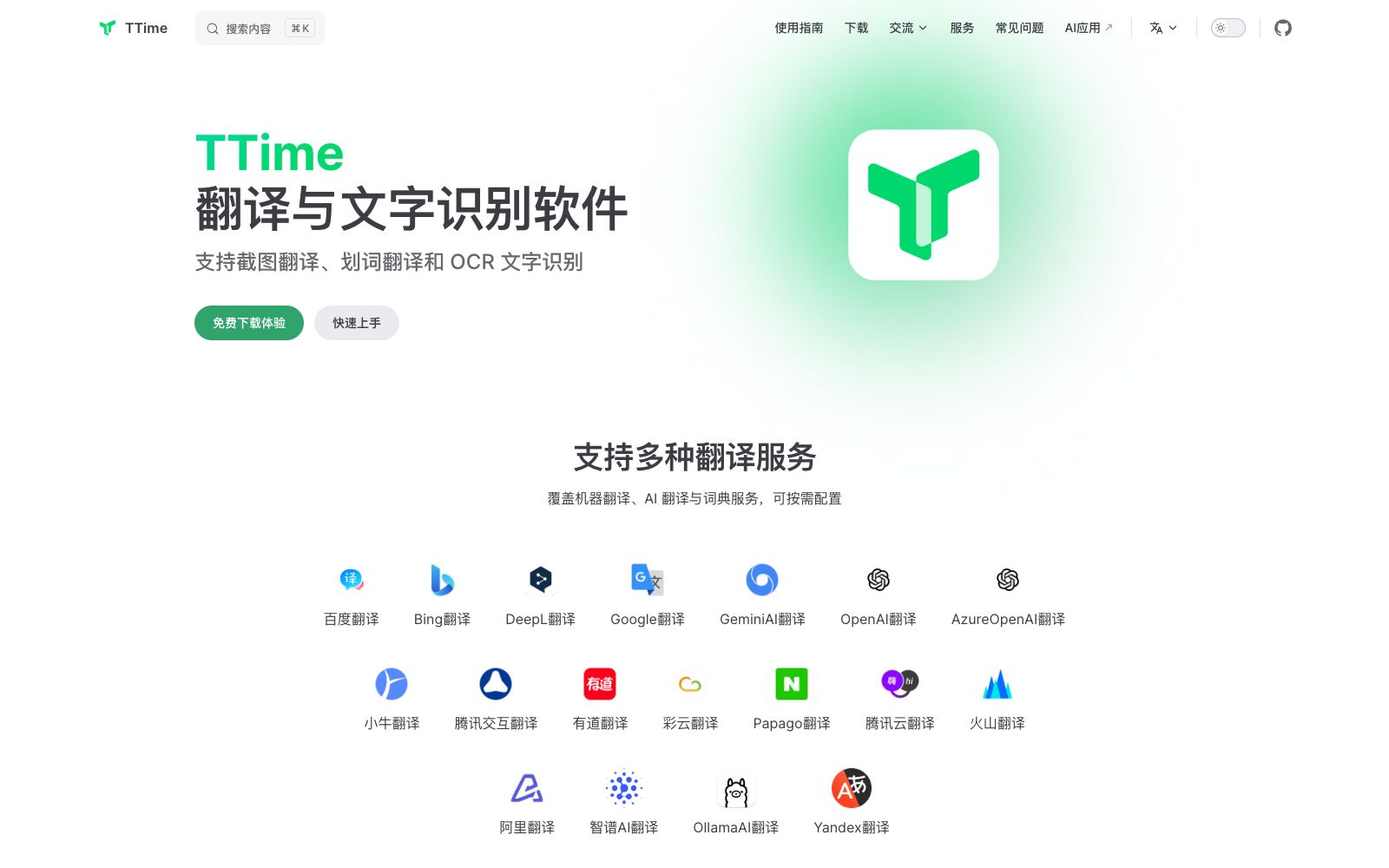
The official website lists Baidu, Bing, DeepL, Google, Gemini, OpenAI, Azure OpenAI, Xiaoniu, Tencent Interactive, Youdao, Caiyun, Papago, Tencent Cloud, Volcano, Alibaba, Zhipu, Ollama, Yandex, etc.
How to use TTime
- 1First determine your main usage scenarios: use word-wise translation for reading, screenshot or image translation for text-image mixed content, and avoid enabling all functions at once.
- 2When configuring AI translation sources, pay attention to API keys and billing rules; services like DeepL and OpenAI charge according to their respective terms.
- 3OCR has limited effectiveness on low-resolution screenshots; it is better to switch to a clearer original image before recognition.
- 4When dealing with confidential content, use cloud-based translation sources that require text upload with caution; switch to a local model if necessary.
- 5Keyboard shortcuts may conflict with other software. For first-time use, change them to a comfortable combination in the settings and then save them.
- 6The official website provides access to user guides, frequently asked questions, and community groups. If you encounter issues with configuring translation sources, consult the official documentation first.
Traffic & popularity
Data month Sep 2026
TTime receives about 23.5K visits per month.
Monthly visits
12 monthsTraffic sources
- Direct42.1%
- Search41.9%
- Referrals10.2%
- Social2.9%
- AI assistants2.9%
Top countries
- China94.5%
- Taiwan, China4.0%
- Japan1.5%
Estimated from third-party traffic data.
Similar tools
 ZhiyunA document translation tool for scientific reading, equipped with a built-in PDF reader and supporting word-by-word translation. It integrates multiple translation engines and large models, offering functions such as cross-page translation, intelligent segmentation, and locked translation. The official states that the server does not cache private content.
 SelectTranslateChrome browser translation extension that supports bilingual web pages, documents, video subtitles, images and online meeting translation. Its official website states that it is built with more than 20 AI models and supports mutual translation of over 100 languages.
 Xiaowang AI ScreenshotXiaowang AI Screenshot is a free computer screenshot and screen recording software. Its official website states that it is the first AI screenshot tool integrated with DeepSeek. It supports long screenshots, stickers, screen recording, GIF, OCR and screenshot translation, with no login required and no ads.
 LingvanexLingvanex provides machine translation and speech recognition technologies, including on-premises translation, translation APIs, SDKs, and offline translation, supporting translation for 109 languages and speech recognition for 91 languages.
 PapagoPapago is an AI translation tool launched by NAVER. It supports translation of text, images, documents, voices and web pages, and provides dictionaries and value-added features of PAPAGO PLUS, covering mutual translation of multiple languages.
 OpenLOpenL is an AI translation tool that supports text, image and document translation, covering more than 100 languages. It provides general, professional, legal, medical and other modes, and includes free quotas and subscription plans.