


TeamBrain
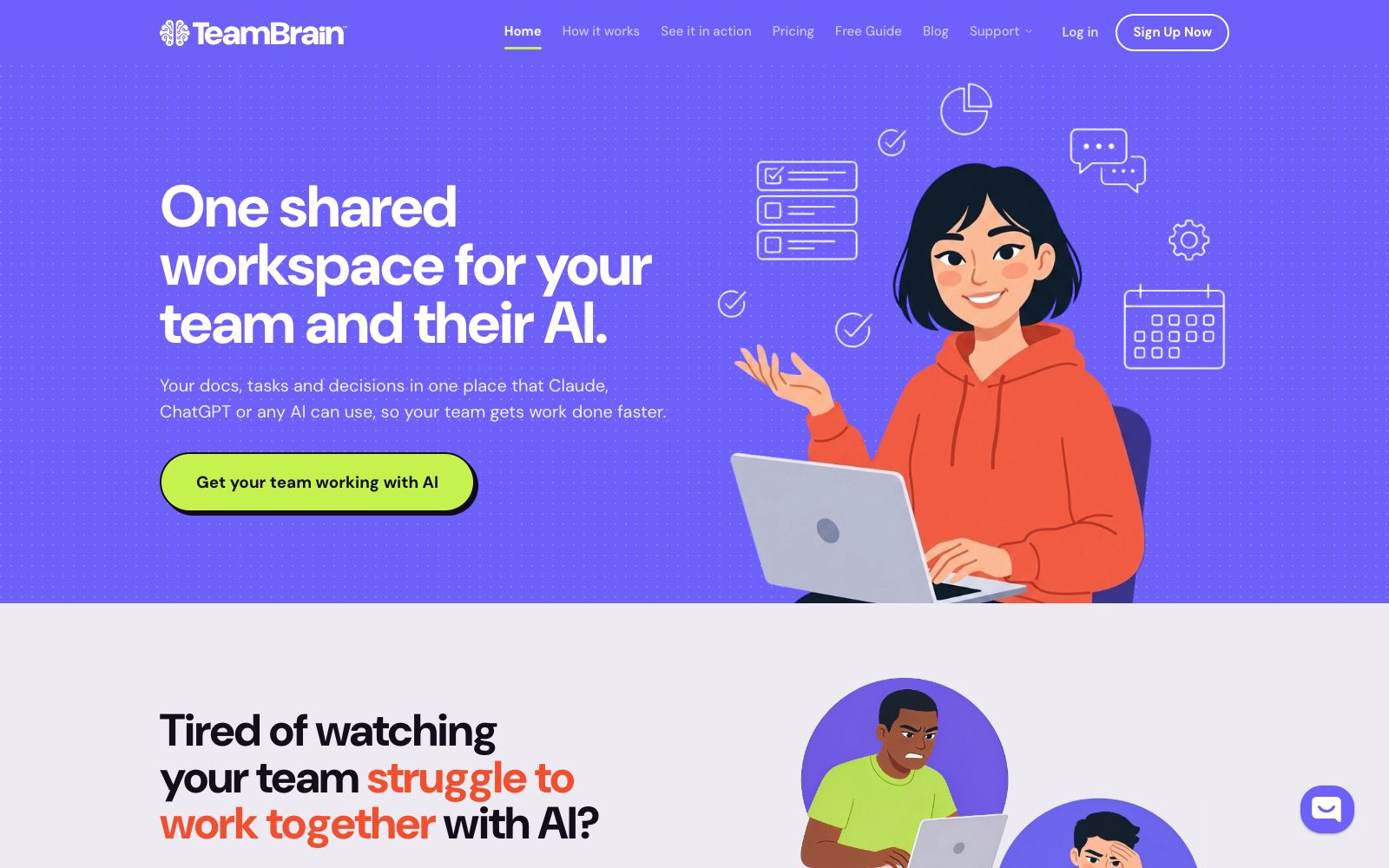
TeamBrain is a shared workspace for teams and their AI: documents, tasks, and decisions are all in one place. According to the official website, MCP-supported AI can read and update the same context and keep a record of the reason for each change.
Updated: 2026-10-27
What is TeamBrain?
The official website of TeamBrain describes itself as a shared workspace for teams and their AI: documents, tasks, and decisions are centralized in one place, and Claude, ChatGPT, or other AIs can leverage this context. The website emphasizes that it is not a replacement for chat tools but a shared "brain" in the middle of existing AI setups; team members continue to use their original AIs, and have the AIs read from or update the same workspace.
Who is it for?
- Remote asynchronous teams, especially those with knowledge scattered across different chat windows, cloud storage, and documents.
- Founding teams and small businesses that already use tools like Claude and ChatGPT but lack team-level shared context.
- Consultants and project-based teams that require simultaneous collaboration among clients, outsourced personnel, and internal members.
- Operations teams that want AI to update tasks, calendars, comments, and dashboards while keeping a human-visible record of decisions.
Key features
6AI-Native Structure
The official website states that knowledge is centered on Markdown text, making it easy for both humans and AI to read and write. It natively supports MCP, and AI models that support MCP can directly connect to the shared brain.
Decision and Reason Trailing
The official description states that the system will record what happened, who made the decision, and why. Reasons are attached to tasks and decisions, enabling subsequent people or AIs to quickly pick up the context.
Built-in Project Management
The official website lists kanban boards, calendars, document comments, asset attachments, morning email reminders, decision logs, dashboards, collections, and guest accounts, and states that all these objects can be AI-driven.
Space allocation on demand
The official website states that spaces can be created by project, client or department and shared only with the relevant people; visitor accounts allow clients and outsourced personnel to see only their own content.
Data & Exports
The official website states that team data will not be used for training. It offers access control, Markdown exports, and a 30-day recycle bin, where deleted content can be temporarily stored.
Fixed Seat Pricing
The official website states that the Starter plan is priced at $10 per month for annual billing and $12 per month for monthly billing, including 5 seats, which equates to $2 per seat.
How to use TeamBrain
- 1First, clarify the boundaries between projects, clients, and departments, then create spaces and visitor permissions to avoid mixing all content in the same space from the start.
- 2Write key decisions into the decision log and have the AI record the reasons for changes; saving only the results will lose the most essential context needed for handovers later on.
- 3Before integration, confirm whether the existing AI supports MCP, test the three actions of reading, updating, and archiving, and ensure that the prompts and workspace structure are matched.
- 4Regularly export Markdown backups; for important deletions, check the 30-day recycle bin first, and do not treat the recycle bin as the only backup.
- 5Check the seat plan according to the number of team members before subscribing. The official website states that seats are included with the plan and are not charged on a per-new-member basis.
Traffic & popularity
Data month Sep 2026
TeamBrain receives about 805 visits per month and ranks #22,563,194 worldwide.
Monthly visits
6 monthsTraffic sources
- Search30.1%
- Direct29.7%
- Referrals11.9%
- Display ads9.3%
- Social7.3%
- Other11.7%
Top countries
- India50.1%
- Indonesia49.9%
Estimated from third-party traffic data.
In these collections
Similar tools
 MagicPathThe official website of MagicPath positions itself as a collaborative workspace for humans and AI agents, focusing on design and coding scenarios. Its key labels are Design, AI and Programming. The website also has a product blog where you can learn about usage.
 AIOProductOSThe official positioning of AIOProductOS is the operating system for product companies: it puts customer feedback, revenue, tasks and code into the same customer record, sorts tasks by revenue value, supports synchronization of more than 100 connectors, and allows hiring AI teammates to perform real tasks. It is priced in tiers starting from $199 per month.
 UnabyssUnabyss is a shared context layer for AI tools. According to its official website, after connecting more than 20 sources such as email, Slack and Notion, it structures them into a real-time context, which is then provided to Claude, ChatGPT and other applications via MCP, covering scenarios such as weekly report writing, multi-agent collaboration and multi-client isolation.
 HexAn analysis collaboration platform for data teams that integrates SQL, Python and AI workflows, allowing the generation of interactive data applications through prompts, with an emphasis on trusted team self-service data access and controllable AI responses.