

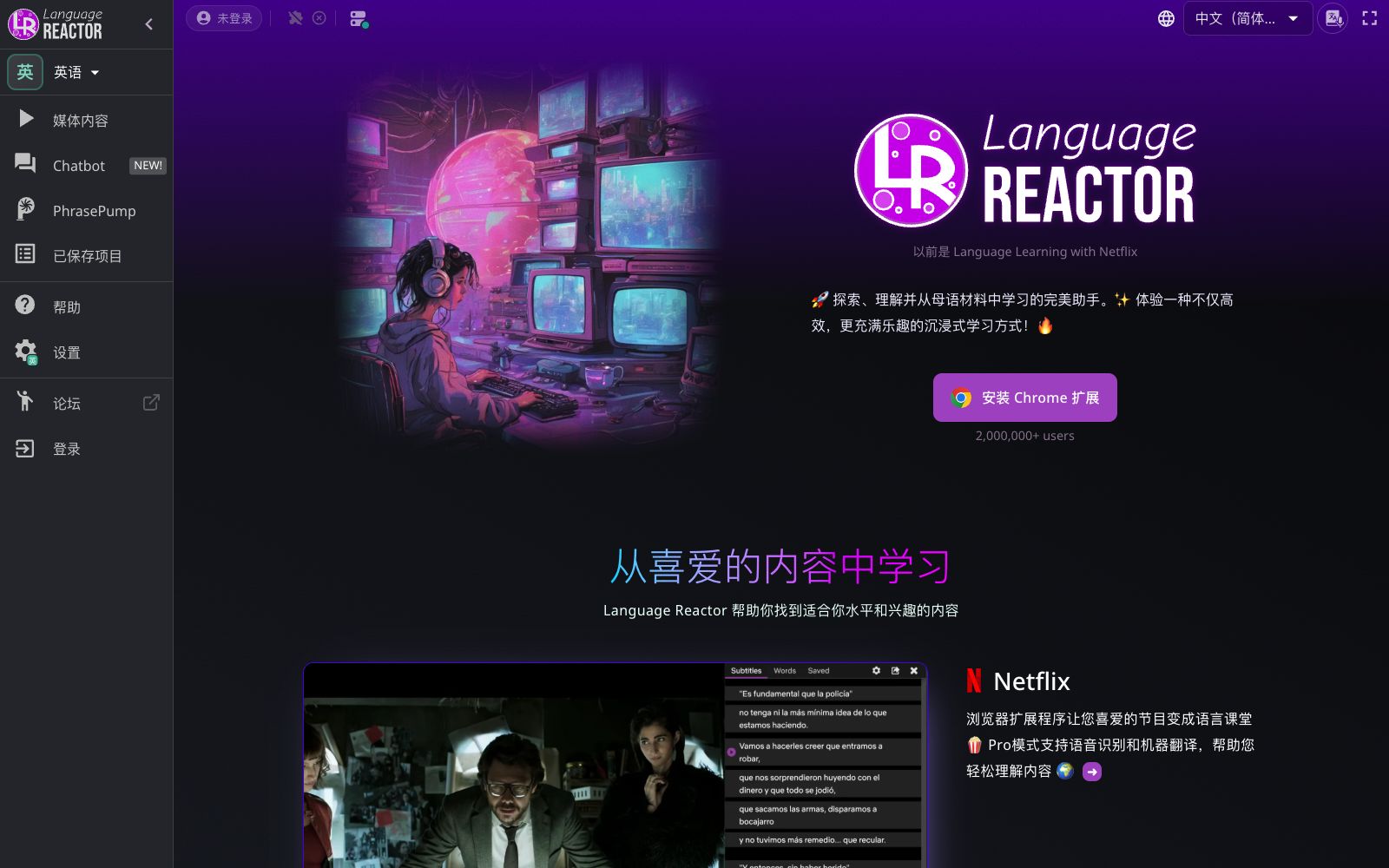

Language Reactor
This browser extension turns movies and TV shows into language classrooms, offering bilingual subtitles, word lookup by clicking, word frequency recommendations, and listening and shadowing practice. It is suitable for daily use by self-learners who improve their listening skills by watching dramas.
Updated: 2026-10-26
What is Language Reactor?
Language Reactor is a browser extension that turns Netflix, YouTube and web pages into language classrooms. It was formerly called Language Learning with Netflix. Its official website states that it has over 2 million users. Its difference is that it doesn't create its own courses, but lets you learn using authentic native-language content: bilingual subtitles, word lookup on tap, recommending words to memorize based on learning value, and then sending new words back to listening practice for review.
Who is it for?
- Self-learners who practice listening through TV series: They want to turn off Chinese subtitles but need to look up new words immediately when encountering them.
- People preparing for IELTS or TOEFL: They need a large amount of input at real speaking speed but don't want to listen without subtitles.
- People already using Anki: They want to turn the sentences from dramas into flashcards with screenshots and audio included.
- Minor language learners: The official website states that it supports over 40 languages, including phonetic display for non-Latin writing systems.
- People who want to practice speaking but don't have a language partner: Use Aria for low-pressure conversations, and you won't feel embarrassed if you make mistakes.
Key features
6Bilingual Subtitles
The official version states that bilingual comparison enhances listening comprehension and helps learners establish semantic connections between the two languages.
Dictionary & Lexa AI
Instant translation is available by clicking any word, complete with authentic context example sentences and original audio, and the AI analyzes word usage.
Precise Playback Control
Pause, adjust playback speed, use keyboard shortcuts and gesture controls; auto-pause after subtitles and loop playback until you click to continue.
Learning Focus & Smart Highlighting
Recommends the vocabulary that is most worth mastering first on your learning journey; after saving a word, it can recognize related word forms such as plurals and verb conjugations.
PhrasePump Listening Practice
The system selects sentences containing words to be reviewed, introduces new words at the same time, and conducts dictation-style training.
Aria Conversation Partner
Officially described as both a tutor and a conversationalist, it provides instant corrections and free-topic conversations, helping you build confidence in expression at your own pace.
How to use Language Reactor
- 1First install the Chrome extension, select your native language and target language in the settings, then go to Netflix or YouTube and start playing an episode.
- 2Subtitles are hidden by default and only appear when the mouse hovers over them. This is a listening training method designed by the official website, so don't turn them all on right away.
- 3The built-in free features are sufficient for daily use. The Pro mode mainly adds speech recognition and machine translation, which you can upgrade to as needed.
- 4Save new words into the learning focus, then review them with PhrasePump; if you're used to Anki, directly export flashcards with screenshots and audio.
- 5The official website states that it is also available on mobile phones and tablets, but the full experience of the extension is still on desktop browsers.
Traffic & popularity
Data month Sep 2026
Language Reactor receives about 4.4M visits per month and ranks #11,870 worldwide.
Monthly visits
12 monthsTraffic sources
- Direct75.5%
- Search11.8%
- Social5.5%
- Referrals5.1%
- AI assistants1.0%
- Other1.2%
Top countries
- United States12.1%
- South Korea8.5%
- Turkey6.1%
- Brazil5.6%
- China5.4%
Estimated from third-party traffic data.
Similar tools
 Lufe AILufe AI is a browser-based AI translation extension that provides bilingual web page comparison, word lookup by selection, and image and PDF translation, making it suitable for foreign language learners to read overseas news and documents.
 Transync AITransync AI is a real-time translation tool for multilingual meetings. It simultaneously translates both parties' speeches and reads out the translations. It supports 60 languages, floating subtitles and meeting minutes, and requires no plugins. It is suitable for foreign trade negotiations, cross-national weekly meetings and overseas classrooms.
 Translate ImageAn online tool that translates text in images into the target language. You can upload screenshots, comic pages or product images to complete the replacement while retaining the original layout. The official claims it supports more than 30 languages and font styles.
 AI TranslatorThis free online tool launched by translation company Tomedes feeds the same sentence to 22 AI models and takes the majority-consistent translation. It also allows users to see the disagreements between models as well as the distribution of accuracy and fluency, making it suitable for business and technical translation that requires cross-verification.
 DocTranslatorOnline document translation service supports formats such as PDF, Word, Excel, and PPT. It can translate documents into hundreds of languages while preserving the original layout. Scanned documents and images can also be recognized. It is suitable for cross-lingual processing of entire documents such as contracts, reports, and theses.
 PDF TranslatorPDF Translator is a free online PDF translation tool that supports over 100 languages, preserves the original layout, and can recognize text in scanned documents. It is suitable for cross-lingual reading of papers, textbooks and technical manuals.