


Bluedot
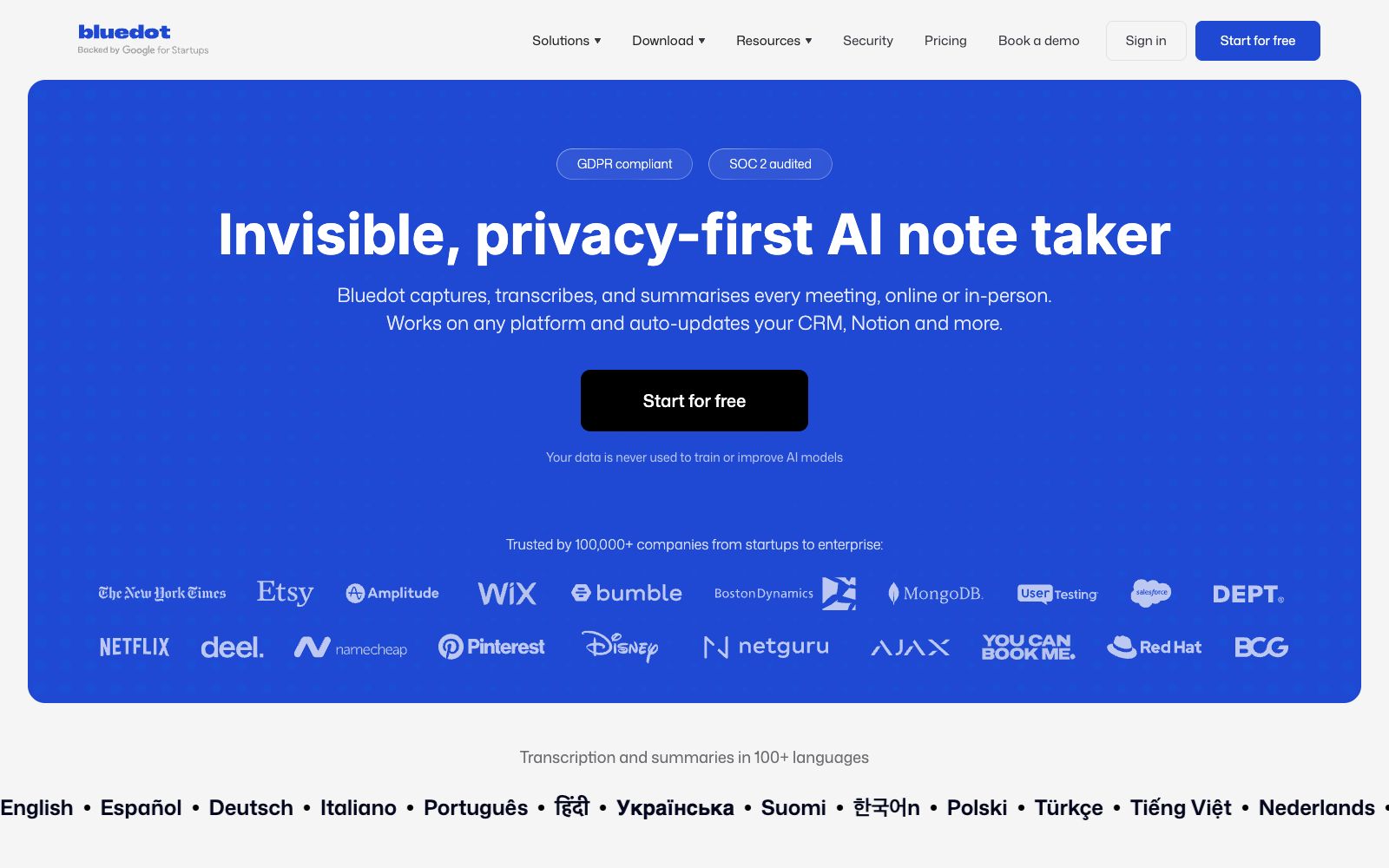
An AI meeting recording tool that does not deploy robots to join meetings can record and transcribe content on mainstream meeting platforms and in offline scenarios to generate summaries. It supports over 100 languages, and the official states that the data will not be used for model training.
Updated: 2026-10-26
What is Bluedot?
Bluedot is an AI meeting recording tool available on bluedothq.com, and its official website title directly states "Bot-Free & Privacy-First". The biggest difference between it and common meeting minute tools is that it does not allow bots to join meetings; instead, it collects data locally. Therefore, no additional participants will appear in the meetings. The official also states that user data will not be used to train or improve models.
Who is it for?
- Sales teams who have multiple client meetings a day and need to sync meeting minutes into CRM.
- Recruitment and HR teams conducting numerous interviews and candidate communications.
- Legal and finance professionals who find it inconvenient to allow bots to join meetings due to client or compliance requirements.
- Consultants and managers who conduct frequent in-person interviews and need to document the content of conversations.
Key features
7Record meetings without bots
The official states that it can capture meetings on Zoom, Google Meet, Microsoft Teams and in-person conversations while keeping the dialogue natural.
Transcription and summaries
Transcribes meetings into text and generates summaries, with the official website offering various templates such as Q&A organization, sales notes, and customer follow-up visits as examples.
Instant answers across meetings
Ask questions across multiple meetings and get direct answers.
Post-meeting automation
Automatically update systems such as CRM and Notion after meetings, eliminating manual data entry.
100+ languages
The official statement says that transcription and summarization support over 100 languages.
Multi-platform support
Offers Chrome extension, desktop application, iOS and Android apps, with an Apple Watch app also listed on the official website.
Shared Team Memory
The official description of the product is that it serves as a shared memory for the team, enabling the accumulation of meeting content within the team.
How to use Bluedot
- 1Before using it, confirm your company's and clients' consent rules for meeting recording, as many regions require participants to be informed.
- 2When dealing with sensitive conversations, prioritize the "no bots" mode and confirm the recording scope; do not let the extension capture all meetings by default.
- 3The company states that user data is not used for model training, but the specific data retention period and storage location shall be subject to the official security page.
- 4Run a small-scale trial before automating data entry into the CRM; incorrect field mapping will contaminate customer data.
- 5For in-person recordings, pay attention to ambient noise and device placement; transcription quality largely depends on sound capture.
- 6Unify the template before the team starts using it to avoid different output formats for each meeting.
Traffic & popularity
Data month Sep 2026
Bluedot receives about 1.8M visits per month and ranks #29,409 worldwide.
Monthly visits
12 monthsTraffic sources
- Direct74.7%
- Search13.1%
- Social6.1%
- Mail3.3%
- Referrals2.0%
- Other0.8%
Top countries
- United States27.6%
- Ukraine18.9%
- United Kingdom9.0%
- France4.6%
- Austria3.4%
Estimated from third-party traffic data.
Similar tools
 AmieAI meeting minutes and workflow assistant. Officially, it can generate meeting minutes and to-do lists without requiring a robot to join the meeting, and it allows external AI to access meetings, schedules, and to-do lists via MCP.
 JamieA privacy-first AI meeting recording tool that generates multilingual structured notes, transcripts and to-do lists without the need for meeting bots, complies with GDPR and can sync with Notion and other platforms.
 VoicenotesVoicenotes is an AI meeting note-taking tool that works automatically in the background. Officially, it claims to comply with SOC 2 and GDPR. It supports all meeting applications and does not require bots to join meetings, turning every meeting into clear meeting minutes and answerable questions.
 Happy ScribeMeeting and audio-video transcription tool, covering more than 150 languages, supporting robot-free recording, speaker diarization, glossary and one-click translation, capable of exporting subtitles, and the official website states that it is used by more than 41,000 teams.
 MeetGeekMeetGeek is an AI meeting recording and automation platform that records, transcribes and summarizes meetings, and automatically completes follow-up actions such as updating CRM and creating tasks, covering online, hybrid and offline meetings.
 NoteOwlNoteOwl is a local AI meeting notes tool for Mac that needs no bot to join your calls. It records both microphone and meeting audio, distinguishes between speakers, and generates summaries and action items, while letting you search past meetings offline.