


PixelBin
An image and video platform for creativity and business, offering text-to-image, image-to-video, background removal and watermark erasure, image enlargement and retouching, batch editing, and API integration. Operated by Shopsense, a US-based company.
Updated: 2026-10-26
What is PixelBin?
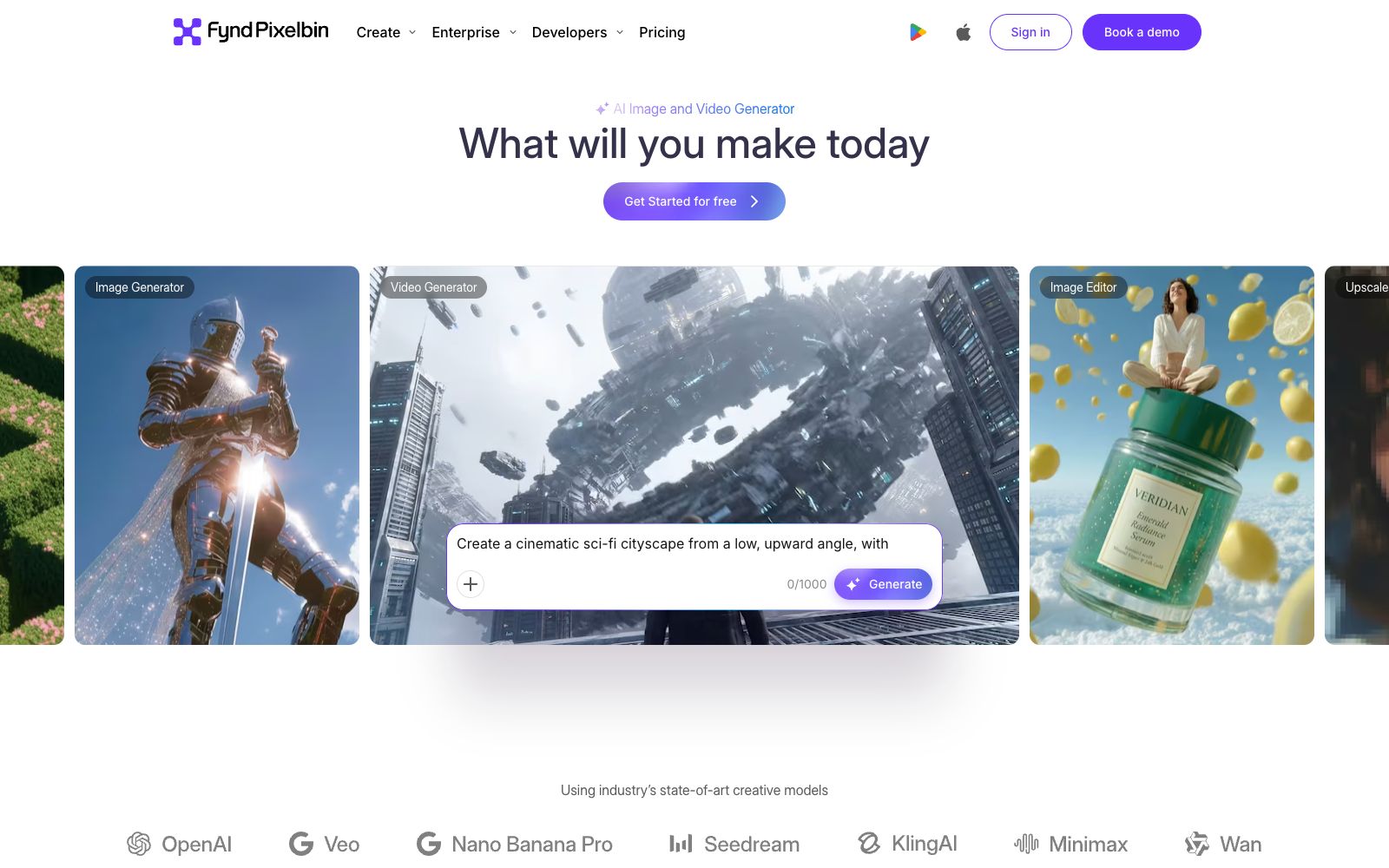
PixelBin combines "AI generation" and "image processing" into a single product suite, with its official website titled "Pixelbin AI Studio | AI Photo Editor and Image & Video Generator". It offers a wide range of functions: on one end, it provides generation features (image generator, text-to-video, AI avatars, AI backgrounds); in the middle, editing tools (watermark removal, background removal, upscaling, object removal, Resize and Expand); and on the other end, restoration capabilities (colorization of black-and-white images, denoising, old photo restoration). The footer indicates the operating entity as © 2026 Shopsense Retail Technologies Limited, with its address in San Jose, California, USA. For teams creating bulk e-commerce images, it is more akin to an asset processing pipeline rather than a simple image generation tool.
Who is it for?
- E-commerce operation and product image processing: The official website lists categories such as retail e-commerce, automobiles, and fashion apparel, with a focus on batch resizing and background replacement.
- Real estate and travel professionals: The official website lists categories such as Real Estate and Travel, emphasizing making property listing images more professional.
- Creators who need to clean up materials: The three tasks of removing watermarks, cutting out backgrounds, and upscaling are closed-loop in a single platform.
- Companies with R&D teams: The official website provides developers with SDKs and APIs, enabling the integration of image conversion into their own systems.
Key features
6Image and Video Generation
The image generator creates images based on text prompts, the Text-to-Video Generator converts copy into short videos, and there are also entry points for AI Headshot, AI Background, etc.
Image Editing
AI Watermark Remover to remove logo and text watermarks, Background Remover to remove backgrounds, Upscaler for up to 4x magnification, Object Remover to erase objects, Resize and Expand to adjust sizes and expand canvas.
Batch Editing
The official website states that it can edit up to 50 images at once, supports creating presets and applying the same set of edits in batches.
Conversational Editing
Described on the official website as "Chat with AI to edit", you can use Smart Select and brushes to modify only the selected elements.
Restoration Tools
Colorize black-and-white photos, remove noise, restore old photos with fading or scratches.
Enterprise & Developer Capabilities
Provides centralized DAM, API and SDK integration, batch processing and CDN delivery; the FAQ states that new users can get 10 free credits.
How to use PixelBin
- The pricing page converts everything into credits and lists the consumption for each operation (e.g., Nano Banana costs 1 credit, Resize is free).
- Estimate the workload based on this table first before choosing a package.
- For batch processing, create presets first and then apply them.
- This is the key time-saving path emphasized on the official website, and editing each image manually will defeat the purpose of the batch tool.
- Watermark removal and old photo restoration involve rights issues.
- The FAQ explicitly states that "watermark-free images shall not be used for commercial purposes without the owner's consent", so please only processassets that you own or have been authorized to use.
- Before uploading customer materials and portrait photos, first confirm the instructions in the official website's Security and Privacy Policy regarding retention and training usage.
- The number of users and download volume stated on the official website are self-reported by the site.
- please judge the data definitions independently when referring to them.
Traffic & popularity
Data month Sep 2026
PixelBin receives about 728.7K visits per month and ranks #72,732 worldwide.
Monthly visits
12 monthsTraffic sources
- Search54.0%
- Direct31.4%
- Referrals11.2%
- Social2.3%
- AI assistants1.1%
Top countries
- India17.4%
- United States16.1%
- Indonesia6.4%
- Pakistan3.7%
- Brazil3.3%
Estimated from third-party traffic data.
Similar tools
 PicWishA domestic free online AI photo retouching toolset that offers features such as image quality enhancement, background removal, and blurriness to sharpness conversion. It covers product image and daily photo processing, and provides APIs for developers.
 imgAKimgAK is an image platform covering AI wedding photos, e-commerce product sets, portrait and product retouching, high-definition enlargement and photo restoration. The official claim is that you can complete photo restoration, high-definition enlargement, e-commerce visual design and creative generation on one platform without professional design experience.
 WatermarkRemover.ioAn AI-based online watermark removal tool that allows direct image uploads, link pasting, or processing of PDFs and videos, with split-screen real-time preview. The official FAQ states that image processing on the site is free for personal use and does not require registration.
 PhotoGridPhotoGrid is an online collage and AI photo editing tool. Officially, it claims to offer more than 20,000 templates, supports text-to-image, image-to-video, background removal, enhancement and background replacement, and integrates models such as Nano Banana and Kling.
 PincelPincel is a browser-based AI image, video and audio toolset for enterprises, with more than 50 features such as AI photo retouching, object removal, virtual try-on for clothing and makeup, and portrait generation. It emphasizes brand security, and new users get 20 credits upon registration.
 YouCam AIThe YouCam AI online image editor under Perfect Corp offers 4K image quality enhancement, object removal, AI hairstyles, virtual outfit changes, and old photo restoration, usable directly in a browser without downloading.