


AutoSprite
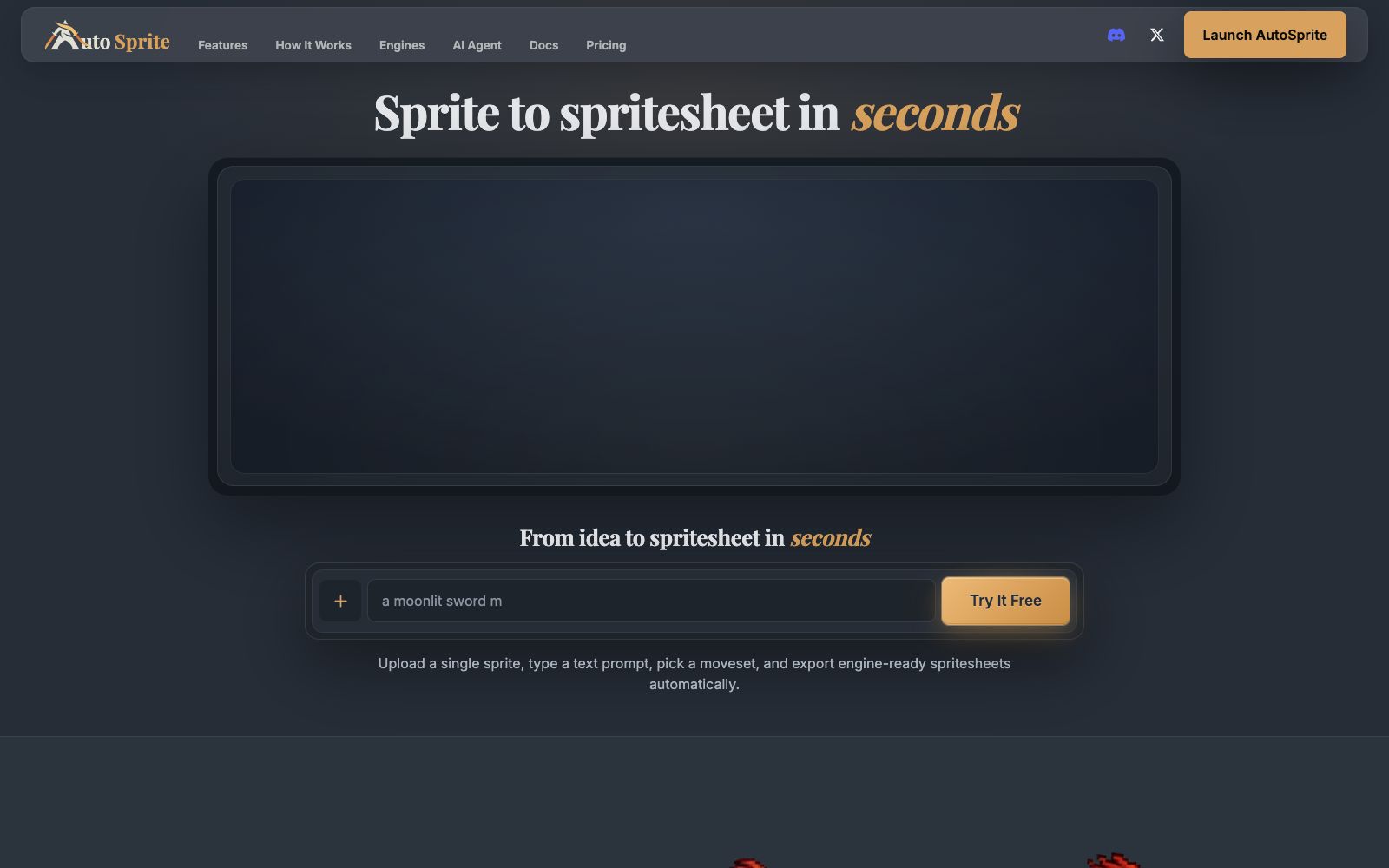
AutoSprite is an AI sprite sheet generation tool. Upload a character image or enter a prompt, select an action set, and you can export sprite images, atlas data and frame-by-frame files compatible with engines such as Unity, Godot, GameMaker, and Phaser.
Updated: 2026-10-26
What is AutoSprite?
AutoSprite is an AI sprite sheet generation tool, and its official website positions it as "sprite to spritesheet in seconds": You can upload a character image or a text prompt, select an action set, and then export a sprite sheet that can be directly used in the engine. The difference between it and general-purpose image generation tools lies in the output — the product is not a beautiful illustration, but production materials with atlas data and frame-by-frame files. The official website has written access instructions for Unity, Unreal, Godot, GameMaker, Phaser, and RPG Maker respectively.
Who is it for?
- Independent developers and small teams who need character animation but don't have animators.
- Producers working on 2D platformer, isometric or RPG projects who need a large number of action frames and prop resources.
- Developers who write code with Claude Code or Cursor and want their art assets to be produced in the same environment.
- Teams working on prototyping who want to get their characters up and running quickly to test the feel.
Key features
6Single Image to Sprite Sheet
Generate consistent actions such as Idle, Walk, and Run from a single character image or text prompt. The official website states that it can export production-ready sprite sheets without manual cropping, padding, or renaming.
Custom Animation and Keyframes
After turning text prompts into animations, you can use multiple storyboard keyframes and reference image constraints. The official website states that you can achieve precise and consistent character movement.
8-directional isometric animation
Expand a single character into a complete set of isometric movements, with the official website stating that each direction maintains the same identity and loops smoothly.
Item and Skin Variants
It can generate resources with a unified visual language such as icons, weapons, props, and pickups, and also allows for the exploration of new costumes and skins while keeping the character unchanged.
Motion Transfer & 3D
The official website states that existing animations or motions captured from videos can be applied to any character while retaining their features; it can also generate rigged 3D models from character sprites, allowing animations to be created from any angle after a single generation.
Export Control & Presets
Set FPS for each animation, define start and end frames of loops, save animation rhythms and export rules as reusable presets, and export PNG spritesheets, spritesheet metadata, and frame-by-frame ZIP files.
How to use AutoSprite
- First, use the free sprite sheet pack on the official website to verify if the exported format can be directly imported into your engine before proceeding with batch generation.
- When uploading character sprites, use clean, centered materials with a simple background.
- The official website emphasizes consistent character proportions and baselines.
- cluttered base images will amplify subsequent inconsistencies.
- Preview the loops and rhythm in the browser first, adjust the FPS and loop start/end frames, then export to avoid repeated re-exports.
- Before commercial use, independently confirm the authorization terms and free resource license scope on the official website, and do not take it for granted that the generated results can be used for commercial purposes unconditionally.
- The official website mentions MCP, REST API and batch processing entry.
- Bulk calls consume credits.
- Run small-batch tests first to calculate the single-use cost before choosing a subscription tier.
Traffic & popularity
Data month Sep 2026
AutoSprite receives about 71.9K visits per month and ranks #564,496 worldwide.
Monthly visits
12 monthsTraffic sources
- Search40.3%
- Direct37.7%
- Social10.7%
- Referrals6.5%
- AI assistants4.0%
- Other0.8%
Top countries
- United States21.6%
- Brazil10.1%
- India5.8%
- Germany4.0%
- United Kingdom3.8%
Estimated from third-party traffic data.
Similar tools
 MascowizMascowiz generates app mascots based on a one-sentence description, provides developer-ready formats such as transparent PNG, 5-second loop animations, and WebP, Lottie, and sprite sheets, and supports MCP integration with coding assistants.
 ViggleViggle is a spatial generative AI platform focusing on 3D character animation without traditional motion capture devices: it extracts motion from a mobile phone video and applies it to any character, can be exported to game engines, and also provides Meme Maker and API.
 MeowaAn AI game art studio for independent developers, generating pixel characters, sprite sheets, props, maps and UIs, also producing music and sound effects and planning gameplay with a design Agent.